18
Display and MenuCards Telephone’s Functions and Features
short or a long press of a key is re-
quired. Selecting list entries is de-
scribed in the table entitled Selecting
Items from MenuCard Lists on
page 18.
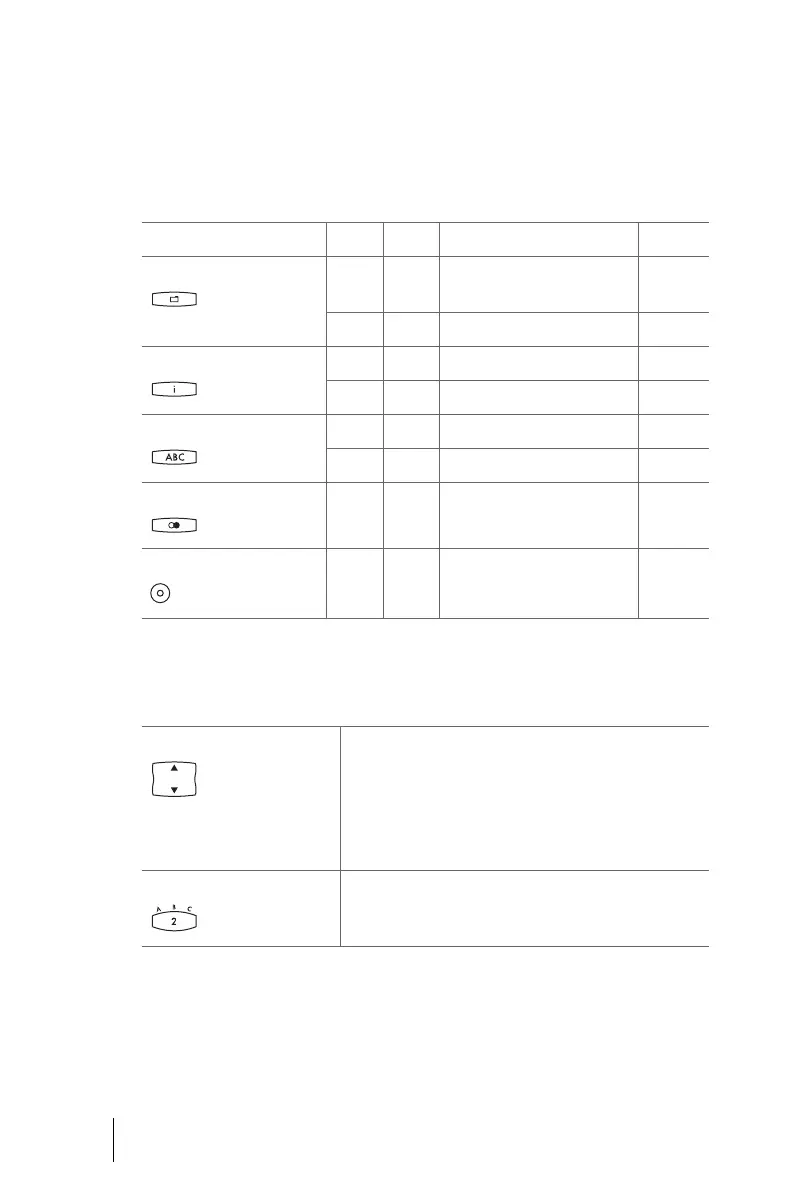
Calling MenuCards via the Keypad
Key Short Long MenuCard Page
MenuCard key x Depends on the device’s sta-
tus
--
xMain menu 54
Info key x Info / current messages 66
x Active features 67
ABC key x Telephone book 64
x Language setting (display) 15
Redial key x x Redialling list 28
Programmable key x Program the key 68
Selecting Items from MenuCard Lists
Arrow keys or * or # The arrow keys or * or # keys (OpenPhone 61) are used to
select items in and/or scroll through the MenuCard lists.
If the list is longer than the display window, you will see
an arrow at the bottom of the window indicating there
are additional items. When you scroll down, another ar-
row will appear at the top of the window.
Number keys In the main menu, you can also make your selection by
entering the number to the left of the feature.
op6365_gb.book Seite 18 Mittwoch, 28. August 2002 11:09 11



 To Next Page