Using external memory
2
2-36 ineo+ 220/280/360 (Version 3)
2.8
2.8 Using external memory
The following procedures describe how to use external memory.
A document can be printed from external memory or saved in external memory without using a computer.
Furthermore, a document in a User Box can be saved in external memory, or a document in external memory
can be saved in a User Box.
For details, refer to chapter 2 in the [User's Guide Box Operations].
Reference
- Connect the external memory device to the USB connector.
d Reference
When saving a document stored in external memory to a User Box, or saving a scanned document to external
memory, configure settings in advance. For details, refer to chapter 8 in the [User's Guide Box Operations].
Printing a document in external memory
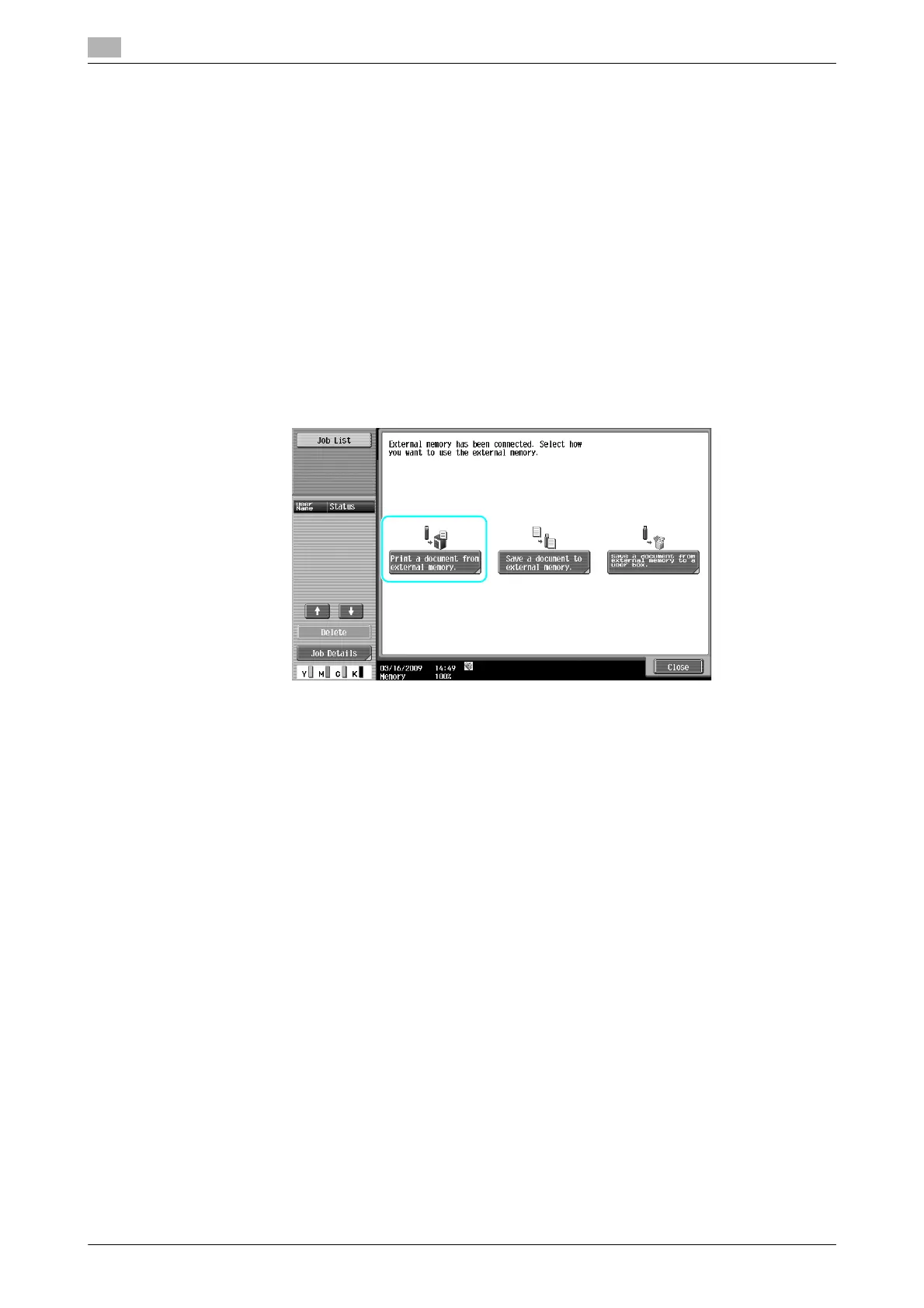
1 Connect the external memory to this machine, and press [Print a document from external memory.].











 To Next Page