Basic scan operation
2
2-14 ineo+ 220/280/360 (Version 3)
2.4
2.4 Basic scan operation
This section contains information on the general operation for sending scan data.
Scan data transmissions
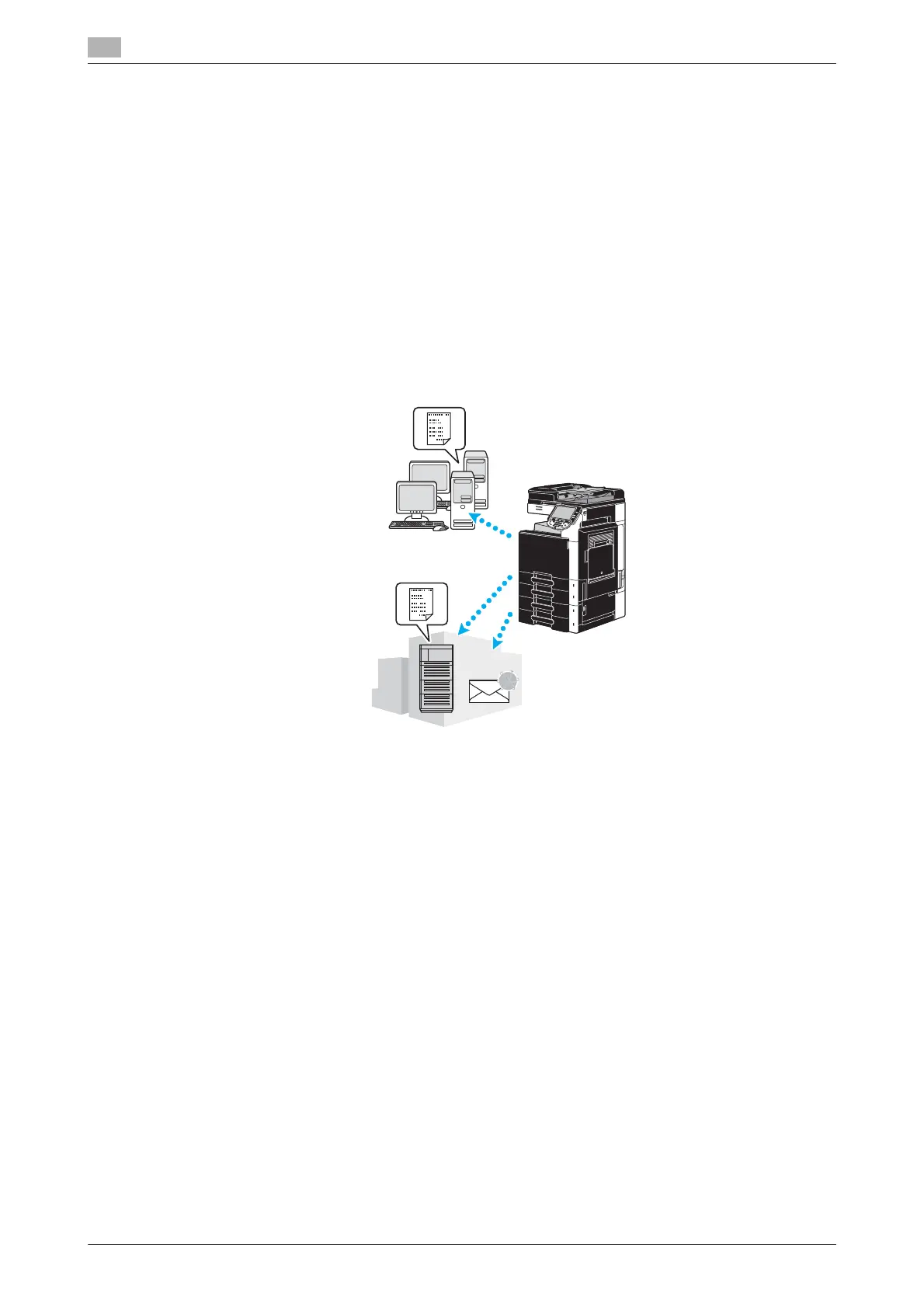
A document scanned with this machine can be sent as a data file. There are following transmission methods.
- Scan to E-mail: The scan data is sent as an attachment to an e-mail message.
- FTP TX: The scan data is sent to an FTP server.
- SMB TX: The scan data is sent to a shared folder on a computer on the network.
- WebDAV TX: The scan data is sent to the WebDAV server.
- Web Service Function: It is possible to issue a scan command from a computer on the network or to
perform scanning according to the purpose from the machine and to send the scanned data to the
computer. It is available for using Windows Vista/7/Server 2008/Server 2008 R2. If optional image
controller IC-412 v1.1 has been installed this function is not available.
Reference
- Data stored in the user box of this machine can also be sent.
- If user authentication is enabled, you can also use the Scan to Home function that sends the scanned
data to your computer or use Scan to Me function that sends the scanned data to your E-mail address.
SMB TX
Web Service Function
FTP TX
WebDAV TX
Scan to E-mail











 To Next Page