ineo+ 220/280/360 (Version 3) 1-29
1.12 Guidance function
1
Reference
- In the Function Map screen, available functions and setting items are displayed in a hierarchical
structure. Select a desired item to view in the Guidance screen.
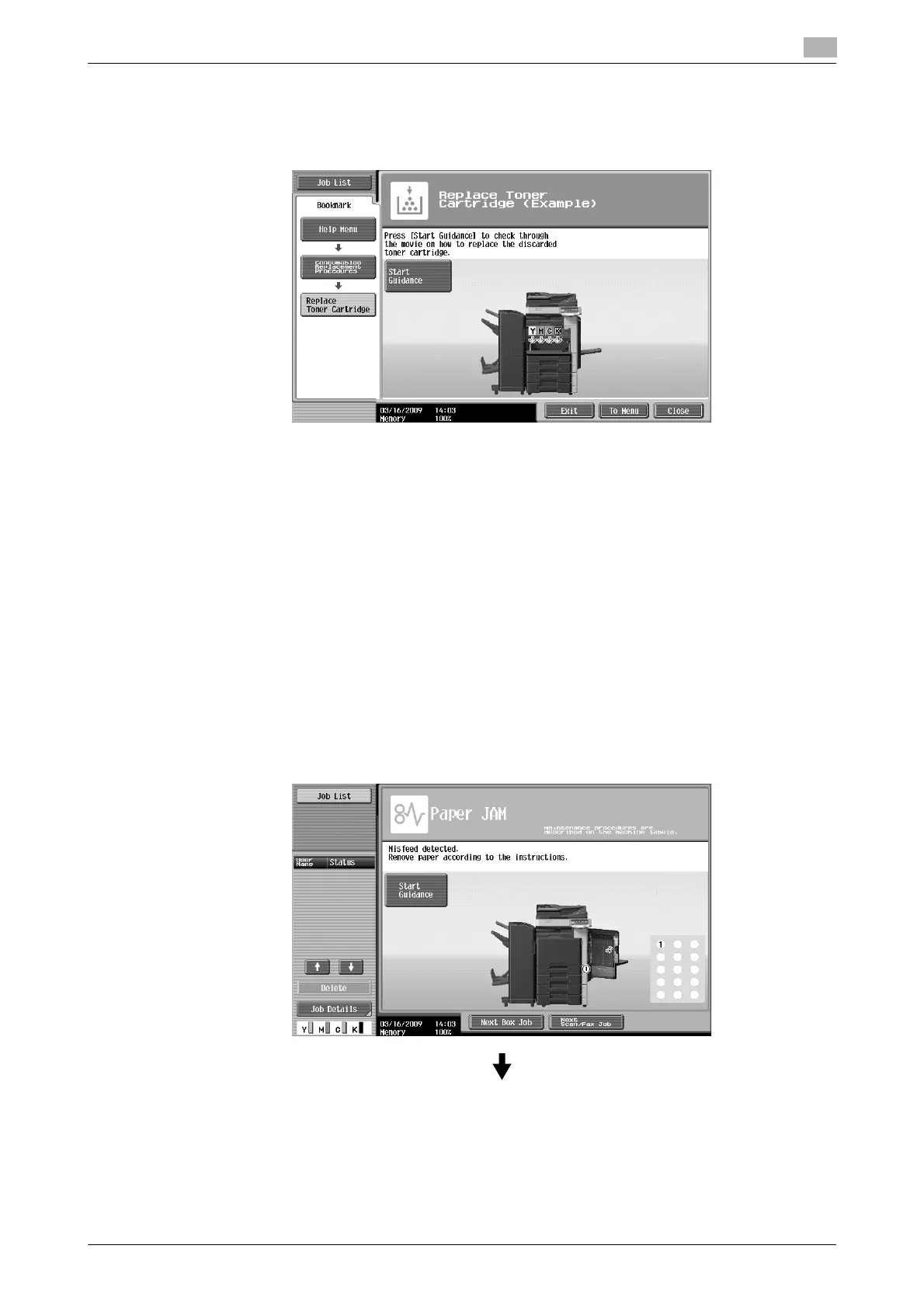
Example: [Consumables Replace/Processing Procedure] ö [Replace Toner Cartridge]
Reference
- For details on the animation guidance, refer to page 1-29 of this manual.
- For details on how to replace consumables or operating procedures, refer to page 1-52 in this manual.
- Press [Close] on the Guidance screen to move up one level in the menu structure. Press [Exit] to exit
the guidance mode and return to the screen that was displayed before the [Guidance] key was pressed.
Press [To Menu] to display the Help Menu screen.
d Reference
For details on the Guidance screen, refer to chapter 4 of the [User's Guide Copy Operations].
Animation Guidance
Animation Guidance is a function that allows you to utilize an animation to check the procedure to clear a
paper jam or staple jam or to replace consumables such as a toner cartridge. You can clear a jam or replace
consumables while checking the procedure in the touch panel.
Example of paper jam or staple jam processing (Paper jam in tray 1)
1 Press [Start Guidance] to check the operating procedure.











 To Next Page