ineo+ 220/280/360 (Version 3) 5-27
5.12 Forwarding received data
5
d Reference
For details, refer to chapter 5 of the [User’s Guide Network Scan/Fax/Network Fax Operations].
5.12 Forwarding received data
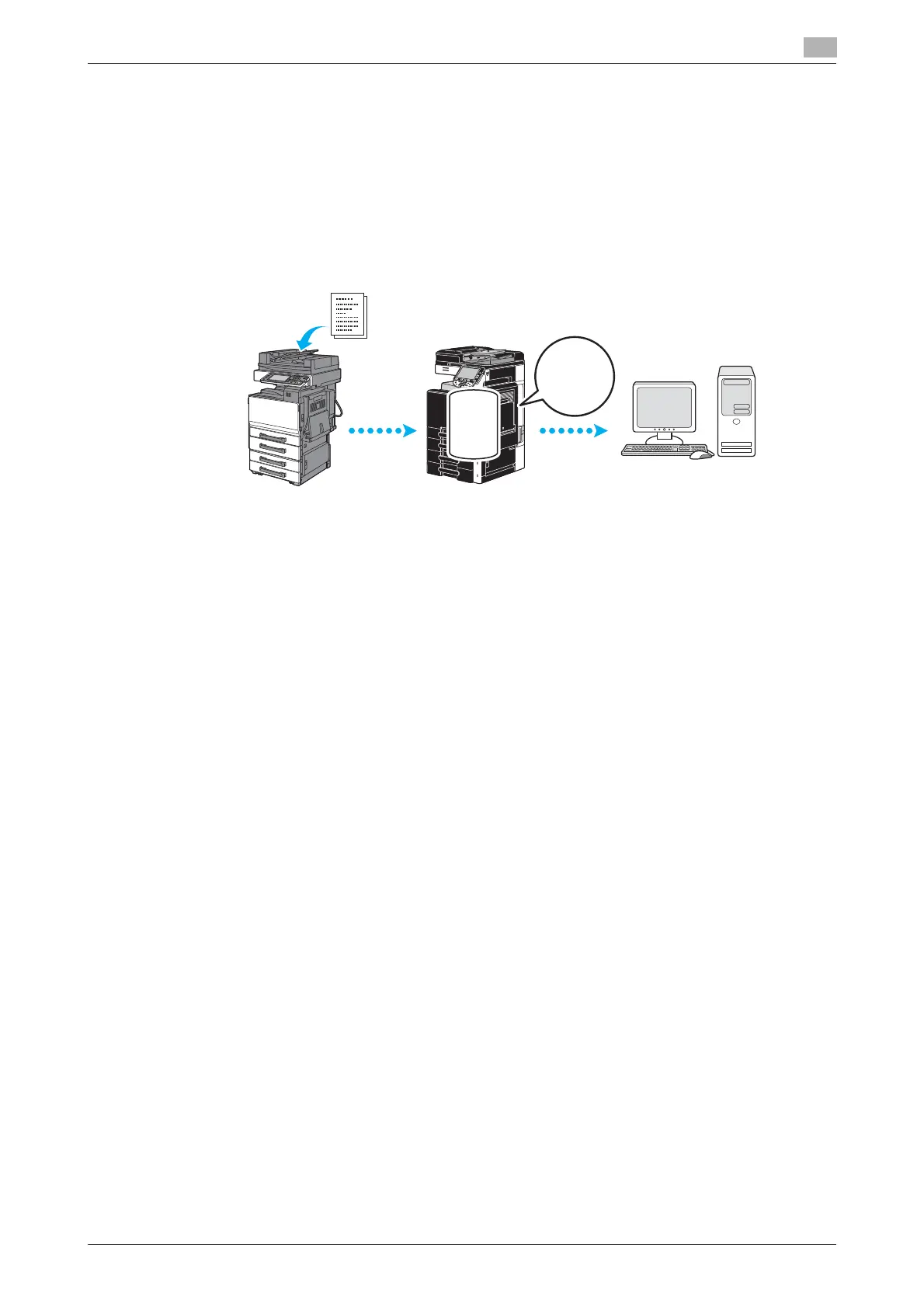
Fax forwarding
Received fax data can be forwarded to a previously specified destination.
Reference
- Settings for the fax forwarding are specified in Administrator mode. The administrator password is
required to specify the settings.
- In Administrator mode, settings can be specified to print the data of a received fax, even from the
machine, when the fax is forwarded or to have the machine print forwarded data only when an error
occurs.
- If fax forwarding is specified, Memory RX Setting, PC-FAX RX setting and TSI User Box Setting cannot
be used.
d Reference
For details, refer to chapter 10 of the [User’s Guide Network Scan/Fax/Network Fax Operations].











 To Next Page