Website: www.devicewell.com Email: support@devicewell.cn 29
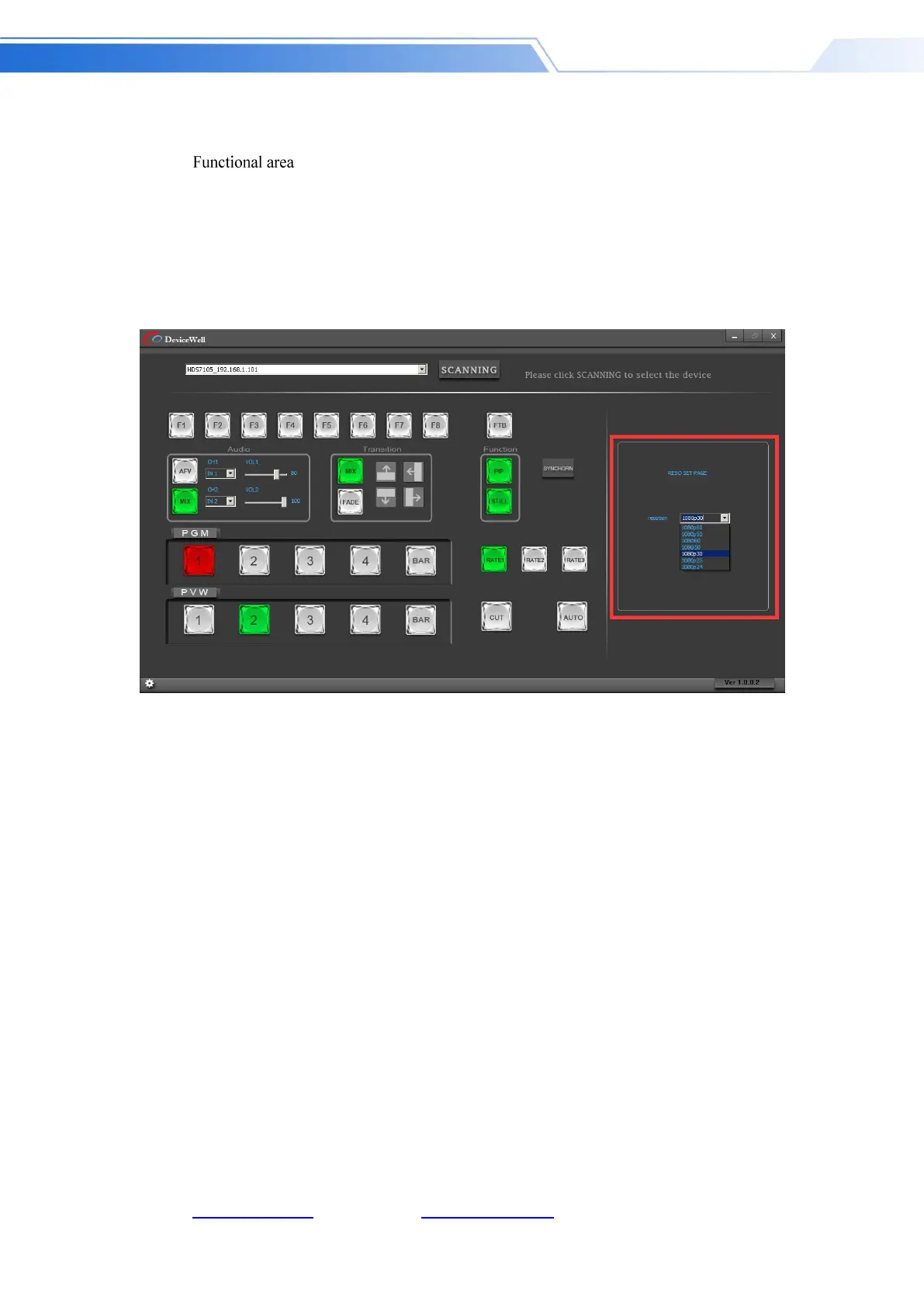
F1 --- Resolution control
After clicking F1 on the key panel, you can adjust the resolution of the screen output. Each time
you press the button, you can adjust the output resolution. The resolution is 1080P60Hz /
1080P50Hz / 1080P30Hz / 1080P25Hz / 1080P24Hz / 1080I60Hz / 1080I50Hz. Select as shown
below
Black field control area
FTB --- Black field control area
During the live broadcast, if you encounter an unexpected situation, you can press the FTB black
button. At this time, the PGM live screen will output a black screen. The FTB in the software
control panel will display a red light flashing. Press the FTB again to cancel the black setting. As
shown
below



 To Next Page