Website: www.devicewell.com Email: support@devicewell.cn 33
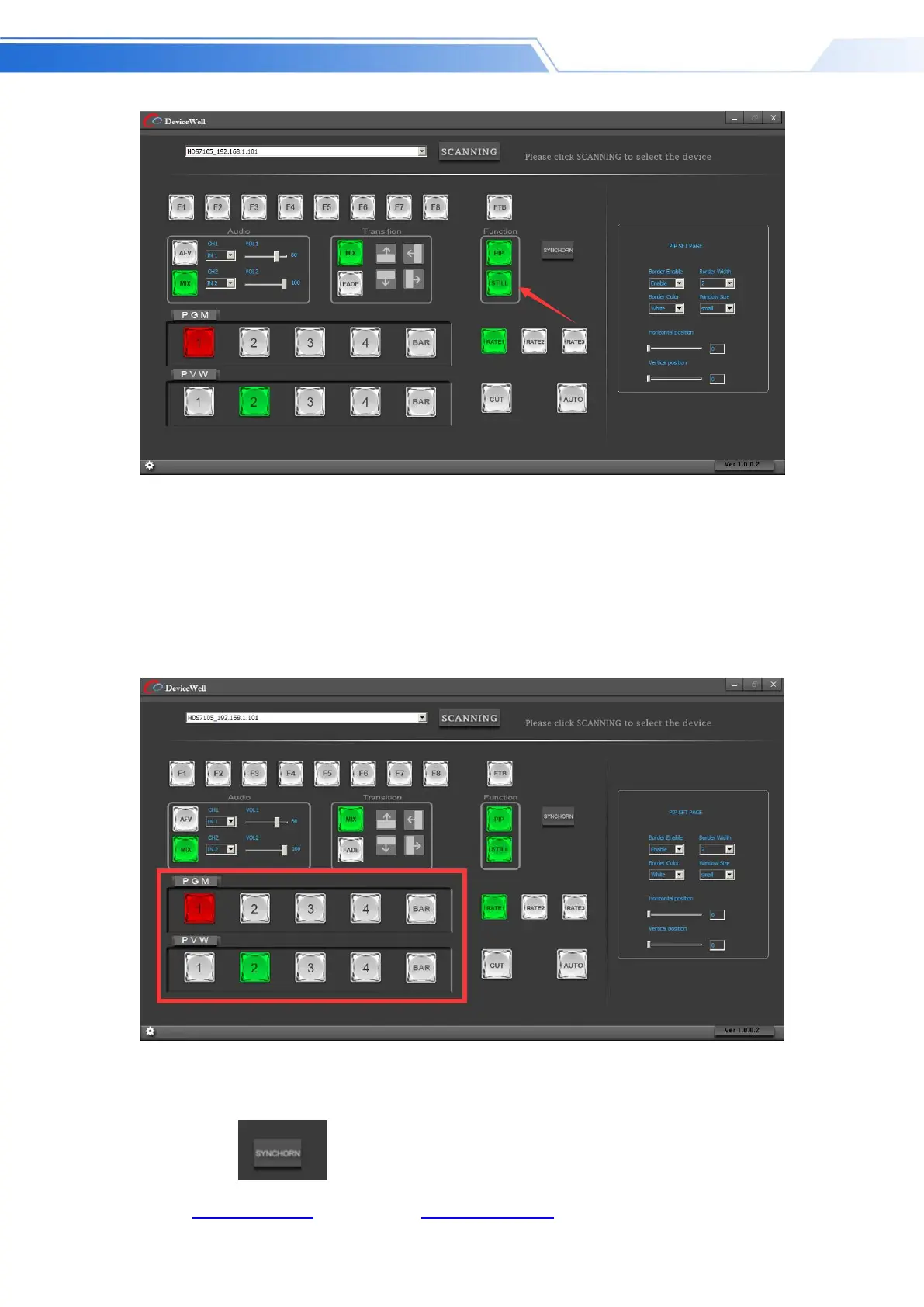
PGM and PVW selection area
PGM and PVW are preview output and live broadcast output respectively. You can switch
the input source of the console by clicking the buttons 1-4 on the software control
panel. Where BAR is the color bar output. As shown
below
Note: If the switcher is operated on the device side, the PC-side interface cannot be displayed
synchronously. You must click the synchronization button to control the interface to display
synchronously:



 To Next Page