EN - 13SE-DV54-HE
Recommended Cleaning Intervals:
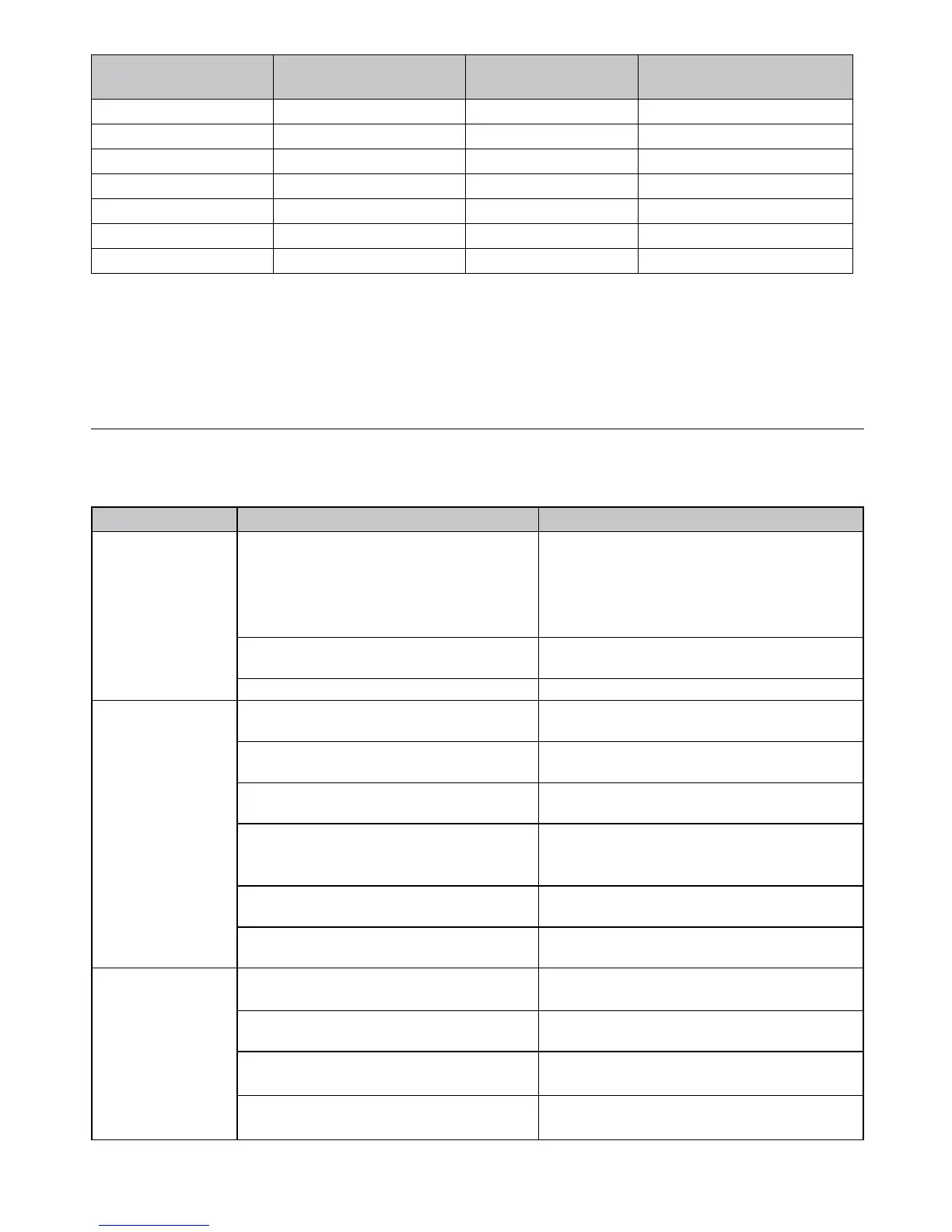
Recommended
cleaning interval
Number of cleaning
cycles *
Compatible cleaning agents /
max washing temperature
CPAP outer housing 7 days 157 Water, use only a damp cloth
Tubing Daily 180 Mild dish soap and warm water
Gross Particle Intake Filter 10 days 18 Mild dish soap and warm water
Fine Particle Intake Filter Do not clean, replace if dirty N/A N/A
Humidiermodule 1 / week 157 Water, use only a damp cloth
Humidierchamber 1 / day 365 Mild dish soap and warm water
Humidierchamber 1 / week 52 Dishwasher **, top shelf only
3years@7dayinterval=157cleaningcycles
* Number of cleaning cycles determined by recommended cleaning interval and expected service life
** Only weekly dishwasher cleaning due to the high temperature of the water and the high concentration of the soap.
Mask and Headgear
Clean the mask and headgear according to the manufacturer’s instructions.
TROUBLESHOOTING
WARNING
Electric Shock Hazard - Do not remove the device cabinet. There are no user-serviceable internal components.
The cabinet should only be removed by a qualied DeVilbiss provider.
Issue Possible Cause Remedy
Nothing shows on
the display.
1. Device is not plugged in, or the power cord
is not fully inserted.
1a.Verifythatthepowercordisrmlyconnected
to the IntelliPAP and the power outlet.
1b. If you are using a DC power source, make
sure the cable connections are secure. Verify that
battery is charged.
2.OptionalHumidier-Theowgeneratoris
notfullyseatedonhumidiercradle.
2. Refer to assembly instructions (Fig. 1-7).
3. There is no outlet power. 3. Locate a suitable functioning power source.
The SleepCube
does not start when
breathing into the
mask.
1. The Auto-ON feature has been disabled. 1. Use the ON/OFF button to start and stop
device.
2. There is no power to the device. 2.Verifythatthepowercordisrmlyconnectedto
the device and the power outlet.
3. Breath is not deep enough for the Auto-ON
feature to detect.
3. Breathe deeply in and out to start the device.
4. You are using a full face mask that has an
anti-asphyxia valve.
4. Auto-ON may not work because your exhaled
breath escapes through the open valve. Use the
ON/OFF button to start and stop the device.
5. The air supply port plug is missing or not
fully inserted.
5. Make sure the air supply port plug is fully
inserted into the unit.
6.Thehumidierchamberisnotfullyengaged
into the cradle or is missing.
6.Slidethehumidierchamberfullyintotheslot.
Verify the latching lever snaps into place.
The airow has
stopped
unexpectedly
during use or
reports mask leak.
1. The Auto-OFF feature has detected large
airowbecauseoflooselyttingmask.
1.Ensureyouhaveagoodmaskt;andadjust
mask and headgear.
2. During use, your mouth opens and you
begin to mouth-breathe.
2. Contact equipment provider for a chin strap or
different mask to prevent mouth-breathing.
3.Theoptionalhumidierchamberisnotfully
engaged or is missing.
3.Slidethehumidierchamberfullyintocradle.
Verify the release latch clicks into place.
4. The air supply port plug is missing from the
back of the CPAP or is not fully inserted.
4. Ensure the air supply port plug is fully inserted
into the back of the CPAP.












 To Next Page