EN - 8 SE-DV54-HE
SmartFlex pressure relief can be operated Full-Time or during the Delay Only. The display will show “FLX” in the top row of
the default screen (between CPAP pressure and Mode) while SmartFlex pressure relief is operating.
When SmartFlex pressure relief is turned on Full-Time, the pressure relief operates at all times when you are breathing on
the device. When SmartFlex pressure relief is set to Delay Only, the pressure relief operates only during the Comfort Delay
periodandturnsoffafterthedelayperiodisnished.
The device contains a SmartFlex disengagement feature. If a patient is experiencing a respiratory event while the CPAP is
in the relief pressure mode, after a limited time, the CPAP will shift to the prescription pressure and remain at this pressure
until normal breathing resumes.
Using the Comfort Delay Feature
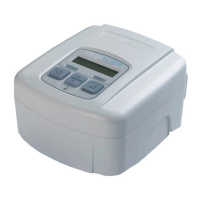
YourSleepCubehasacomfortdelayfeaturetohelpmakeiteasierforyoutofallasleep.Theairowwillstartatalow
pressureandthengraduallyramp-uptotheprescribedsettingoverthelastfewminutesofthespecieddelaytime.
NOTE–When the comfort delay feature is activated, a message will ash on the display periodically, indicating the amount
of time remaining in the delay.
Youcanadjusttheamountoftimespentincomfortdelaybyusingtheadvanceddevicecontrols.TheDelayTimecanbe
adjustedfrom0to45minutesin5-minuteincrements.
NOTE–If you are unable to change the delay time, your provider has locked this setting.
Pressthedelaybuttontoactivatethecomfortdelayfeature.Theairowpressurewilldroptotheprescribedcomfortdelay
pressure.
Inthenal10minutesofthedelayperiod,thepressurewillgentlyrisetothepressureprescribedforyourtherapy.You
mayrepeatthecomfortdelaybypressingthedelaybuttonagainifyouhavenotfallenasleepduringtherstuse.
NOTE-The AutoAdjust will not adjust the pressure setting during the comfort delay period, allowing you to fall asleep
without responding to early respiratory events.
Shut Down
Press the ON/OFF button to turn the device off. You may also simply remove your mask. After a few seconds the device
willdisplaythemessage“MaskOff.Pleasecheckmaskt.”Ifyoudonotputthemaskonagainthedevicewill
automatically turn off in about 20 seconds. Pressing any button will remove the message from the display.
NOTE–If the DeVilbiss SleepCube does not turn off automatically, the Auto-OFF feature may have been disabled. In this
case you must manually turn the device off.
Enable Menu List
The Enable menu is available in all modes and is a sub-menu that allows you to control various functions of your
SleepCube. It is accessed by pressing the down button while “Enable Menu” is shown on the Display.
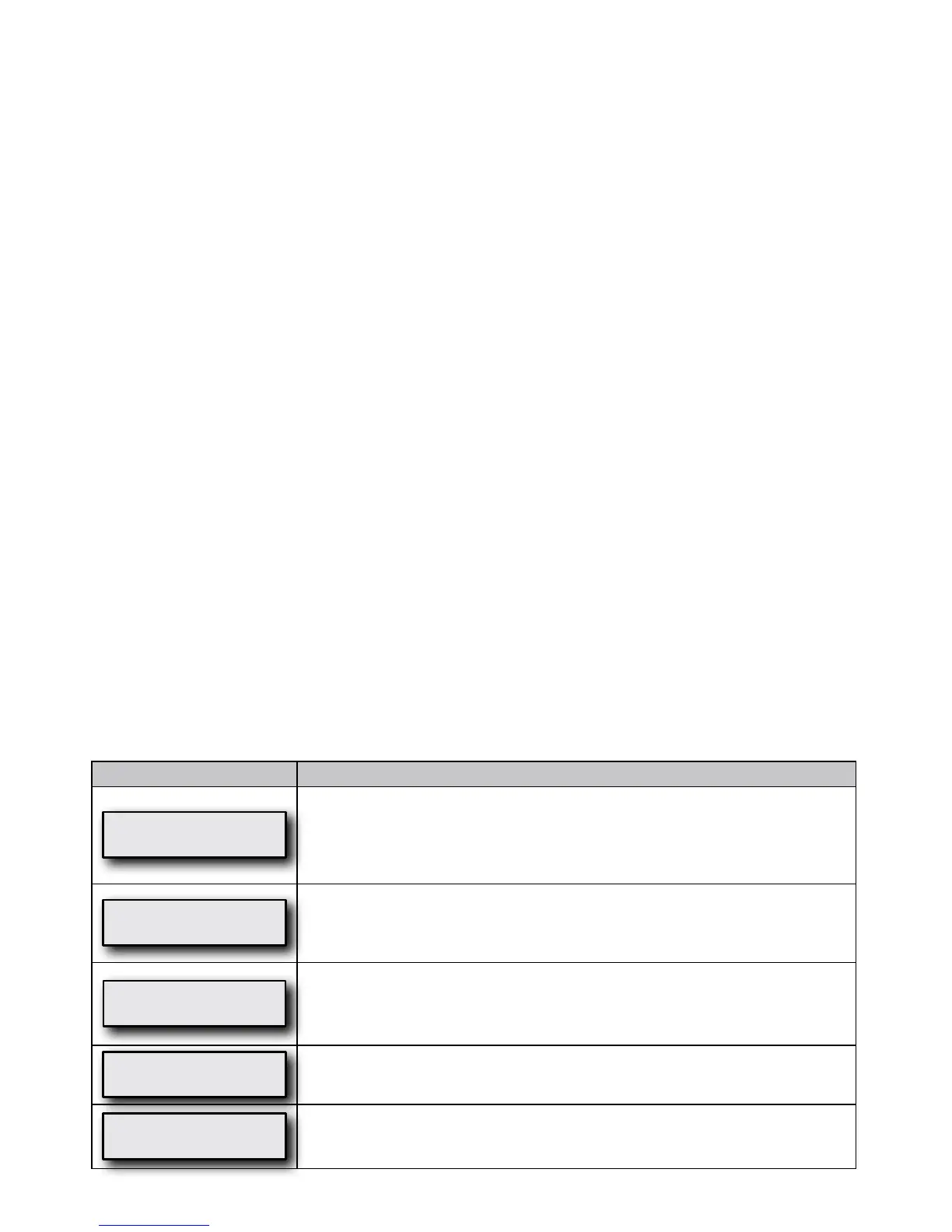
Display Example Enable Menu Item Description
Auto-OFF
Enabled
ThisoptioncontrolstheAuto-OFFfeature,whichautomaticallystopstheowofair
after taking off the mask. The device will require at least 30 seconds to turn OFF
depending on the kind of mask used. When Auto-OFF is enabled, Auto-ON is also
enabled.Iftheunlockedsymbolisshown,youareabletoadjustthissetting.Ifthe
lockedsymbolisshown,thissettingcanonlybeadjustedbyyourprovider.
Auto-ON
Enabled
ThisoptioncontrolstheAuto-ONfeature,whichautomaticallystartstheowofair
after breathing once or twice into the mask. This is always enabled when Auto-OFF is
enabled.Iftheunlockedsymbolisshown,youareabletoadjustthissetting.Ifthe
lockedsymbolisshown,thissettingcanonlybeadjustedbyyourprovider.
Mask Fit Check
Enabled
ThisoptioncontrolstheMaskFitCheckfeature.Theairowtoyourmaskis
constantlymeasured,andiftheamountofairowexceeds95liters/minuteformore
than10%ofthetimeused,anoticationwillbecreated.Thisnoticationwillbe
displayed the next time you use the IntelliPAP.
Low Backlight
Enabled
Low Backlight Enabled will keep the backlight dim during operation. Low Backlight
Disabled will turn the backlight OFF during operation.
Exit Menu
Press
Pressing the up key exits the Enable menu.












 To Next Page