20 Initial use
devolo dLAN 200 AVpro Wireless N
3.3.2 Buttons
All buttons can be enabled or disa-
bled on the configuration interface.
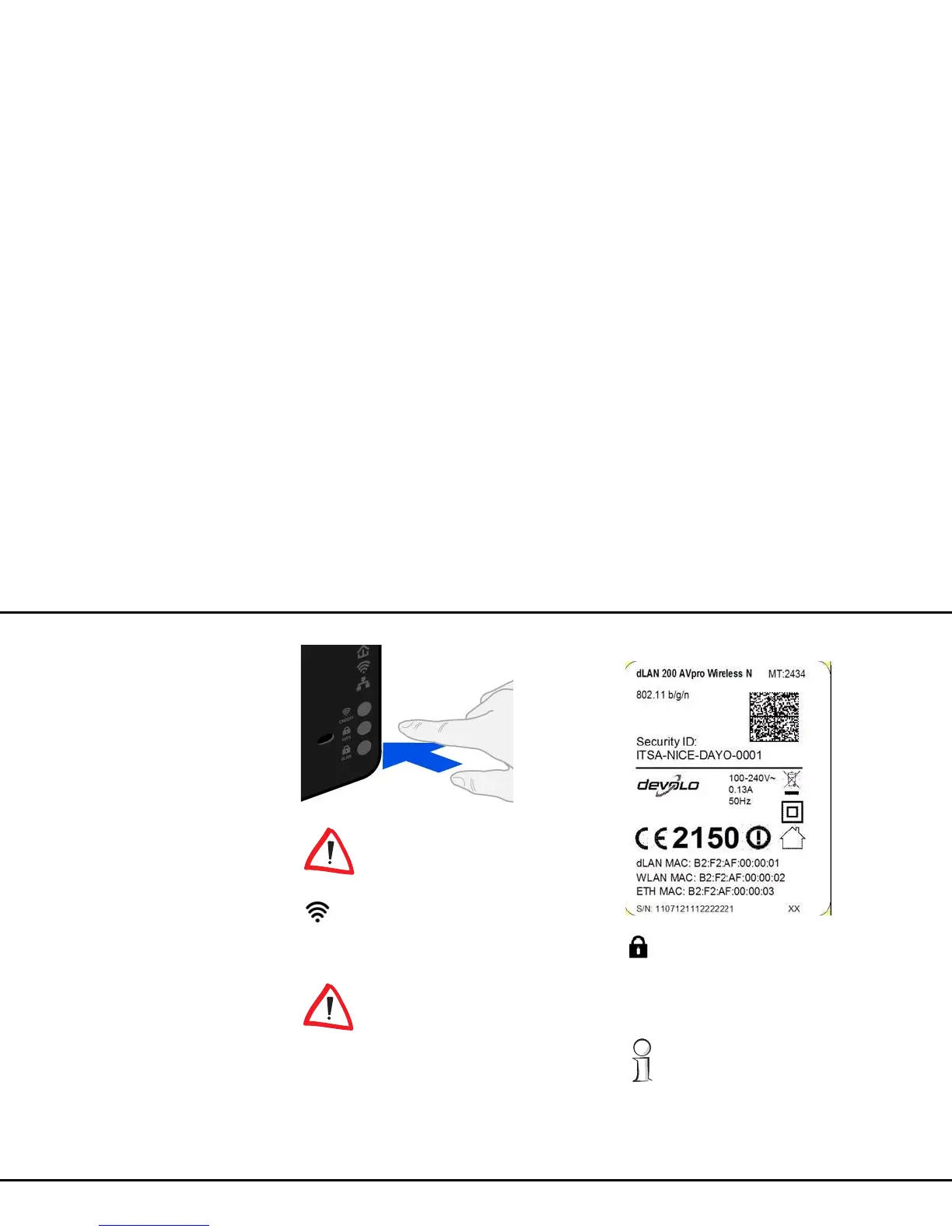
ON/OFF
Use the ON/OFF button to switch the WLAN function
on or off.
Make sure that the WLAN function
in the factory defaults is enabled
and the WLAN encryption is set to
WPA2. The default WLAN key is the
security ID of the
dLAN 200 AVpro Wireless N. You
will find the 16-character security ID on the
label on the back of the housing.
WPS
With the WPS (Wi-Fi Protected Setup) encryption but-
ton, you secure your WLAN network at the touch of a
button.
WPS is one of the encryption standards de-
veloped by the Wi-Fi Alliance for increasing
security in a WLAN home network. The objec-
tive of WPS is to make it easier to add devices
to an existing network. For more detailed in-
formation, refer to Chapter 4.6.3 Wi-Fi Pro-
tected Setup (WPS).














 To Next Page