Initial use 21
devolo dLAN 200 AVpro Wireless N
dLAN
Via the dLAN encryption button, you secure your dLAN
network at the touch of a button:
쎲 To encrypt your dLAN AVpro network individually,
press each encryption button on the connected
devices for approx. 1 second – within 2 minutes.
쎲 To remove a dLAN AVpro device from your net-
work, press the encryption button of the corre-
sponding device for at least 10 seconds.
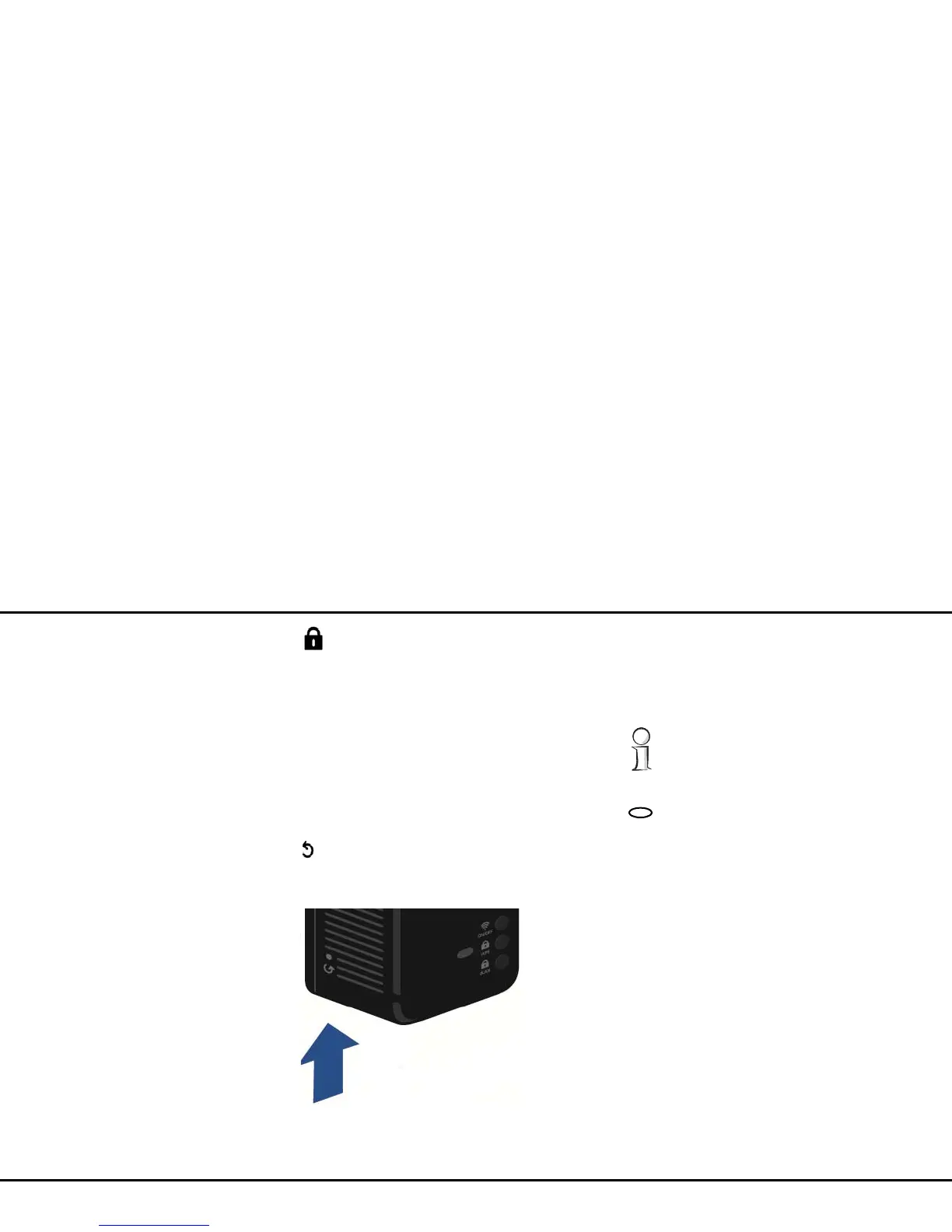
Reset
The Reset button (on the side of the housing) has two
different functions:
쎲 The device restarts if you press the Reset button
for less than 10 seconds.
쎲 To change the configuration of the
dLAN 200 AVpro Wireless N back to the factory
defaults, press the Reset button for more than
10 seconds. Keep in mind that all settings that
have already been configured will be lost!
The reset button can be pressed using the tip
of a ball-point pen.
Kensington Lock
The dLAN 200 AVpro Wireless N has a slot for attach-
ing a Kensington Lock on the front panel of the hous-
ing. A Kensington Lock is antitheft protection for
portable hardware.
3.3.3 Network jacks
The three LAN ports can be used to connect computers
or other network devices to the














 To Next Page