28 Network configuration
devolo dLAN 200 AVpro Wireless N
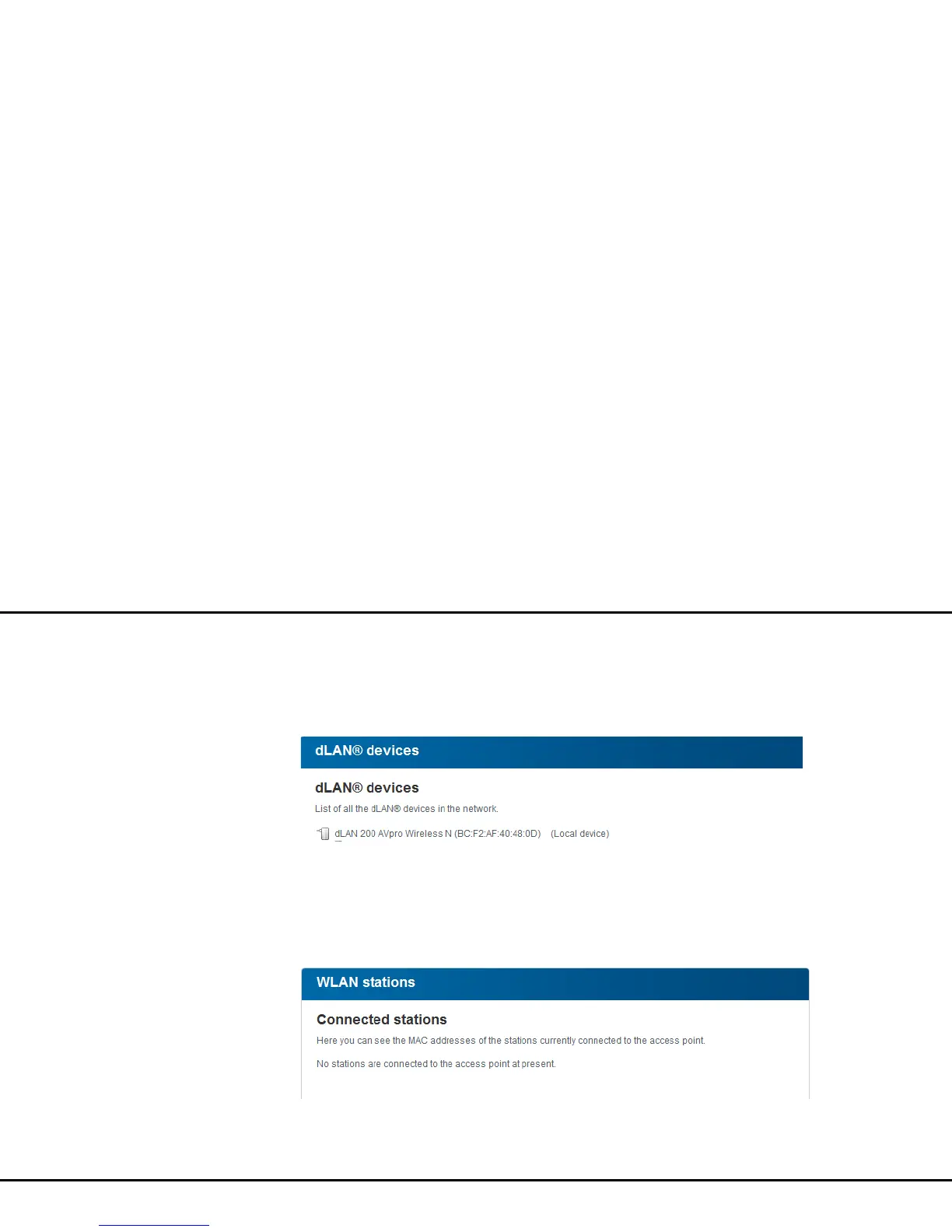
4.3.1 dLAN status
To display all connected dLAN devices, click either the
Ready to operate icon or the dLAN devices arrow.
Each connected dLAN device, regardless of whether it
is connected locally or remote in the network, is dis-
played with its MAC address. Clicking the lock icon
brings you directly to the dLAN settings (see 4.4.3
dLAN settings).
4.3.2 WLAN status
To display all connected WLAN devices, click either the
Ready to operate icon or the WLAN stations ar-
row. Each connected WLAN client is displayed with its
MAC address. Clicking the lock icon brings you directly
to the WLAN configuration area (see 4.5 Disabling
WLAN configuration), where you can configure set-
tings for WLAN network security.














 To Next Page