26 Network configuration
devolo dLAN 200 AVpro Wireless N
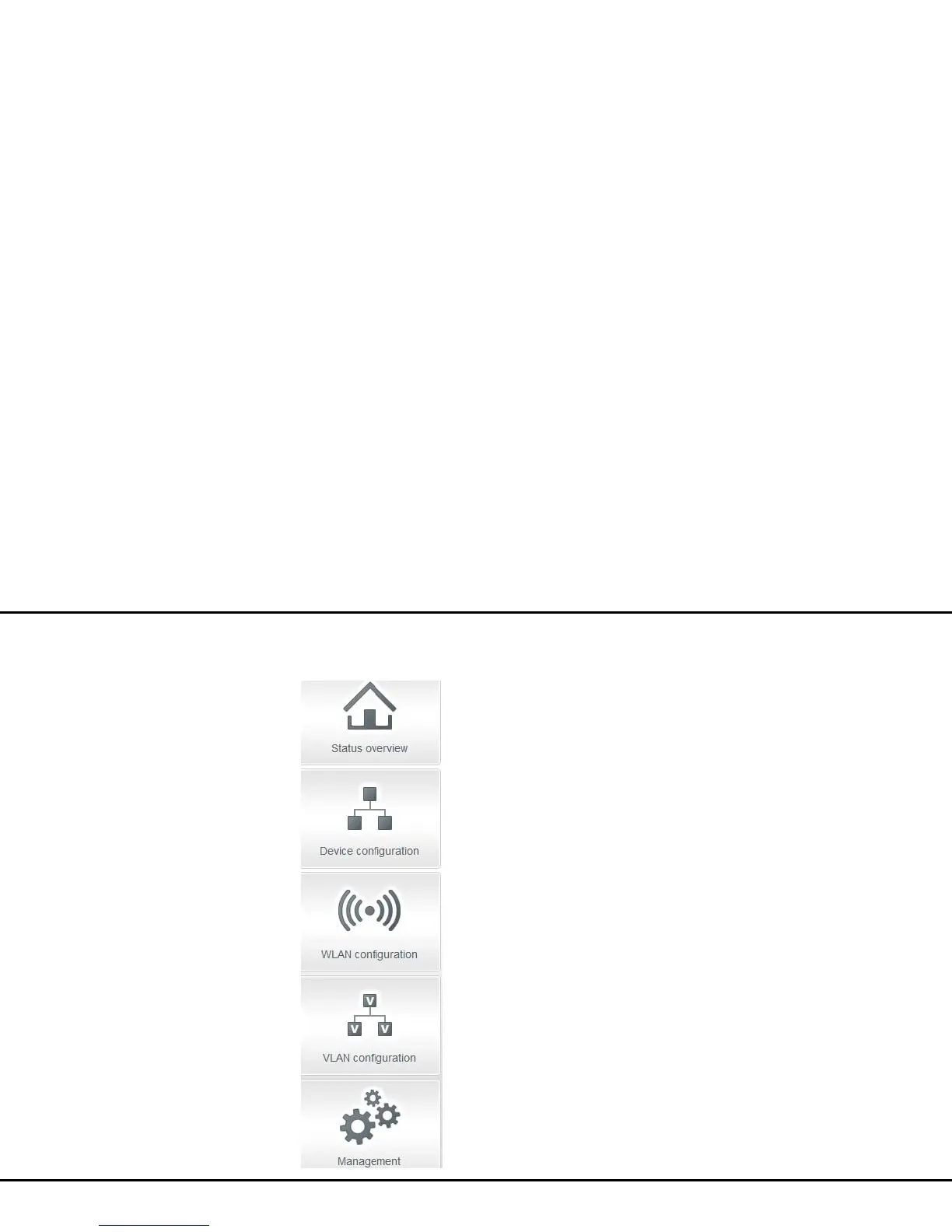
The five central areas of the configuration interface are
displayed on the left edge. Click the button of an area
to move directly into it.
쎲 In the Status overview area, you get general
information about all connected dLAN, WLAN and
LAN devices.
쎲 You can change or modify the various device set-
tings for security, network, dLAN and time under
Device configuration.
쎲 You can change or modify WLAN settings in the
WLAN configuration area.
쎲 You can change or modify VLAN settings in the
VLAN configuration area.
쎲 The Management section is for resetting, secur-
ing and restoring your individual configurations.
In addition, you can update the firmware of your
dLAN 200 AVpro Wireless N here.
4.3 Status overview
In the Status overview area you can track the status
of your connected dLAN, WLAN and LAN devices.














 To Next Page