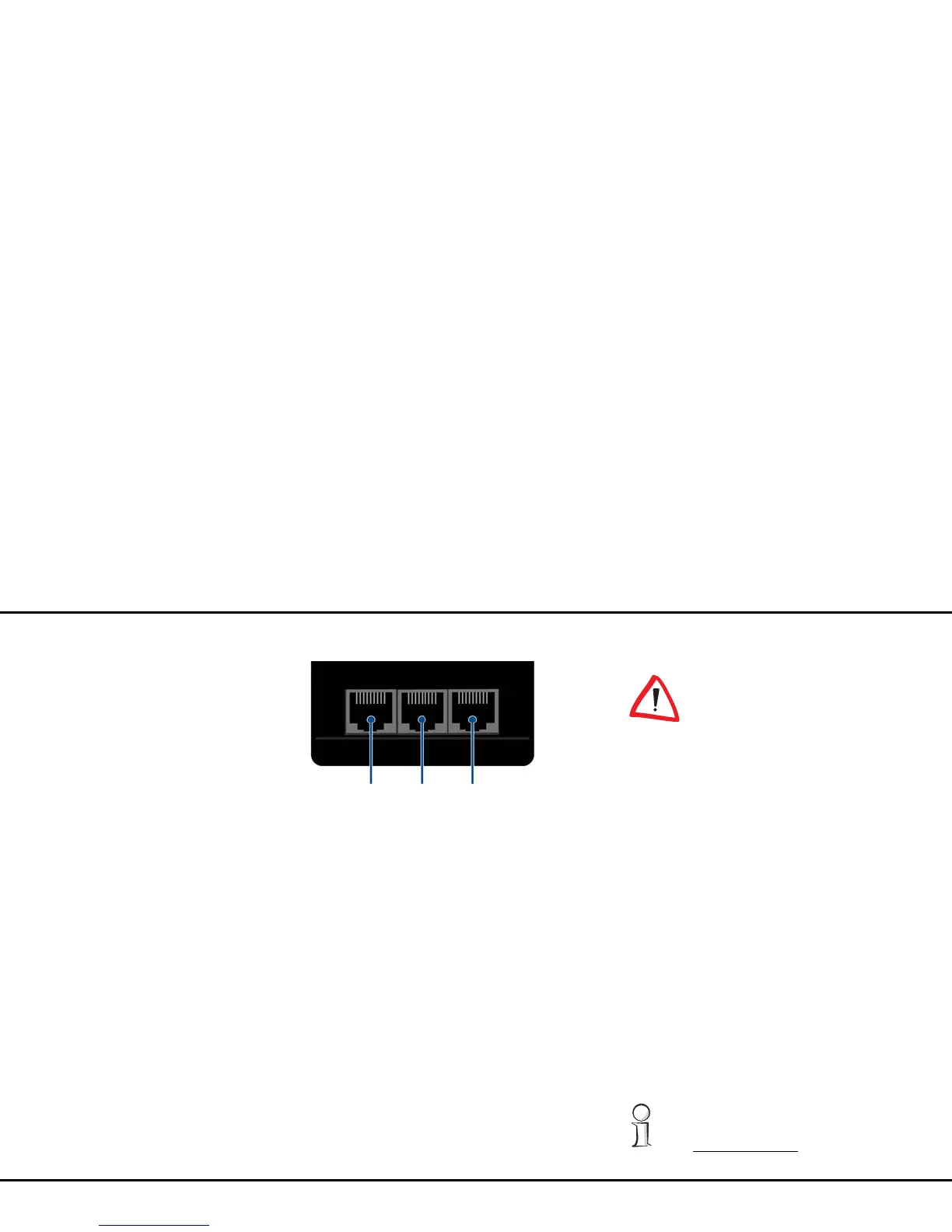
22 Initial use
devolo dLAN 200 AVpro Wireless N
dLAN 200 AVpro Wireless N via commercially availa-
ble network cables.
3.3.4 WLAN antennas
The internal WLAN antennas are for connecting to oth-
er network devices wirelessly.
3.4 Connecting the
dLAN 200 AVpro Wireless N
This section describes how to connect your
dLAN 200 AVpro Wireless N to a computer or other
network device.
햲 Use a network cable to connect the
dLAN 200 AVpro Wireless N to the network port
of your running computer or other network
device.
햳 Plug the dLAN 200 AVpro Wireless N into a wall
socket.
The power outlet should be in
range of the connected network de-
vice.
The dLAN 200 AVpro Wireless N
and the network device should be
easily accessible.
To switch off the
dLAN 200 AVpro Wireless N or dis-
connect it from the mains supply,
pull the power plug out of the pow-
er outlet.
햴 As soon as at least one other dLAN AV adapter
has been connected and plugged into the mains
supply, a dLAN network is set up. You can use
devolo dLAN AVpro manager, the encryption
button or enter the dLAN password on the con-
figuration interface to secure your dLAN network
from unauthorised access. For information on
how to proceed, please read further in Chapter
4.4 Device configuration and/or Chapter 5
dLAN network.
For detailed information about connecting
other devolo dLAN adapters, visit our web-
site: www.devolo.com
.














 To Next Page