Network configuration 53
devolo dLAN 200 AVpro Wireless N
4.7.1 Security settings for the WLAN cli-
ent
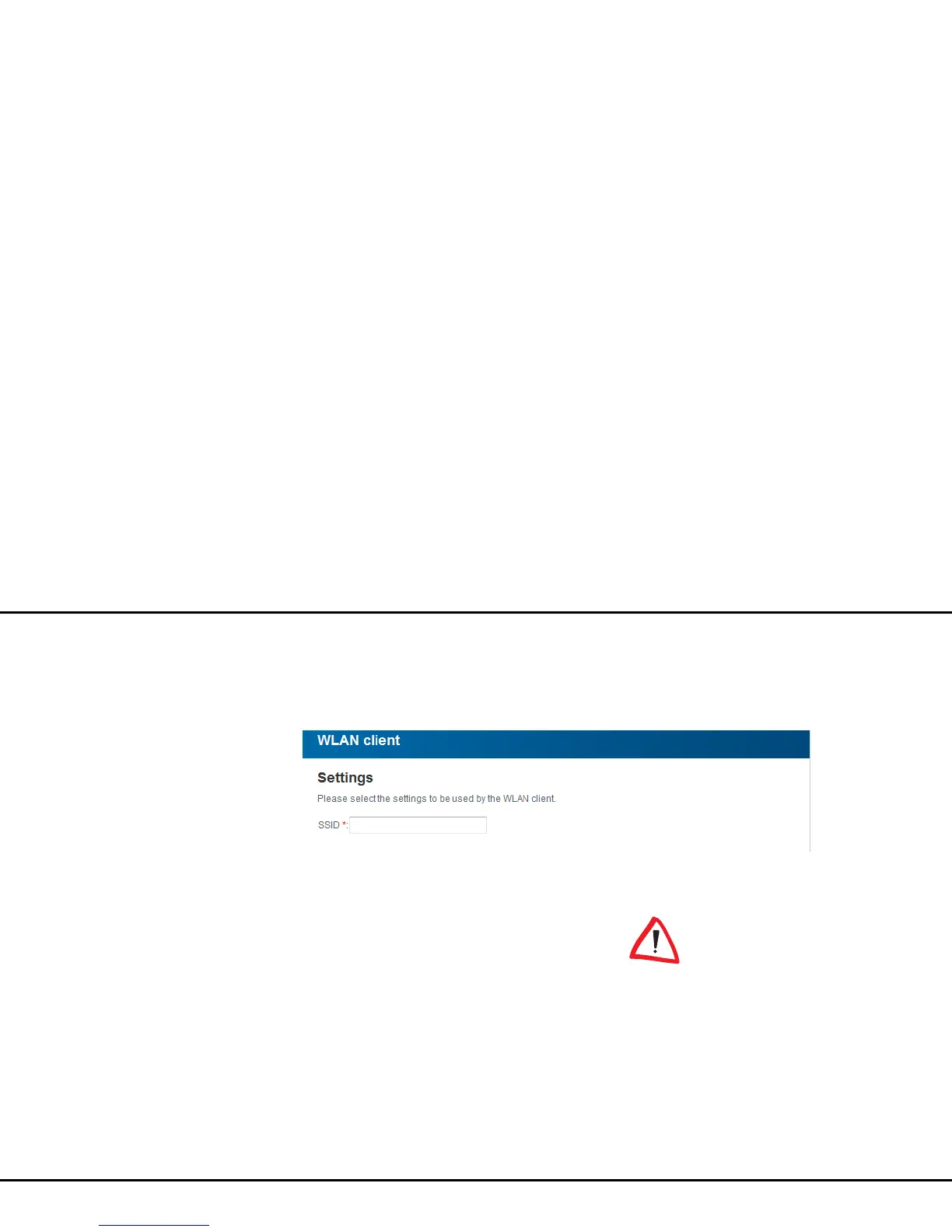
In the SSID field, enter the SSID of the corresponding
access point.
To secure the data transmission in your wireless net-
work there are two security standards available.
쎲 The older and weaker WEP standard can protect
communication with the help of a key having
either 10 or 26 hexadecimal characters.
쎲 The state-of-the-art WPA and WPA2 (Wi-Fi
Protected Access) methods allow individualised
keys consisting of letters and numbers with a
length of up to 63 characters. You can simply
enter them via the keyboard. Under Mode, you
can limit access of clients to the
dLAN 200 AVpro Wireless N to the method you
have selected. In addition to the WPA/WPA2
encryption key, the dLAN 200 AVpro Wireless N
also supports Enterprise Mode. As a central
authentication server, the RADIUS server assumes
the user administration (for multiple access points;
see RADIUS server).
Enterprise Mode does not support
any WPS.














 To Next Page