38 Network configuration
devolo dLAN 200 AVpro Wireless N
Keep in mind that after saving this
setting, you will be disconnected
from any existing wireless connec-
tion to the
dLAN 200 AVpro Wireless N. In this
case, configure the device via
Ethernet or dLAN.
The operating state of the device is displayed
under 4.3 Status overview.
4.6 WLAN configuration as access
point
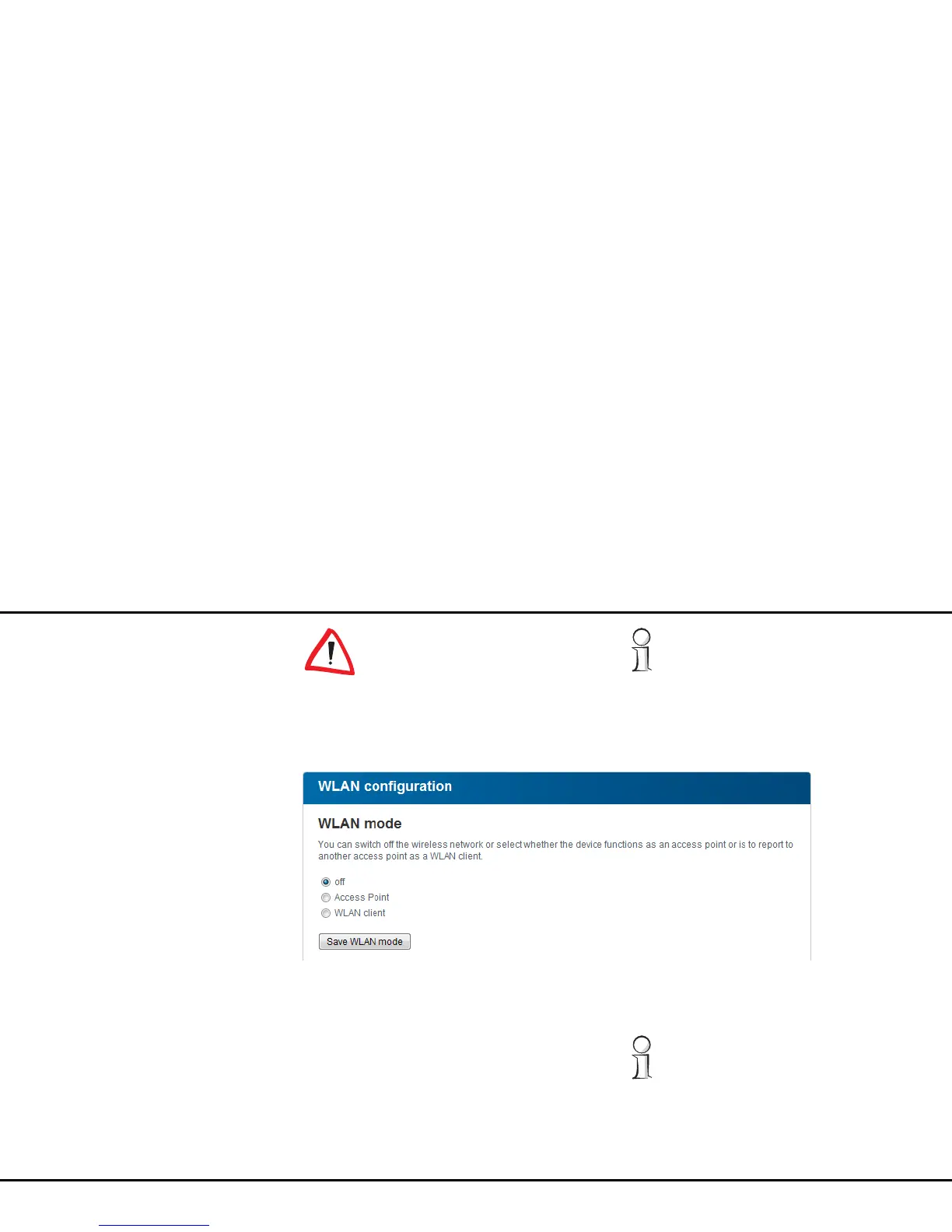
If you would like the dLAN 200 AVpro Wireless N to
act as an access point, select Access point mode un-
der WLAN configuration and confirm your entry with
Save WLAN mode or simply press the WLAN ON/
OFF button on the housing. The
dLAN 200 AVpro Wireless N automatically changes to
Access point mode.
The operating state of the device is displayed
under 4.3 Status overview.














 To Next Page