Network configuration 31
devolo dLAN 200 AVpro Wireless N
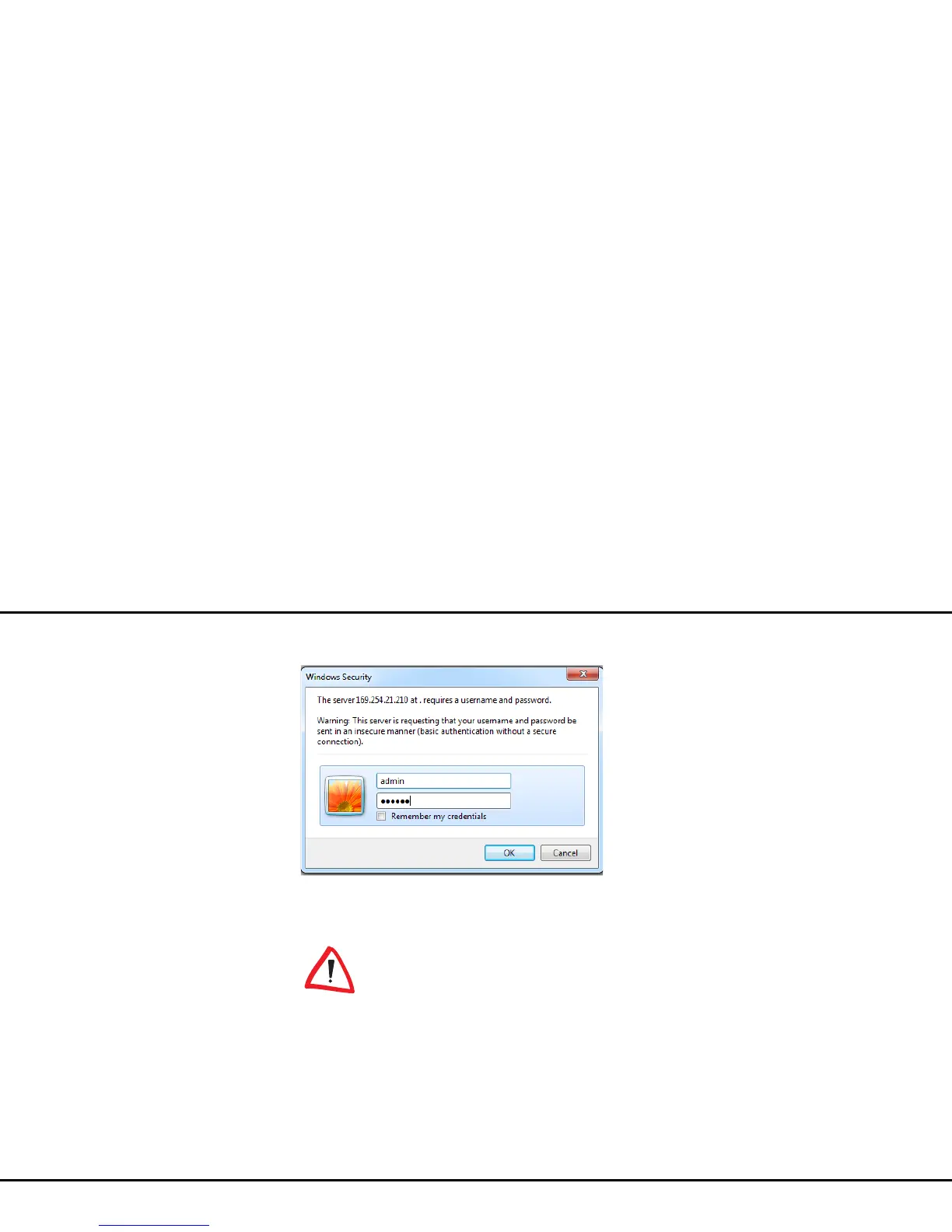
햳 Call up the configuration interface again later; the
following window appears first:
햴 Enter admin in the User name field and your
individual password in the Password field.
The admin user name cannot be
changed.














 To Next Page