34 Network configuration
devolo dLAN 200 AVpro Wireless N
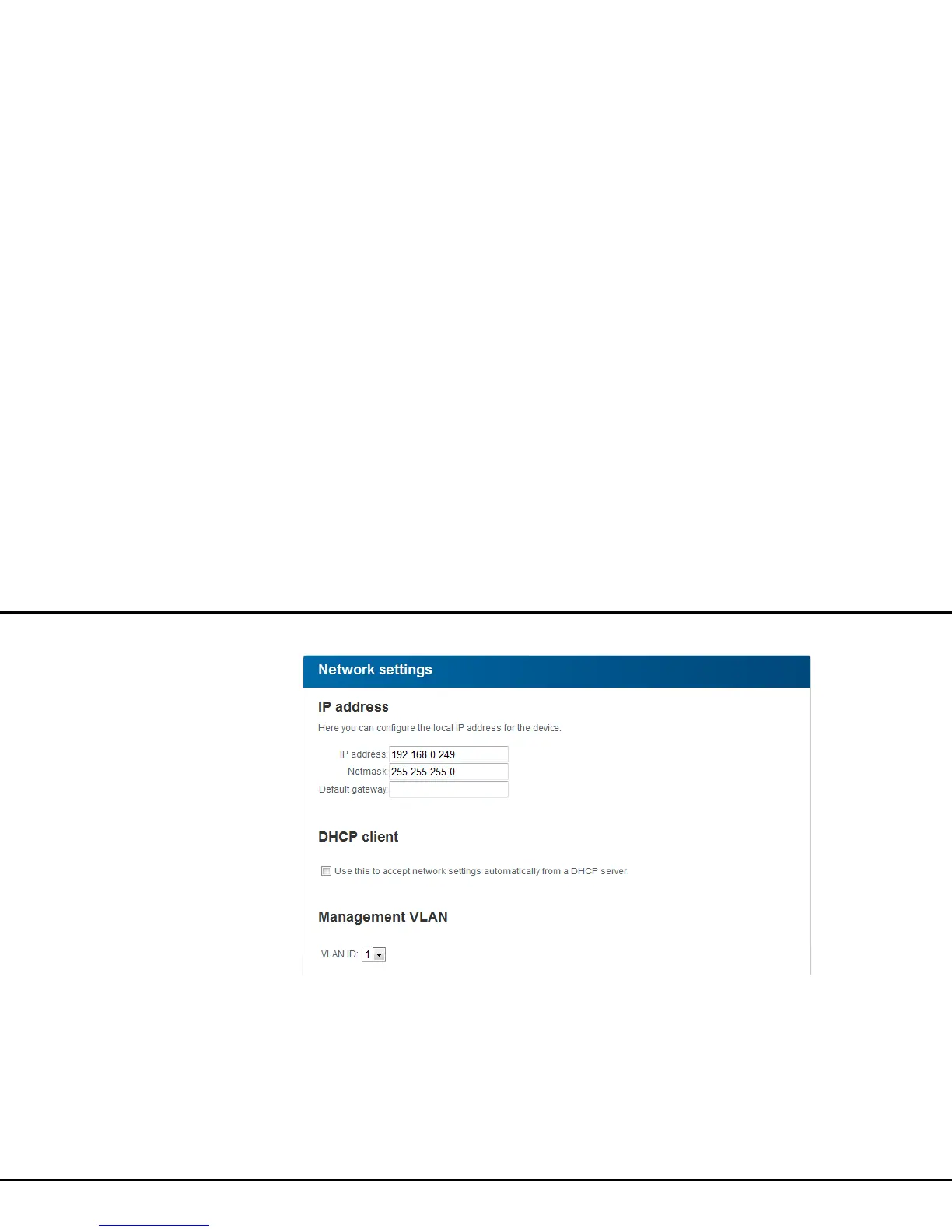
Management VLAN
If you use VLAN and have enabled it under VLAN con-
figuration, specify a Management VLAN here by as-
signing the corresponding VLAN ID via the selection
box.
The configuration interface can be accessed only via
the management VLAN. The factory defaults of the
dLAN 200 AVpro Wireless N have the Management
VLAN configured with VLAN ID 1. Additionally, the
DHCP server has to be accessible in the management
VLAN, and thereby have the option Use this to ac-
cept network settings automatically from a
DHCP server enabled.














 To Next Page