Network configuration 41
devolo dLAN 200 AVpro Wireless N
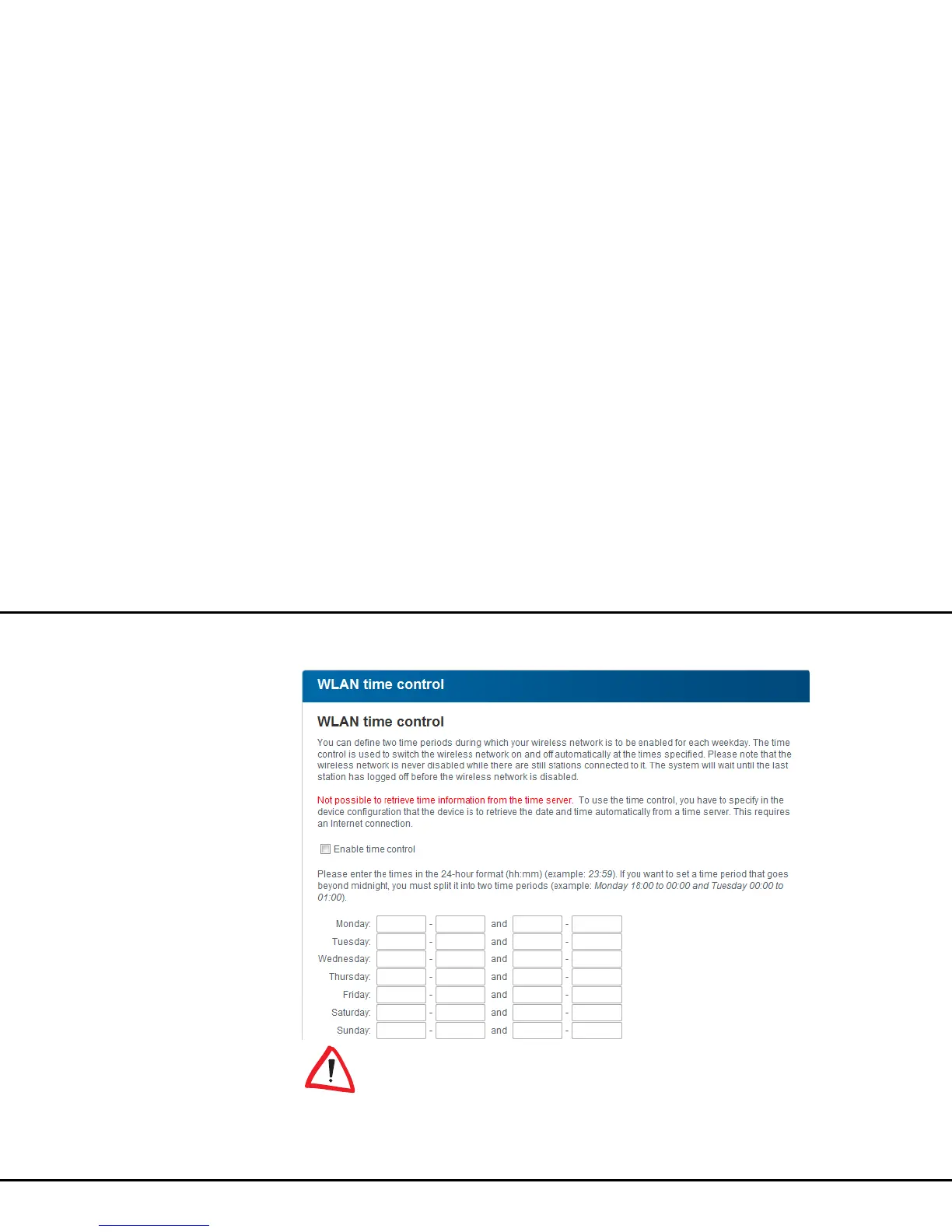
WLAN time control
To be able to use the WLAN time
control, the option Retrieve date and
time automatically must be enabled
under Device configuration Date and
time. An active Internet connection is also re-
quired. (see 4.4.4 Time server)
To be able to use the WLAN time control, enable the
option Enable time control. The time control auto-
matically switches your wireless network on and off at
certain times of the day.














 To Next Page