Network configuration 45
devolo dLAN 200 AVpro Wireless N
The WLAN filter should be used only
as an additional option. By using it
you could limit access to your wire-
less network, but without encryp-
tion it would be relatively easy for
third parties to eavesdrop on all of
your data transmissions.
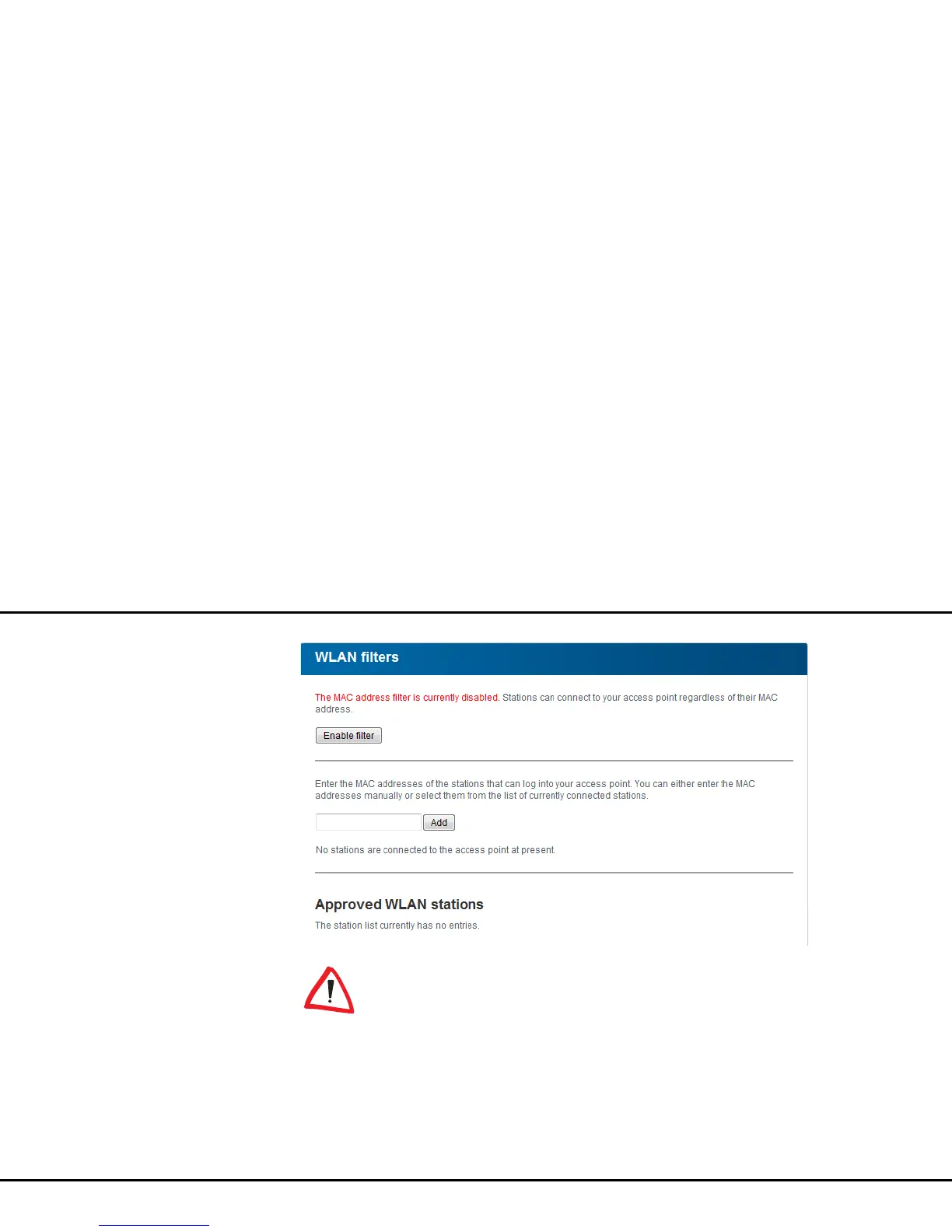
To use the WLAN filter, enable the option Enable fil-
ters. Now you can enter various network devices by
means of what is known as your MAC address for ac-
cess to your dLAN 200 AVpro Wireless N. Confirm
each entry with Add. Network devices or stations con-
nected to your dLAN 200 AVpro Wireless N are auto-
matically listed, that is, to enable an already connected
station for the dLAN 200 AVpro Wireless N, simply se-
lect the MAC address of the respective device and con-
firm it with Add. This then appears under Approved
WLAN stations. To remove an enabled station, select
its MAC address and confirm it with Delete.














 To Next Page