Network configuration 49
devolo dLAN 200 AVpro Wireless N
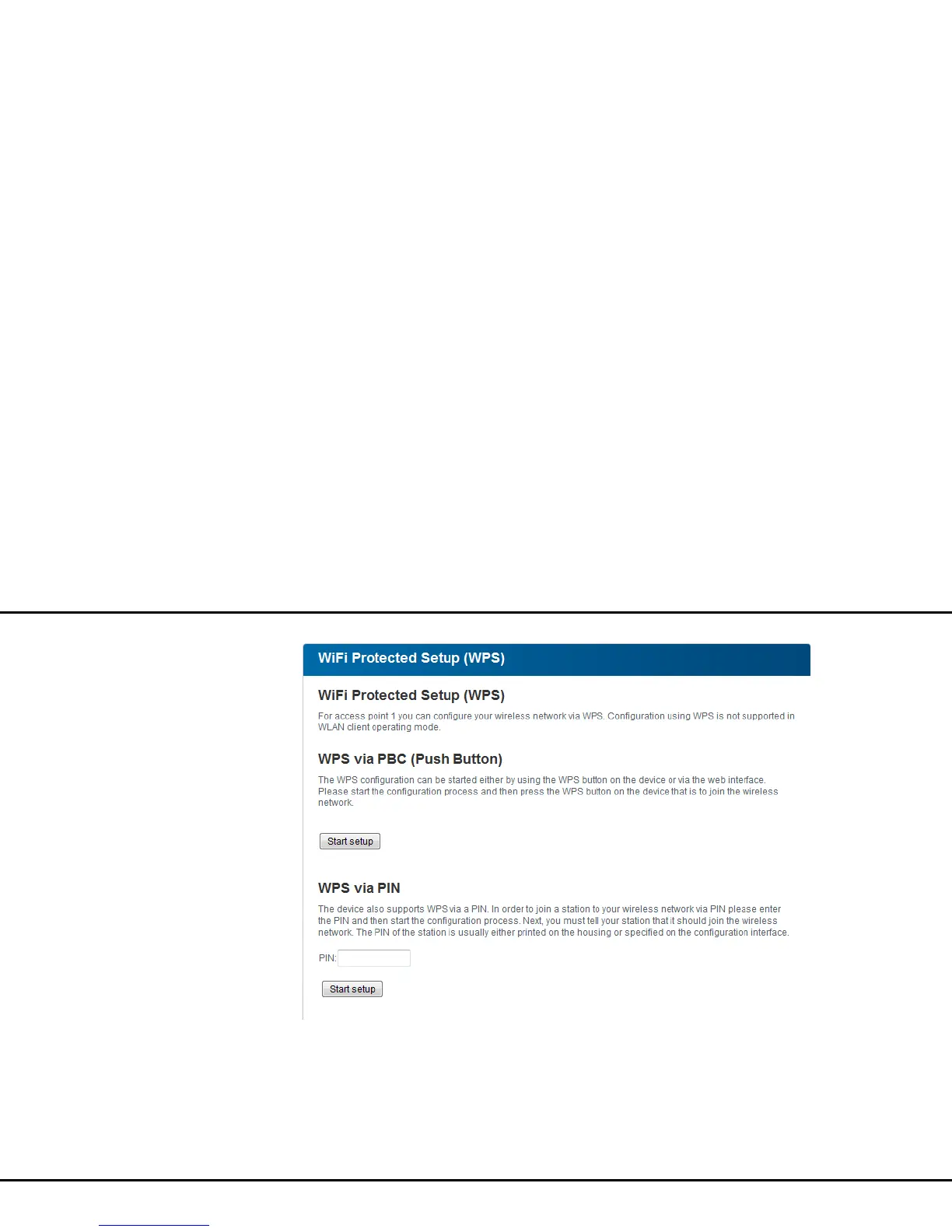
WPS via PBC (Push Button Configuration):
햲 Start the encryption process on the
dLAN 200 AVpro Wireless N
쑗 either by pressing the WPS button on the
front panel of the device or
쑗 by pressing the Start setup button on the
user interface under WLAN configuration
Wi-Fi Protected Setup (WPS).
햳 Then press either the WPS key of the WLAN client
you are adding or the WPS button on the configu-
ration interface. Now the devices exchange their














 To Next Page