10
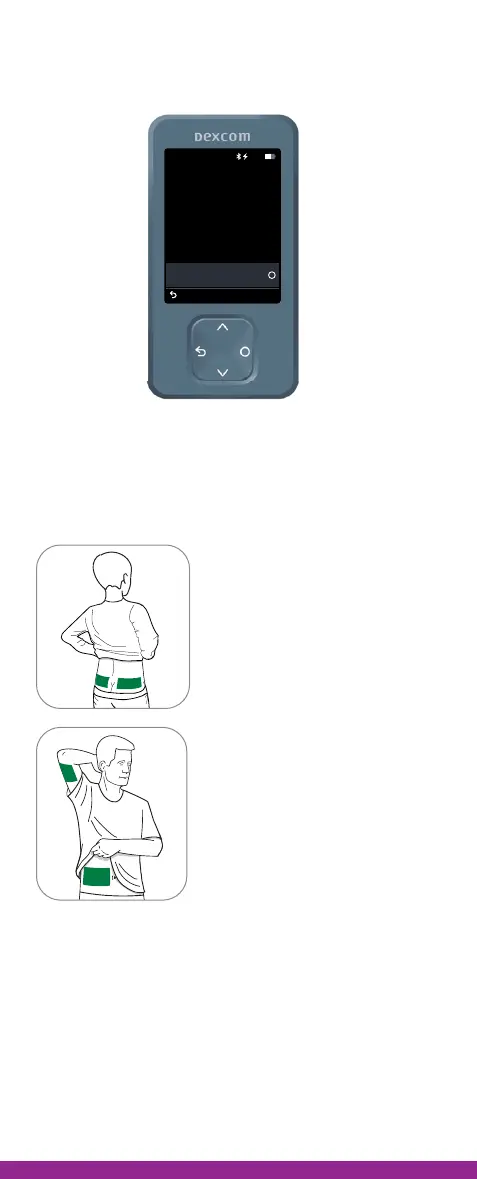
4. When you see this screen, set your receiver
aside. Use the instructions in this guide to insert
your sensor and attach your transmitter.
Step 2: Insert sensor
A. Decide where to insert your
sensor
Ages 2-17 years only
can use upper buttocks.
All people ages 2 and older
can use the abdomen or back
of upper arm.
Avoid:
• Bony areas
• Irritated skin
• Tattoos
• Areas that get bumped
Insert Sensor and
Attach Transmitter
10:30 50%
Confirm that you inserted
your sensor and attached
your transmitter before
pairing.
See insertion instructions in
product information.
Sensor inserted and
transmitter attached
Back



 To Next Page