3
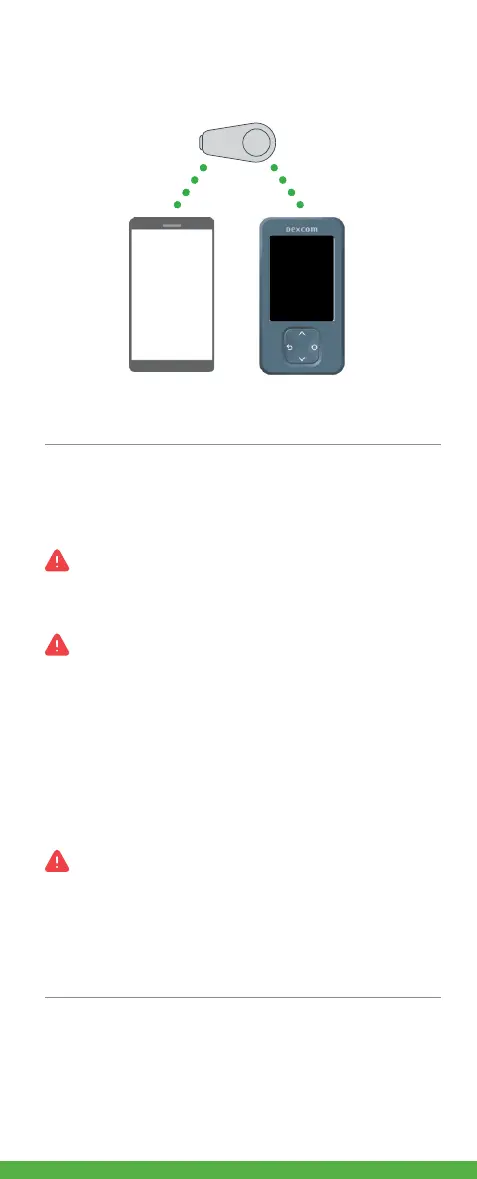
How does it work?
After you set up your Dexcom ONE, the transmitter
sends sensor readings to your display device.
All graphics are representational.
Your product may look different.
Critical safety notices!
Dexcom ONE alerts
No glucose alerts unless you turn them on.
• Turn on alerts during setup to get glucose and
system alerts when sensor warmup is over.
Dexcom ONE alerts will NOT override your
smartphone settings.
• You will NOT hear high or low glucose alerts if
your phone is set to silent (sound is turned off).
• You will hear alerts ONLY when your smartphone
sound is turned on.
• Check your smartphone settings or you may miss
an alert.
Dexcom ONE alerts will NOT override your
receiver settings.
• If your receiver is set to vibrate, you will not hear
high or low glucose alerts.
• Turn on receiver sound to hear alerts.
Use your system safely
Read all product instructions before using Dexcom
ONE, including the Safety Statements in your
Dexcom ONE User Guide.



 To Next Page