8514-265-001 REV C PAGE 20
TOUCH PAD DESCRIPTION
INDICATOR LIGHTS (L.E.D.s)
Description
Cycle (1 through 5) These L.E.D.s are on solid when a particular cycle is chosen
for operation or programming.
Heating Elements This L.E.D. is part of the 4-digit numeric display and will be
on solid during the drying part of a cycle when the heating
elements do not need to be on. The L.E.D. will be blinking
when the heating elements need to be on. The L.E.D. will
not be on solid or blinking (off) if the cycle is stopped,
complete, in cool down, or terminated.
Programming These L.E.D.s are on solid as they are selected during the
programming of the dryer controller.
Stop This L.E.D. is on solid when either the STOP button is
pressed once or the door is opened during an operating
cycle.
SWITCHES (Pushbuttons)
Description
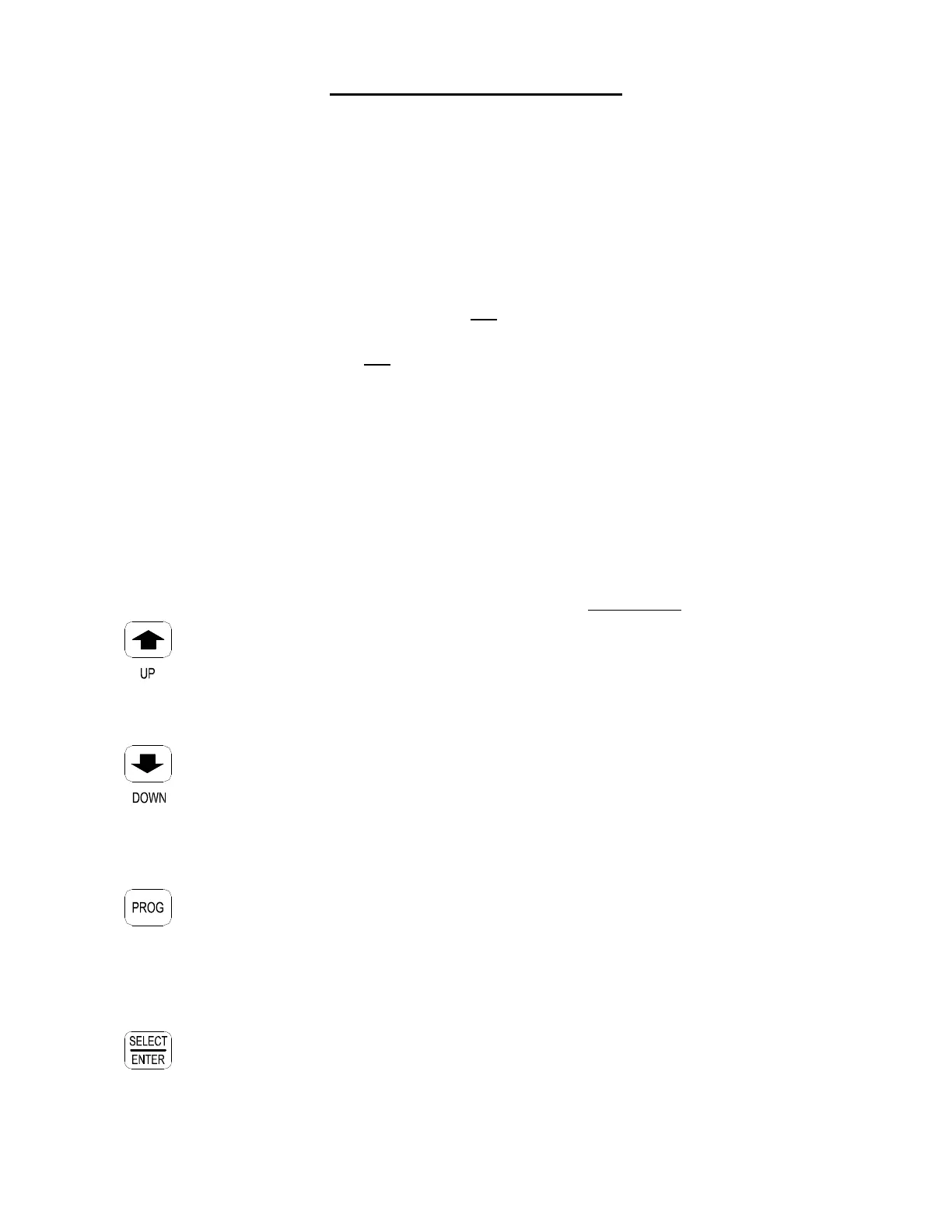
This touch pad switch will increment (increase) dry time,
cool down time, and drying temperature. It will also scroll
upwards when selecting a dry cycle.
Up/Increase
This touch pad switch will decrement (decrease) dry time,
cool down time and drying temperature. It will also scroll
downwards when selecting a dry cycle.
Down/Decrease
This touch pad switch allows the dryer controller to enter the
permanent programming mode.
Program
This touch pad switch will select one of the three variable
parts of the dry cycle (dry time, temperature, or cool down)
by sequencing through them. Once one of the variable parts
of the dry cycle is chosen and changed, this touch pad
switch will enter the new (changed) value into the dry
Select/Enter cycle program.




 To Next Page