36
2
Hardware Installation
1
Attention:
The DRAM voltage as originally supported by the spec is up to
2.85V only. Jumper JP17 allows you to select beyond the
defined spec. Although this function is supported, selecting a
higher voltage may cause unstable current supplied to the
system board which may subsequently cause damage to the
CPU and DIMMs.
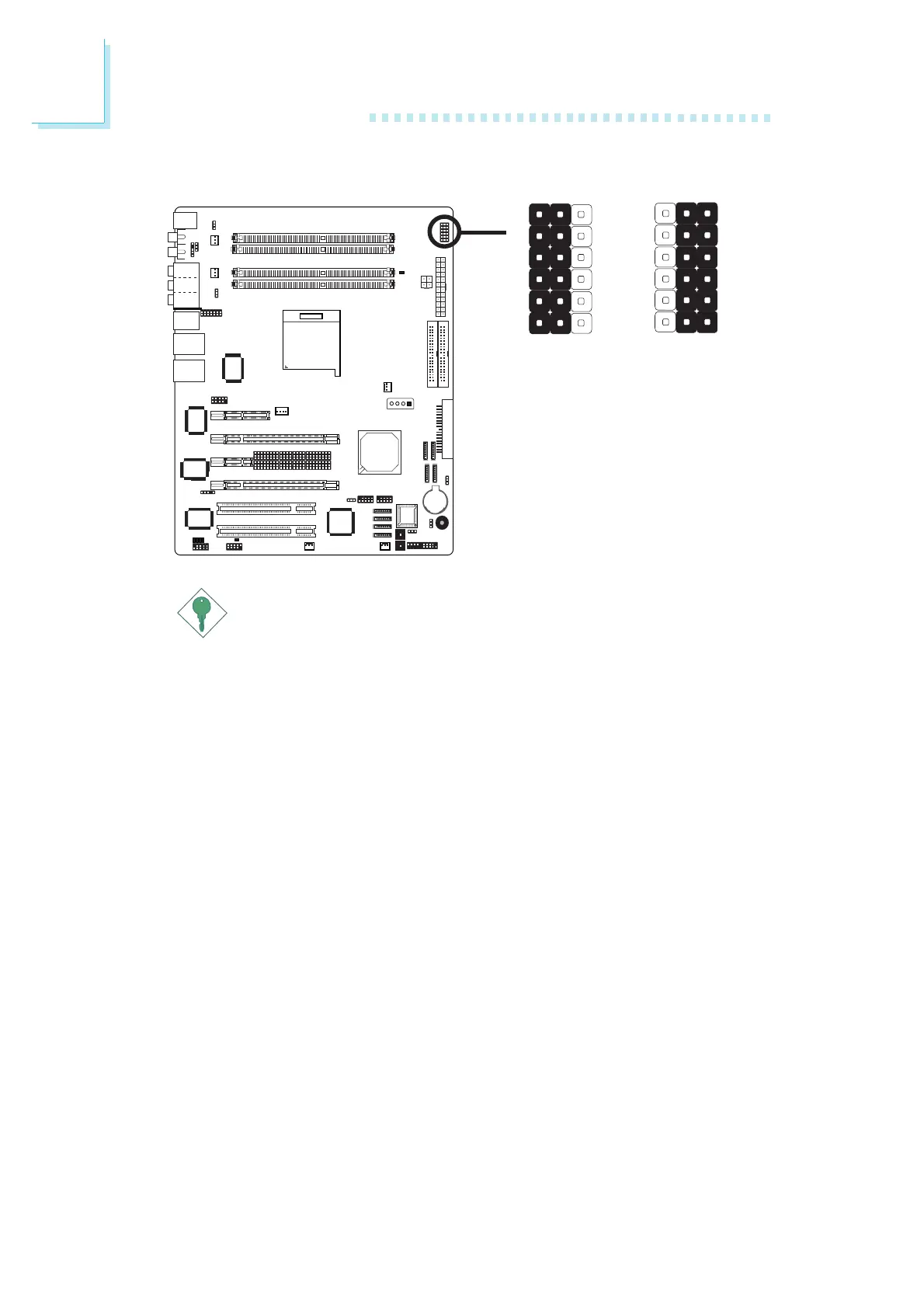
Jumper JP17 allows you to set the DRAM's voltage up to 4V. To
select the DRAM's voltage:
1. Run the Award BIOS setup utility to select the CPU's voltage in
the "CPU VID Control" field of the Genie BIOS Setting submenu.
You can select any voltage except "Auto".
2. Power-off the PC then unplug the power cord. Failure to do so
will cause severe damage to the system board and components.
3. Move the jumper cap from 1-2 (default) to 2-3 (expand
DRAM’s voltage up to 4V).
4. Plug the power cord then power-on the PC.
1-2 On:
Default
312
2-3 On:
Expand DRAM's
Voltage up to 4V
1
X
JP17
32
DRAM 4V Select













 To Next Page