43
2
Hardware Installation
1
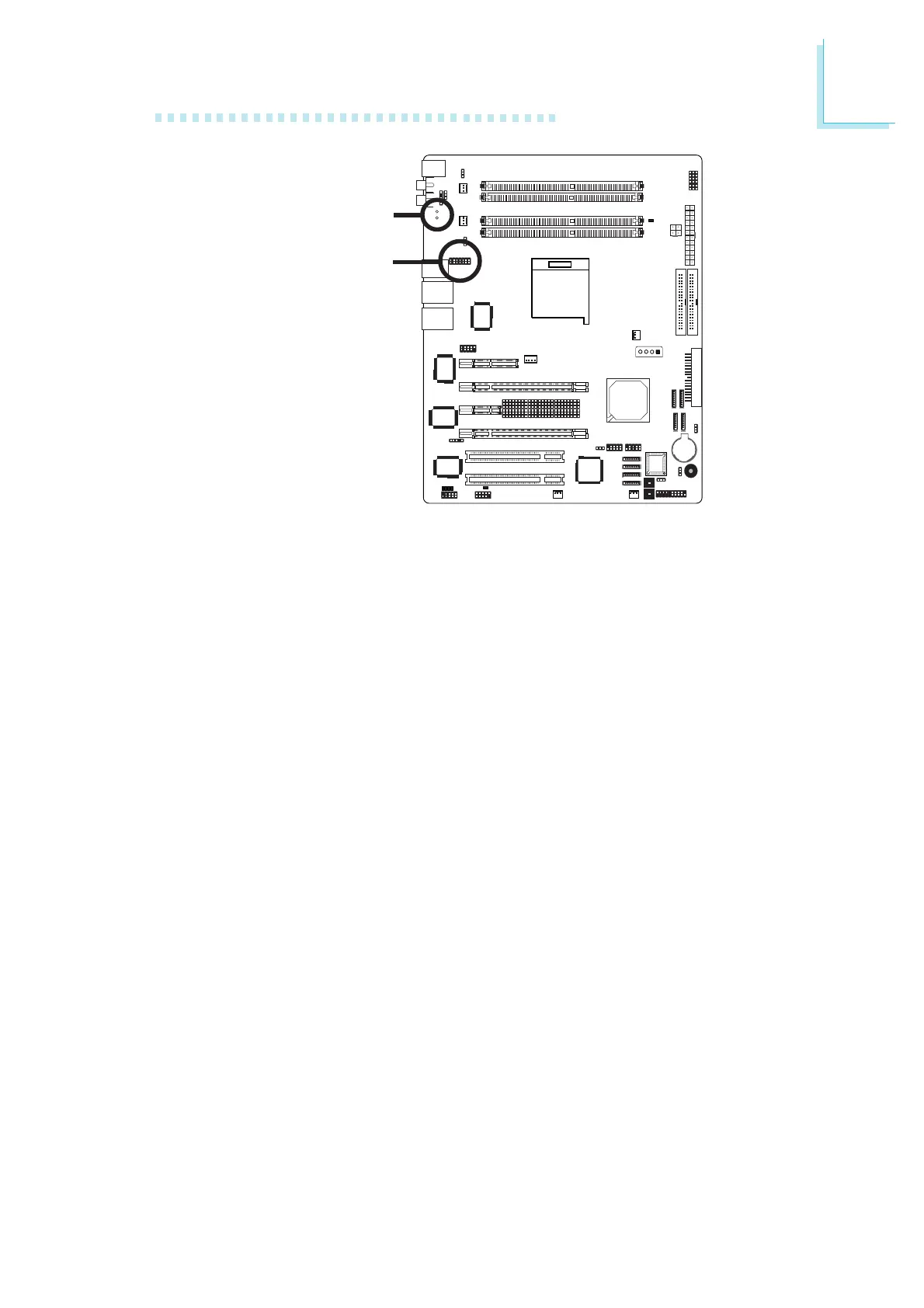
Karajan Audio Jacks
• Line-in (Light Blue)
This jack is used to connect any audio devices such as Hi-fi set,
CD player, tape player, AM/FM radio tuner, synthesizer, etc.
• Front Right/Left Jack - Line-out (Lime)
This jack is used to connect to the front right and front left
speakers of the audio system.
• Mic-in Jack (Pink)
This jack is used to connect an external microphone.
• Center/Subwoofer Jack (Orange)
This jack is used to connect to the center and subwoofer
speakers of the audio system.
• Rear Right/Left Jack (Black)
This jack is used to connect to the rear right and rear left
speakers of the audio system.
• Side Right/Left Jack (Gray)
This jack is used to connect to the side left and side right
speakers of the audio system.
Mounting holes
Karajan audio
connector (J7)













 To Next Page