42
2
Hardware Installation
To install:
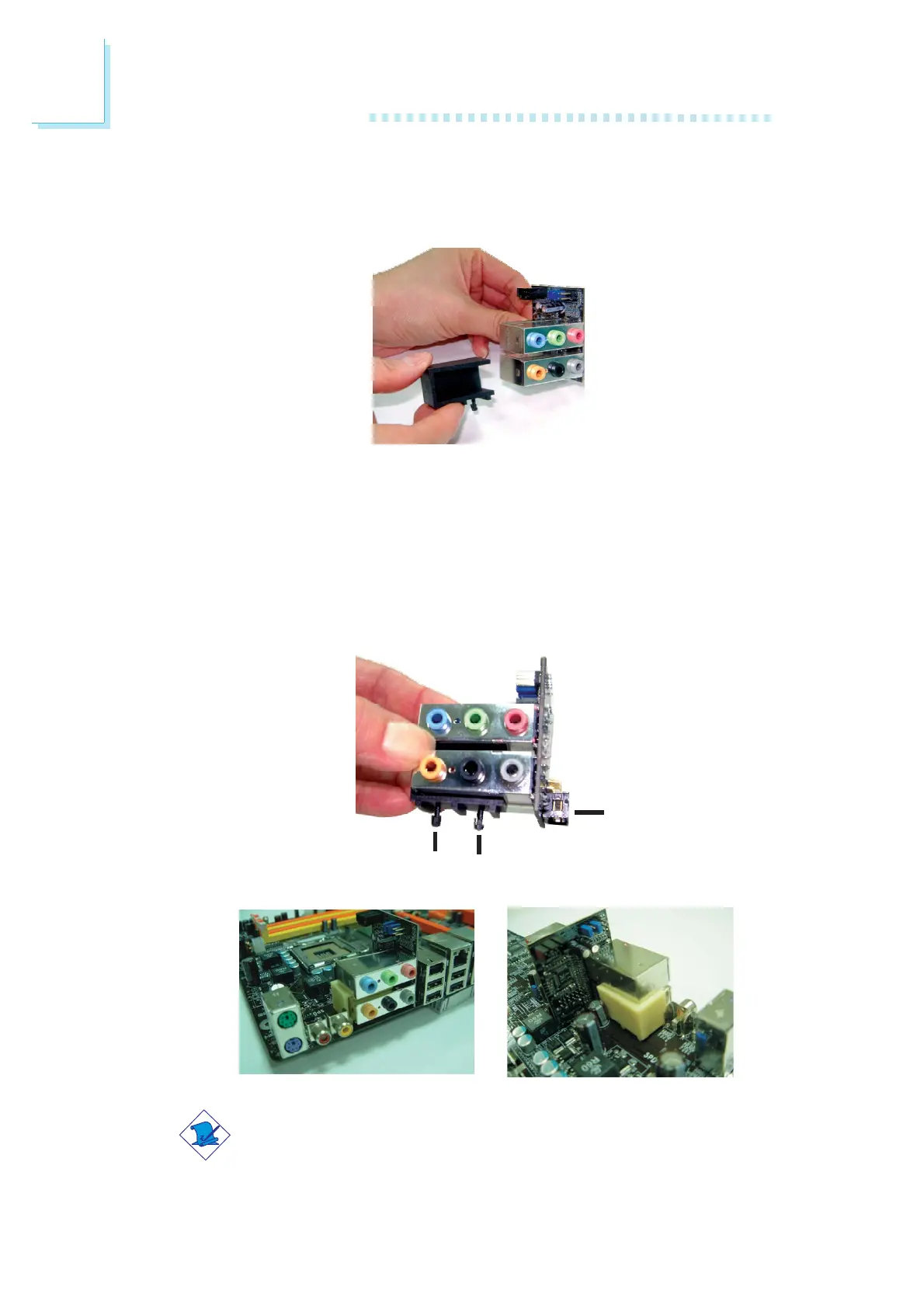
1. Fit the module holder onto the Karajan audio module.
14-pin connector
Plug
Plug
2. Align the module’s plugs above the mounting holes then insert
the plugs from the top through to the bottom of the system
board. While at it, the 14-pin connector at the solder side of the
module must also insert into the Karajan audio connector at
location J7 of the system board. Make sure the plugs snap firmly
out the bottom of the board.
Note:
The illustrations in this section are for reference only. The color
of the module holder may differ from the actual one.













 To Next Page