With LAN connections, simultaneous connections to multiple machines are possible. However, output data from
the computer to one machine at a time. Simultaneous output to multiple machines is not supported.
Step 1: Determining the Network Addresses
Important: Windows rewall function
During LAN communication, this machine uses TCP ports 9100 and 9500. If using the Windows
rewall function, set it so that ports 9100 and 9500 are not blocked.
Important: Network settings
The settings listed here are only an example. The procedure and settings given in this manual do not
match every environment. In an environment where the computer being used is connected to
multiple network devices and the Internet, inappropriate settings will have a large eect on the
entire network. For detailed information about the settings, consult your network administrator.
Determine the IP address, subnet mask, and default gateway to connect the computer and this machine via a
LAN.
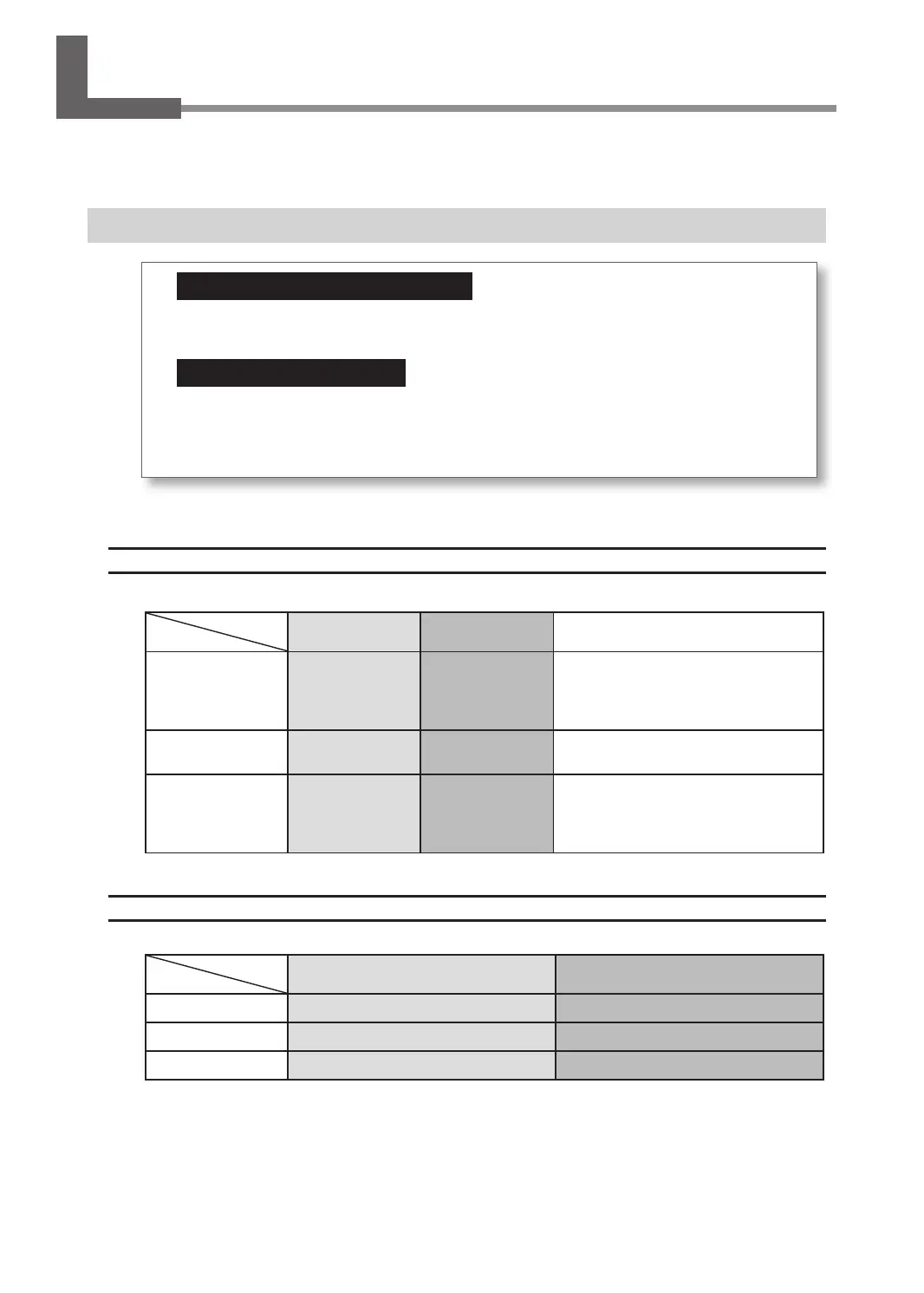
Connecting the Computer and the Machine Directly
* The settings used in this section are merely examples.
Computer Machine Remarks
IP address 192.168.1.XXX 192.168.1.YYY
Ensure that these are unique numbers
compared to other network devices and
that "XXX" and "YYY" represent unique
numbers from 1 to 254.
Subnet mask 255.255.255.0 255.255.255.0
Use the same number for the computer
and engraving machine.
Default gateway 192.168.1.AAA 192.168.1.BBB
"AAA" and "BBB" represent unique
numbers from 1 to 254. This setting
may not be necessary. For details,
check with your network administrator.
Connecting to an Existing LAN Environment
For each setting value, check with your network administrator.
Computer Machine
IP address Check with your network administrator. Check with your network administrator.
Subnet mask Check with your network administrator. Check with your network administrator.
Default gateway Check with your network administrator. Check with your network administrator.
Connecting to the Computer (LAN Connection)
28



 To Next Page