How to View the Electronic-Format Manual
Windows 10
From the [Start] menu, click [DGSHAPE DE-3], and then click [Setup Guide] or [User's Manual].
Windows 8.1
On the [Start] screen, click
. On the [Apps] screen, click [Setup Guide] or [User's Manual]
under [DGSHAPE DE-3].
Windows 7
From the [Start] menu, click [All Programs], [DGSHAPE DE-3], and then click [Setup Guide] or
[User's Manual].
Step 4: Conguring the Network Settings for This Machine
A
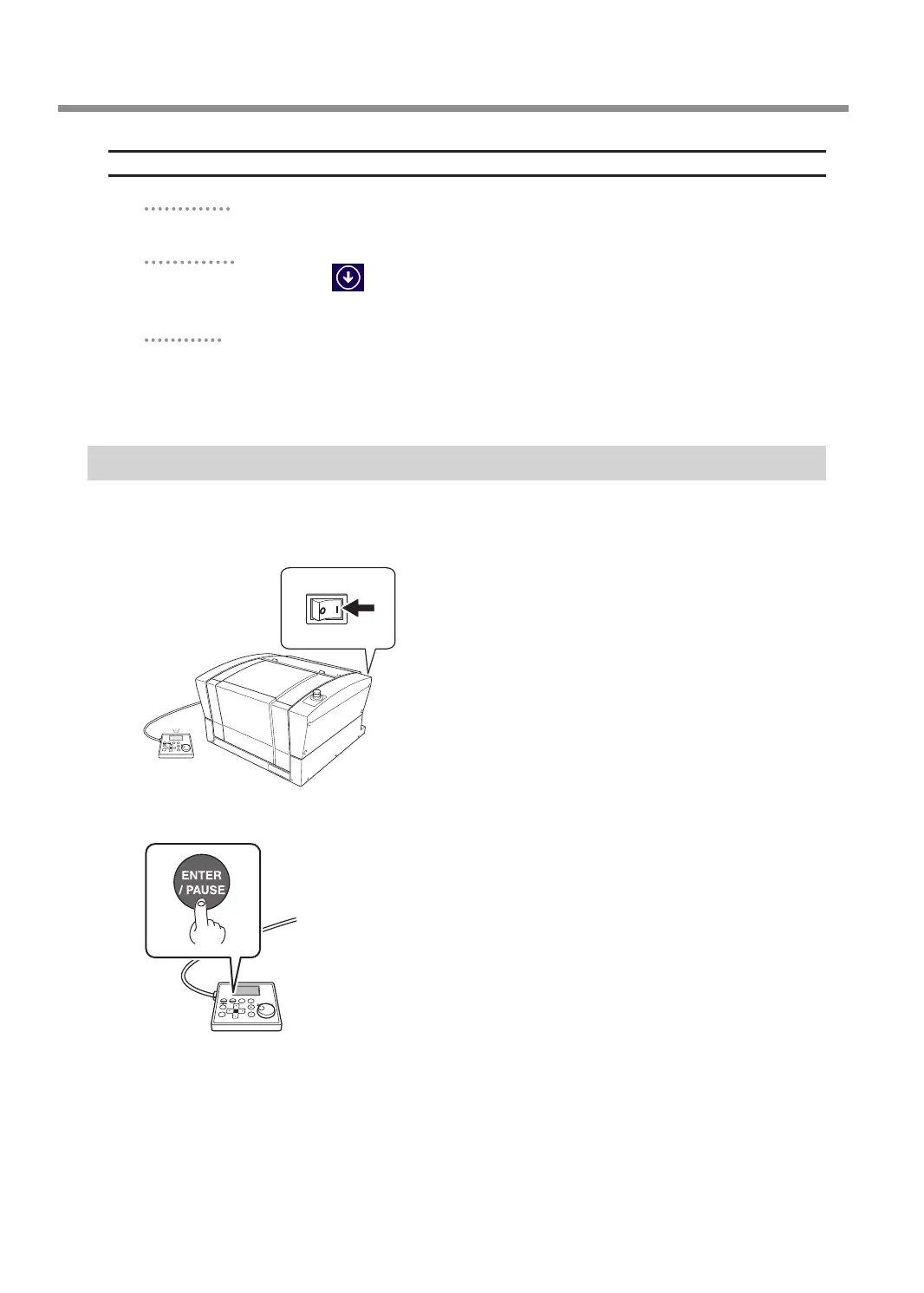
If the front cover is open, close it.
B
Switch on the power switch.
ON
C
Press [ENTER/PAUSE].
Connecting to the Computer (LAN Connection)
34



 To Next Page