D
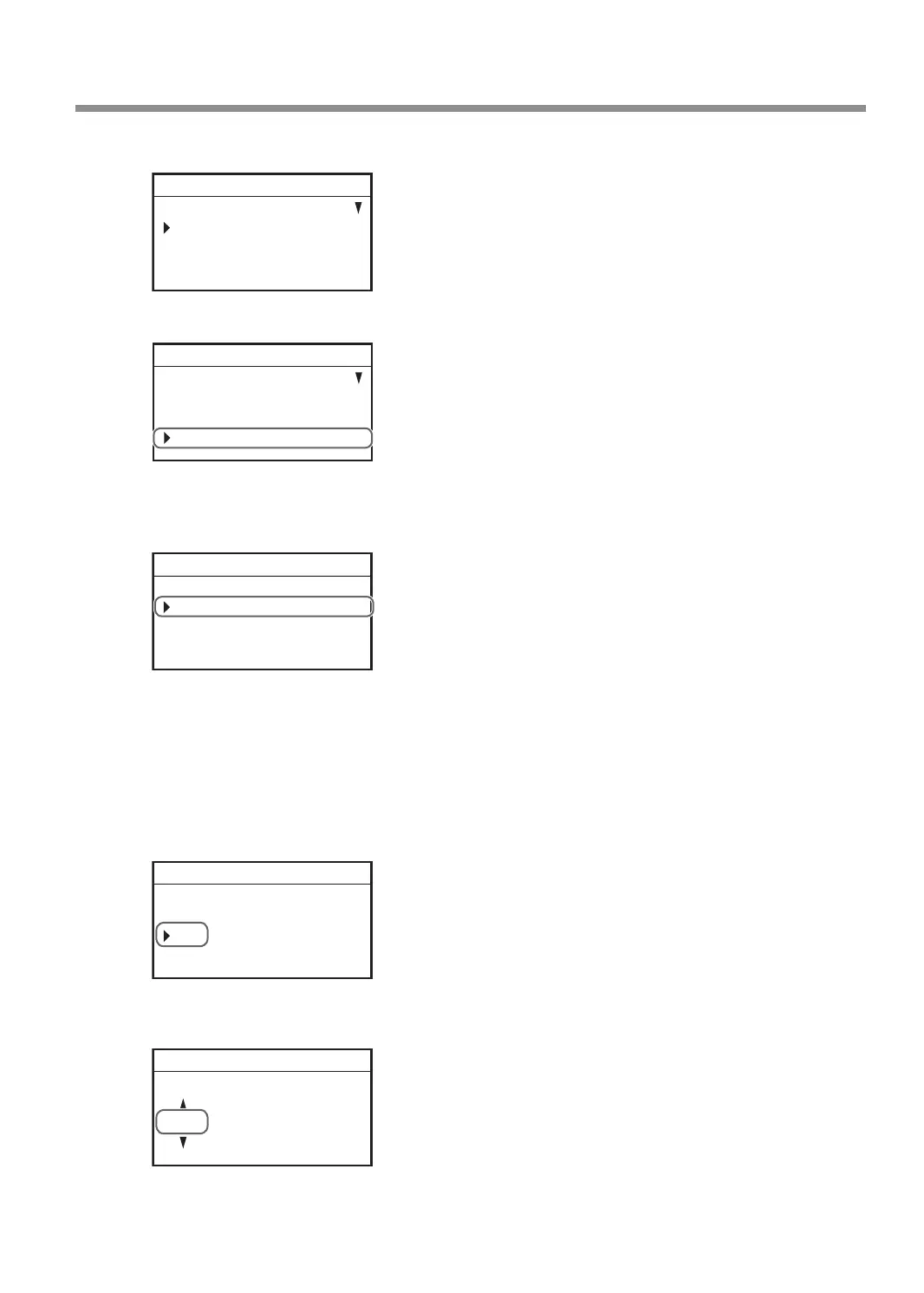
Press [MENU/TOP] on the handy panel several times to display the following menu.
SETTINGS
OPERATING MODE
SPINDLE REVOLUTION ON
AUTO Z CONTROL OFF
012345678901234567 READY
E
Turn the [Dial] and select [LAN].
DISTANCE CORRECTION
LASER CORRECTION
LAN
012345678901234567 READY
F
Press [ENTER/PAUSE].
G
Turn the [Dial] and select [IP].
LAN
IP 192.168.001.254
SUBNET 255.255.255.000
GATEWAY 000.000.000.000
012345678901234567 READY
H
Press [ENTER/PAUSE].
I
Set the IP address.
Enter the IP address for this machine you determined in step P. 28 "Step 1: Determining the
Network Addresses".
1 Turn the [Dial] to move the cursor to the section to change.
IP
192 . 168 . 001 . 254
012345678901234567 READY
2 Press [ENTER/PAUSE].
3 Turn the [Dial] to set the value.
IP
192 . 168 . 001 . 254
012345678901234567 READY
Connecting to the Computer (LAN Connection)
35



 To Next Page