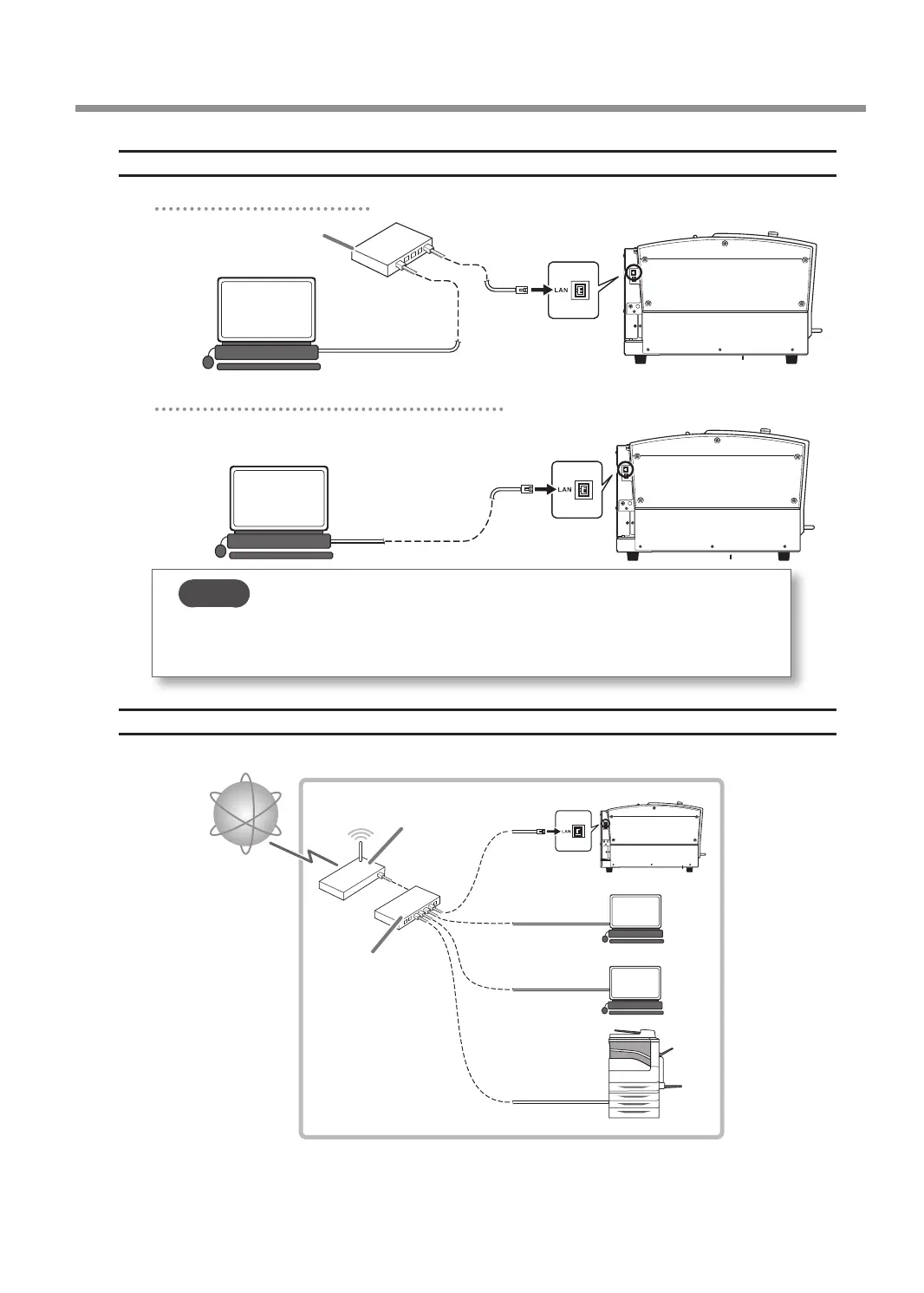
Connecting the Computer and the Machine Directly
Connecting through a LAN hub
Left side
LAN hub
Connecting the machine and the computer directly
Left side
MEMO
A direct connection to the machine is possible when using a crossover cable. In addition, if the
computer supports AUTO MDI/MDI-X, a direct connection to the machine is possible when
using a straight cable.
Connecting to an Existing LAN Environment
* An example of a LAN (Local Area Network) conguration
LAN hub
Router
Connecting to the Computer (LAN Connection)
37



 To Next Page