14
INSTRUCTIONS
Note: Adjusting the screen size, you will need to select play settings and
change the ARconversion to ex;PAN&SCAN or combined depending on
TV Screen type. If not changed the picture will look elongated or in a
Letter box format.
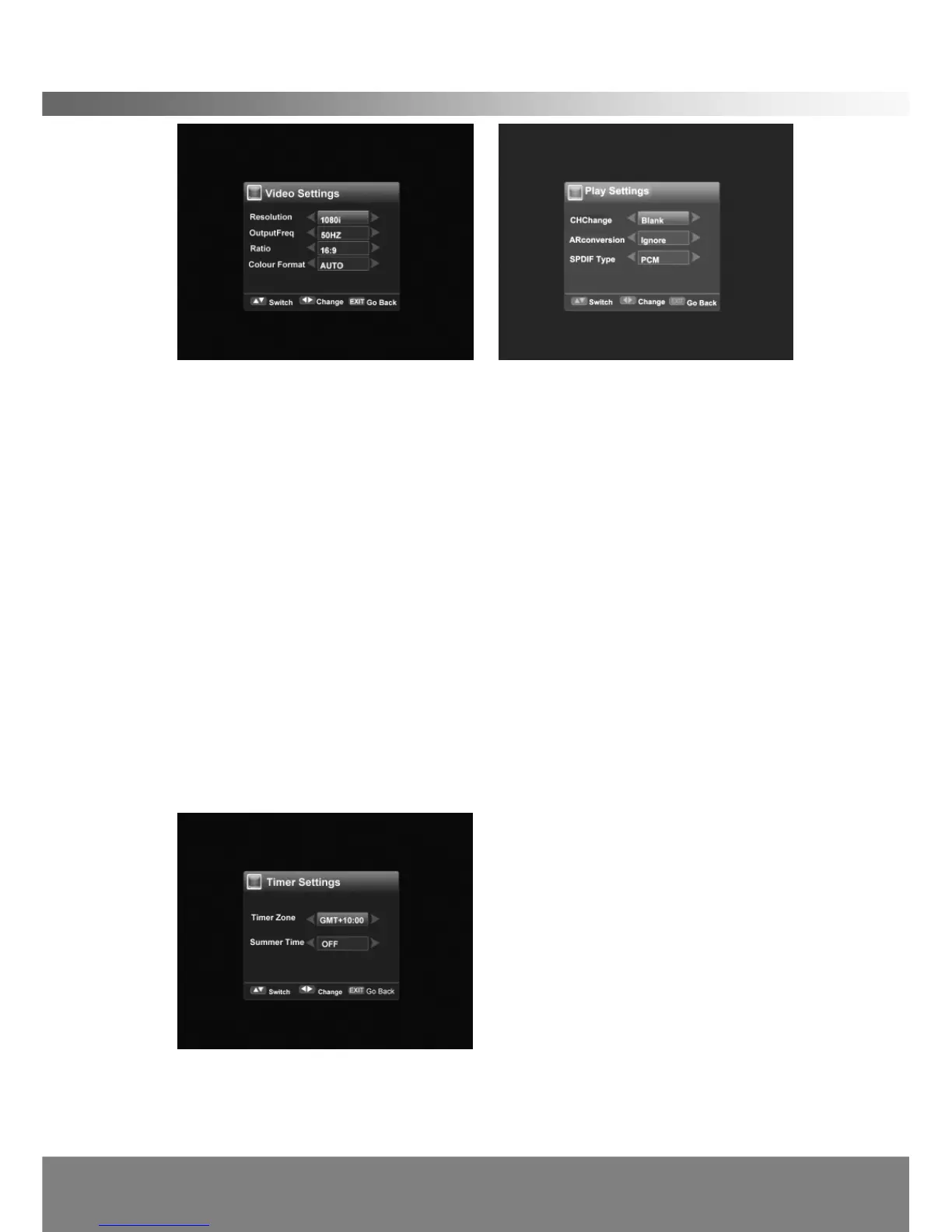
< Play Settings >
In this menu, you can use the Left/Right button to change the settings, Up/Down to
select the item or press EXIT to cancel.
Use Left/Right button to select the mode of screen display when changing channels
(Freeze/Blank).
Use Left/Right button to select the ARconversion (lgnore/ Pan&Scan /LetterBox/
Combined). This changes the screen size.
Use Left/Right button to select the SPDIF type (PCM/AC3). This only applies if unit
is connected to a surround sound amplifier.
< Time Settings >
In this menu, you can use the Left/Right button to change the Local Time and the
settings, and Up/Down to select the item or press EXIT to cancel.
Time Zone: Use Left/Right button to set the time using GMT in Time Zone setting.
Summer Time: Use Left/Right button to select the Summer Time mode to
(ON/OFF). This function is used to adjust the time during daylight savings.



 To Next Page