19
INSTRUCTIONS
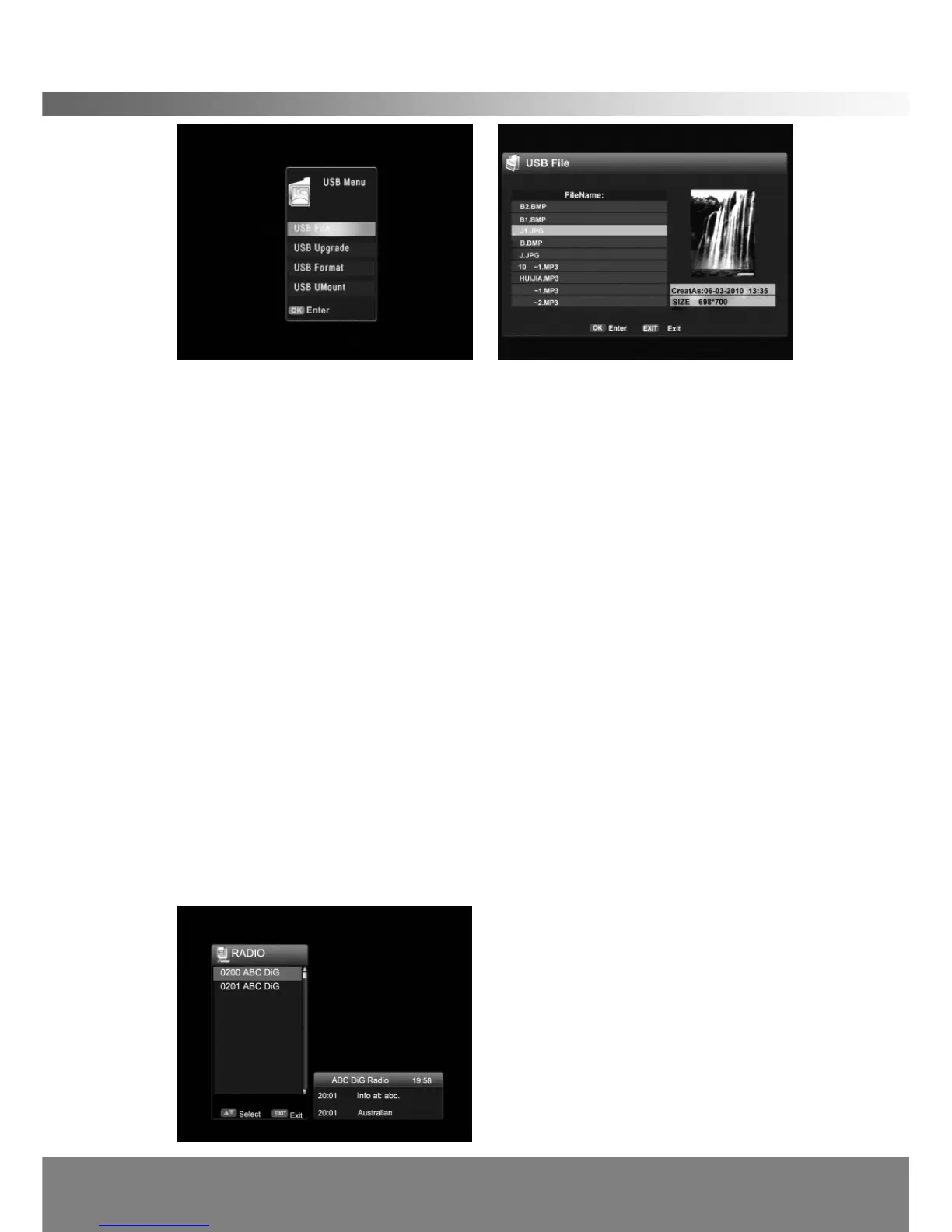
< USB Format>
You can format the USB storage device in this menu. (All the files stored in the USB
storage device will be deleted.)
< USB UMount >
UMount the USB storage device from the STB.
(Note: Do not remove the USB device when viewing the files in the USB
storage device. These files must be named by English, either can’t contain
marks such as “[ ]
﹨
”and so on.)
2.9 TeleText
If you have selected a channel that contains teletext data, you can press TEXT
button to open the OSD Teletext (available on ch7)
< TV/Radio and Favorite List in Simple Mode >
If you press OK on the remote control while watching television, the channel list is
displayed.
You can switch between TV and Radio lists by pressing TV/RADIO button.
You can select one item from favorite list by pressing FAV button.
You can view the channel by pressing the Up/Down button.



 To Next Page