20
REC QUICK START GUIDE
NOTE: A Storage Media Must Be Connected to the DG-HD3040 USB Port.
Only FAT32 USB Flash Drives or Externally Powered FAT32 Hard Disk Drives
are supported.
3.1 Instant Recording
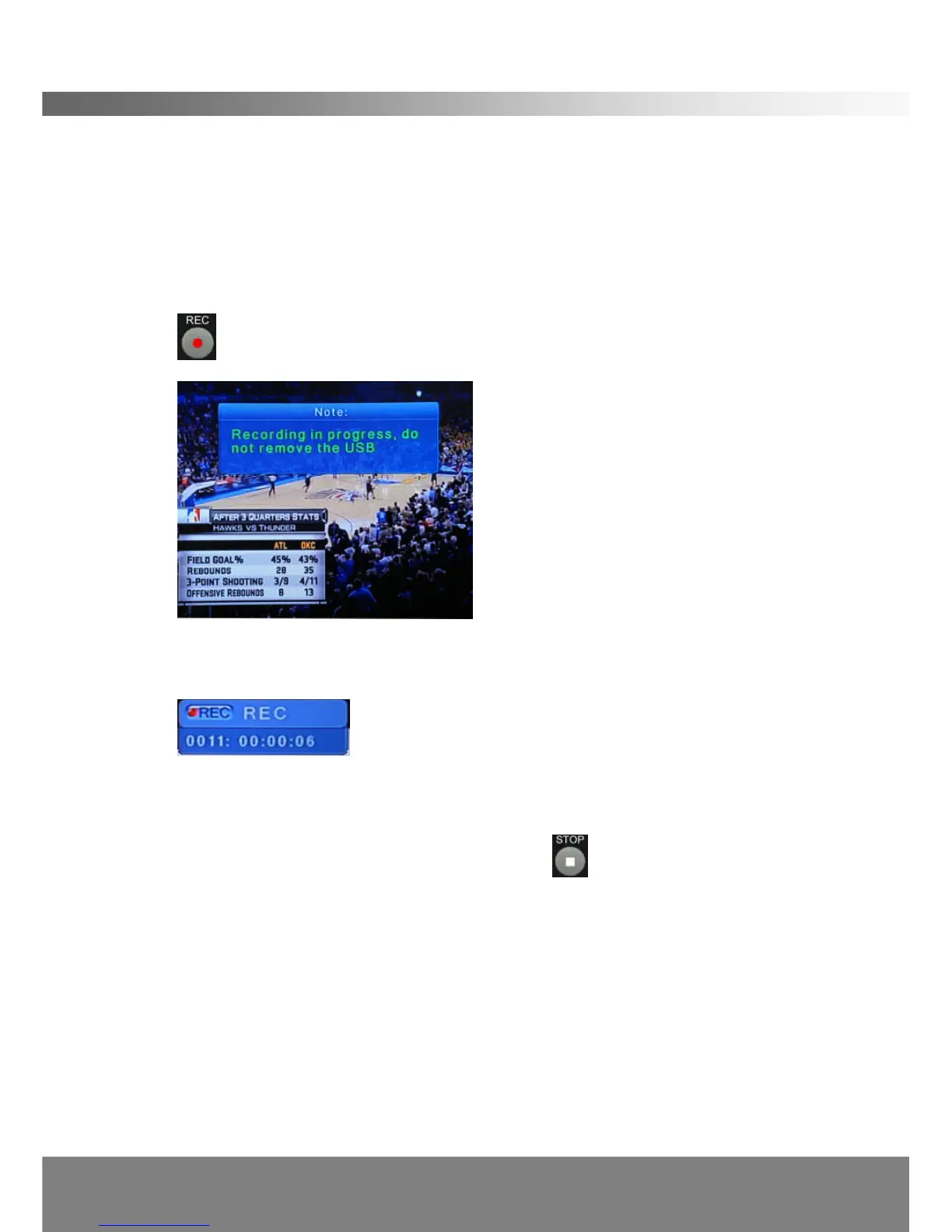
You can, at any time, record a program that you are watching by simply pressing the
button on the remote control. The following will appear on the TV for 5 secs:
The following icon will then appear on the top right hand corner of the TV for 10
seconds:
The first 4 digits indicate the channel and the remaining 6 digits indicate the
recording duration in hr:min:sec.
You can stop the recording at anytime by pressing on the remote control.
Note: The DG-HD3040 will only playback recorded files that are 1 min and
longer.
3.2 Scheduling Recordings
You can create your personal recording schedules to record any programmes at any
time. The DG-HD3040 can be switched to Active Stand-By* after the schedule is
created.



 To Next Page