24
REC QUICK START GUIDE
3.5 Record One Channel And Watch A Second Channel At The
Same Time
Unlike other single tuner STBs, the DG-HD3040 allows you to record a program and
watch a second program on a different channel at the same time. Since this is a
single tuner STB, you can only execute this function on channels provided by the
same broadcaster and on the same bandwidth.
For example, Record a program on CH90 and simultaneously view another on CH99;
or Record a program on SBS30 and simultaneously watch another on SBS32.
3.6 Playback Recorded Programs
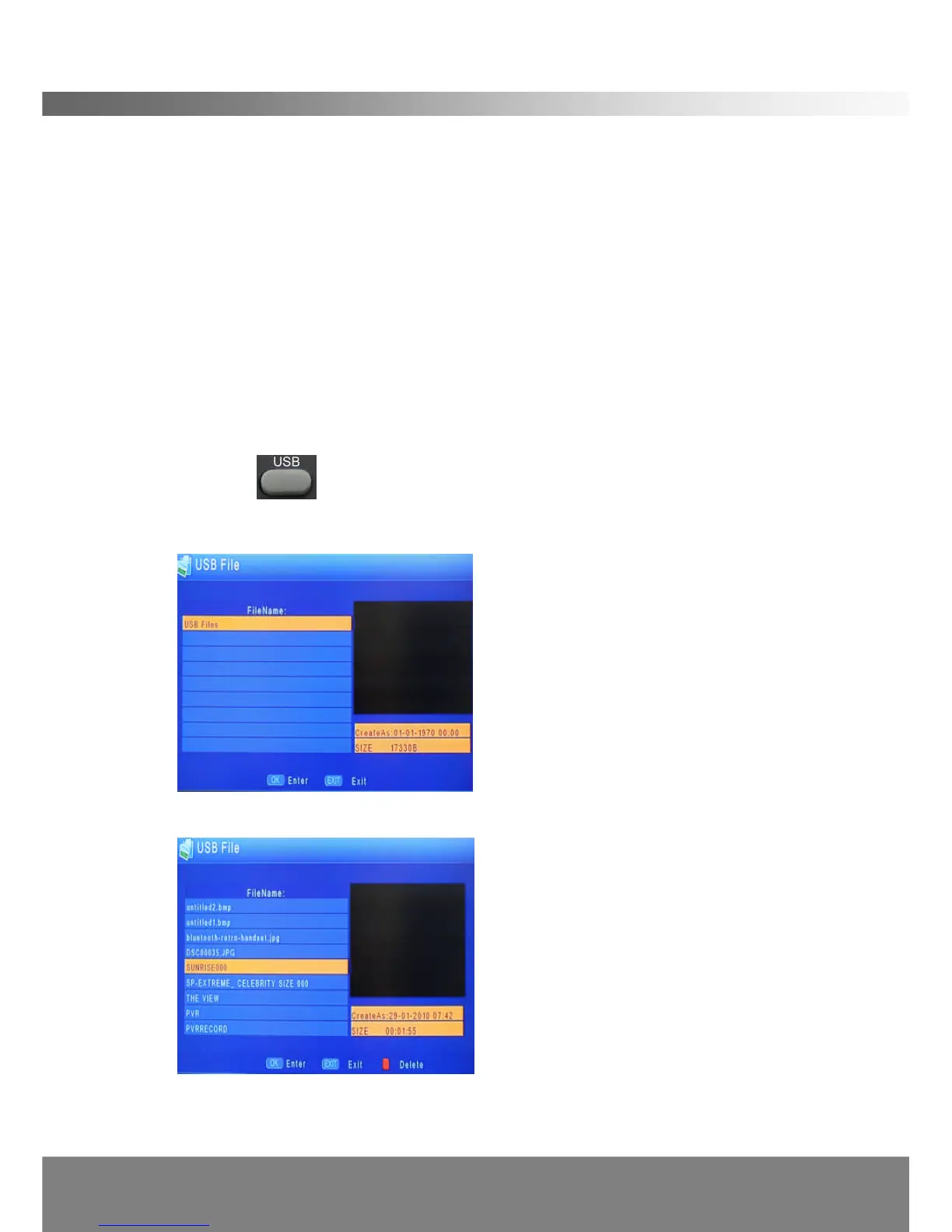
Insert a USB storage device that contains programs recorded by your DG-HD3040.
Press the button on the remote control to access the device file list. You
will see the following screen:
Press OK to view the contents of the storage device:
Navigate / to the desired program title and press OK to play the file.



 To Next Page