13
INSTRUCTIONS
Event
Live play will switch to the channel specified at the requested time. Power off will turn
off the unit at the time set.
Channel
Channel selected will be viewed at the time set. You will need to press the OK button
on the remote control in order to select the channel.
2.3 System Settings
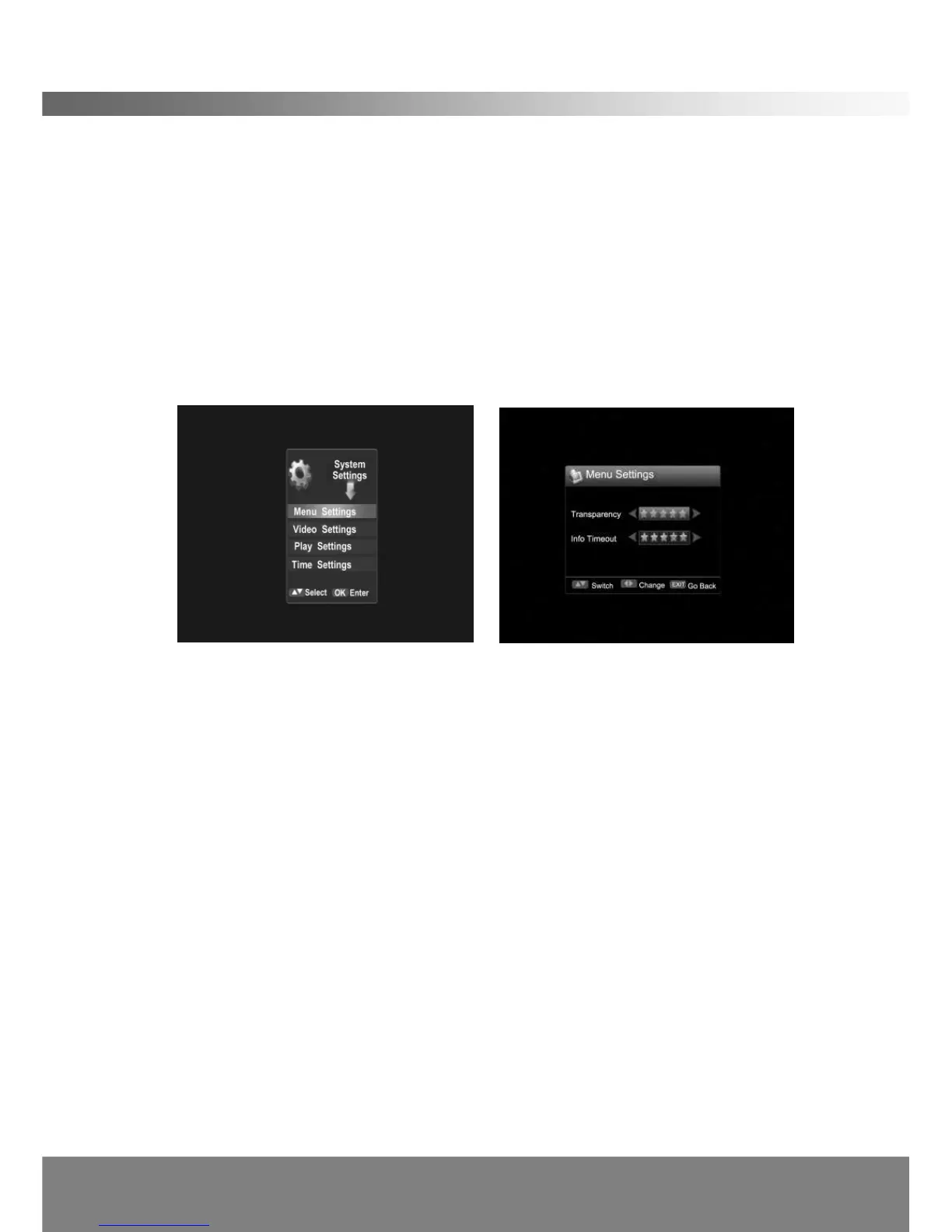
Scroll right when menu is present, and press OK on system Settings. The following
screen will appear
< Menu Settings >
In this menu, you can use the Left/Right button to change the settings, Up/Down to
select the item or press EXIT to cancel.
Transparency
This setting controls the OSD transparency level.
Info Timeout
Select the duration of the visibility when a banner is displayed.
< Video Settings >
Resolution
Resolution can be changed depending on the television used. (1080i/720p/576p)
OutputFreq
You can switch freq between 50Hz and 60Hz.
Ratio
You can switch aspect ratio between 4:3 and 16:9 Widescreen.
Color Format
The STB will automatically convert and output the color mode regardless of the
current program’s color system.



 To Next Page