17
INSTRUCTIONS
2.6 Week EPG
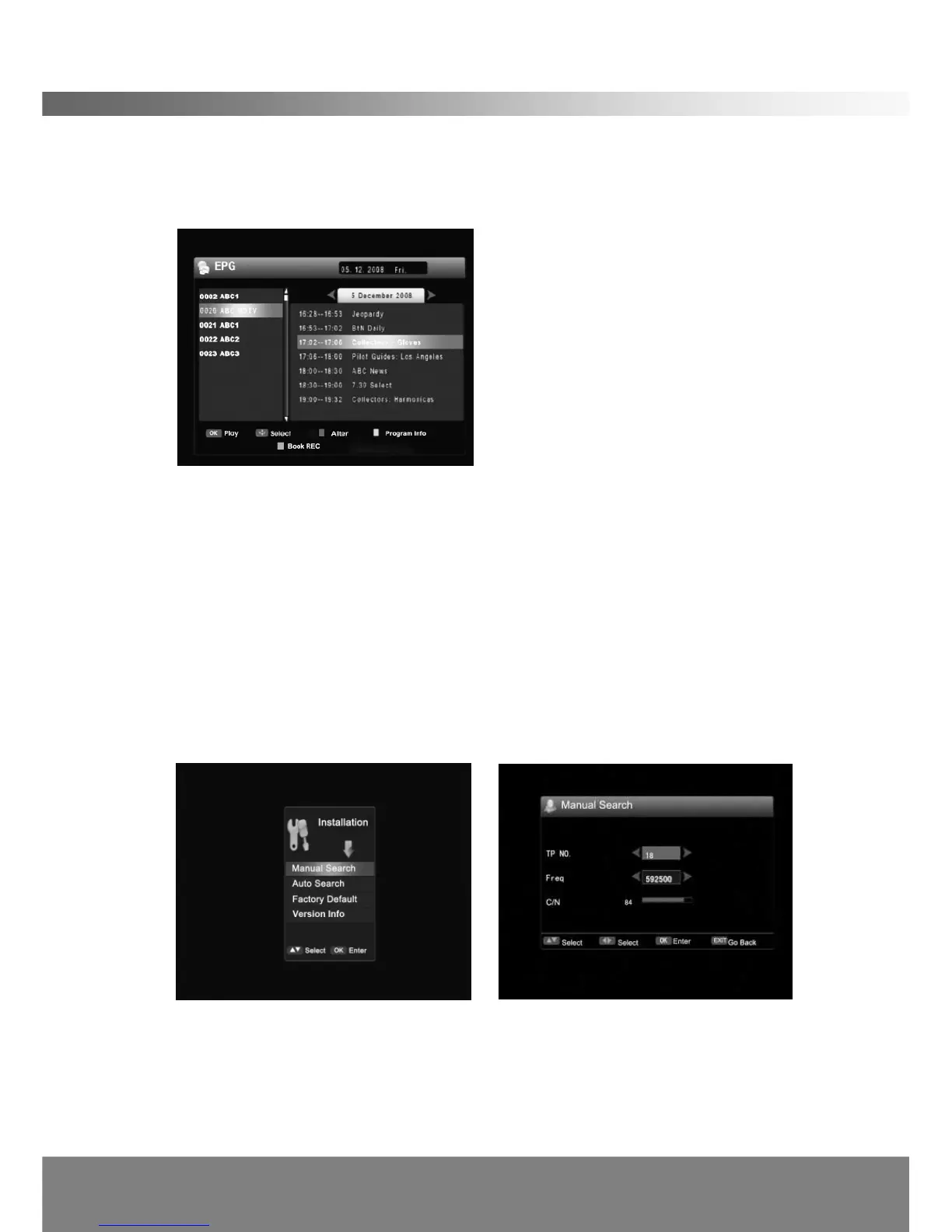
EPG shows the event information on all channels. The event is displayed only for the
channels that have EPG information. If you press EPG, the following screen will
appear.
By pressing the OK button on a highlighted channel will exit the EPG and preview
the chosen channel. Press the UP/DOWN button to select a channel. Press the
LEFT/RIGHT button to view EPG of a particular channel on a daily basis. Press the
Blue button to alter to the program window. Pressing the Yellow button will access
information page on the highlighted program. Press the EXIT button to close the
EPG menu.
2.7 Installation
Use Left/Right buttons to select the Installation Menu. Press OK and the following
screen will appear.
< Manual Search >
1. If you press OK on Manual Search in the Installation Menu, the above screen will
appear.
2. Use the Up/Down button to select the item, and change the settings with the
Left/Right and number (0~9) buttons. (Used to change input frequency)



 To Next Page