3. OPERATION
Page 23 © 1998 DH Instruments, Inc.
RANGES AND IDENTIFICATION
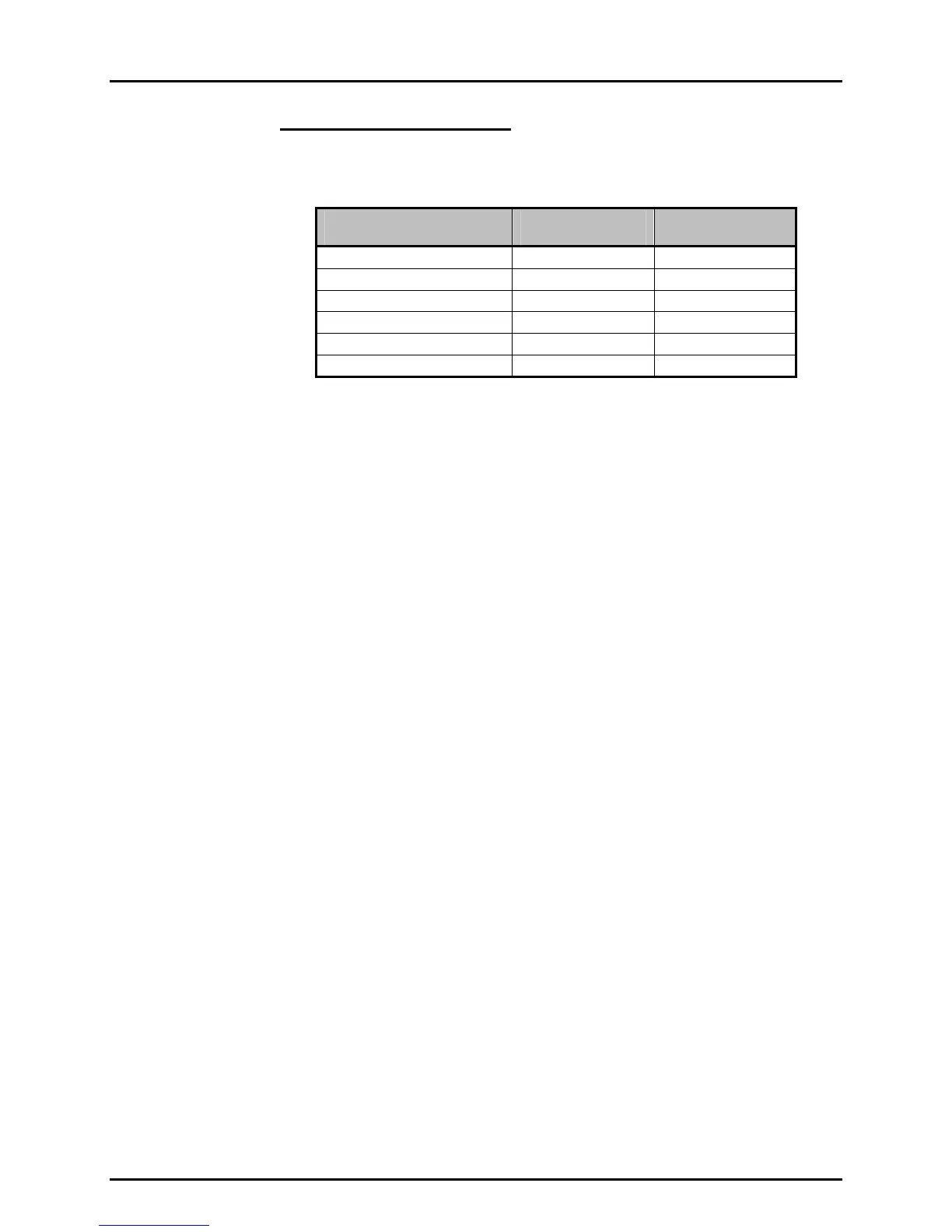
The currently active reference transducer and range is continuously displayed in
the upper right hand corner of the main run screen. Ranges available and main
run screen indication are as follows:
REFERENCE TRANSDUCER
AND RANGE NUMBER
RANGE (PSI)
GAUGE/ABSOLUTE
MAIN RUN SCREEN
INDICATION
Lo, 1 (Lo) 0/15 L1
Lo, 2 (Mid) 15/30 L2
Lo, 3 (Hi) 35/50 L3
Hi, 1 (Lo) 300/300 H1
Hi, 2 (Mid) 600/600 H2
Hi, 3 (Hi) 1 000/1 000 H3
All ranges start at zero in absolute mode and in gauge mode go negative by the
current value of atmospheric pressure.
3.2 DIRECT FUNCTION KEYS
3.2.1 RANGE
PURPOSE
To change the currently active pressure measurement range.
PRINCIPLE
PPC2 AF uses a 1 000 psi (7 MPa) absolute transducer and a 50 psi (350 kPa) absolute
transducer to measure reference pressures. In addition, each one of these transducers is
triple ranged providing a total of six pressure ranges over the 1 000 psi pressure range of the
PPC2 AF (see Section 3.1.2.5).
The RANGE function keys allows ranges to be selected including automated switching of
transducers when necessary with built-in logic to prevent accidental overpressure of the low
pressure transducer.
PPC2 AF functions and settings such as pressure unit of measure (UNIT) and control mode
(CONTROL) are range specific. Only the HEAD function is not range specific (see Section 3.4.2).
Changes made while in one range apply to that range only and will not affect the other ranges.
OPERATION
Pressing the RANGE function key activates the range viewing and selecting function.
Pressing the +/- key or the RANGE key again while in the RANGE functions steps through
displays of available ranges, Lo to Hi. Pressing ENTER while in the RANGE function when
PPC2 AF is vented makes the currently displayed range the active range. Pressing ESCAPE
while in the range function returns to the main run screen with no range change having been made.



 To Next Page