PPC2 AF OPERATION AND MAINTENANCE MANUAL
© 1998 DH Instruments, Inc. Page 26
OPERATION
To select the control mode for the currently active
range and set control parameters to the default control
parameters, press the CONTROL function key from
the main run screen. The display is:
Control mode:
1dynamic 2static
Selecting 1static or 2dynamic causes the selected pressure control mode to be activated with
default control parameters and returns to the main run screen.
Control mode setting is range specific. A change in control mode made while in one
PPC2 AF range does not affect the control mode setting in other ranges (see
Section 3.2.1).
The current control mode is indicated by two characters in the middle of the bottom line
of the main run screen (S for static and D for dynamic with C appended if custom control
settings are in use). (See Section 3.1.1.)
In dynamic control mode, whenever the pressure is "ready" (inside the hold limit), the
display of measured pressure is equal to the target pressure. This is because in dynamic
control mode, when the pressure is "ready", it is assumed that the measured pressure
equals the target pressure. This is not true when setting zero in absolute measure mode
(see Section 3.2.3.1.2).
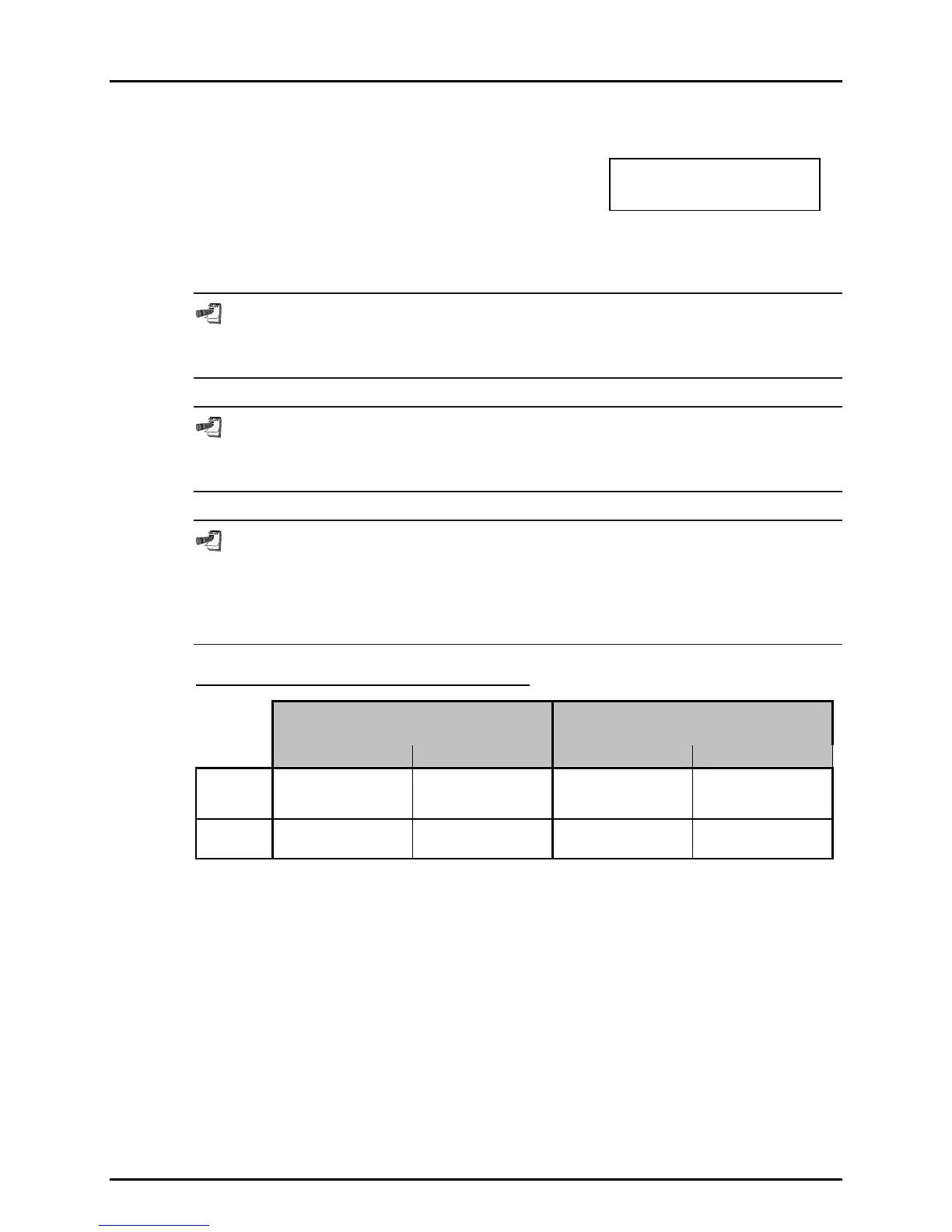
SYSTEM DEFAULT CONTROL PARAMETERS
LO REFERENCE TRANSDUCER
RANGE 1, 2, 3
HI REFERENCE TRANSDUCER
RANGE 1, 2, 3
HOLD LIMIT STABILITY LIMIT HOLD LIMIT STABILITY LIMIT
Static
Mode
± 1% of F.S. of the
active pressure
measurement range
± 0.005% of F.S./sec
of the active pressure
measurement range.
± 1% of F.S. of the
active pressure
measurement range
± 0.005% of F.S./sec
of the active pressure
measurement range.
Dynamic
Mode
± 0.0025 psi
(35 Pa )
± 0.0025 psi
(35 Pa)/sec
± 0.05 psi (350 Pa ) ± 0.05 psi
(350 Pa )/sec
3.2.3.1 EXECUTING AUTOMATED PRESSURE CONTROL
COMMANDS
PURPOSE
To use the automated pressure control functions of PPC2 AF to set target
pressure values.



 To Next Page