PPC2 AF OPERATION AND MAINTENANCE MANUAL
© 1998 DH Instruments, Inc. Page 44
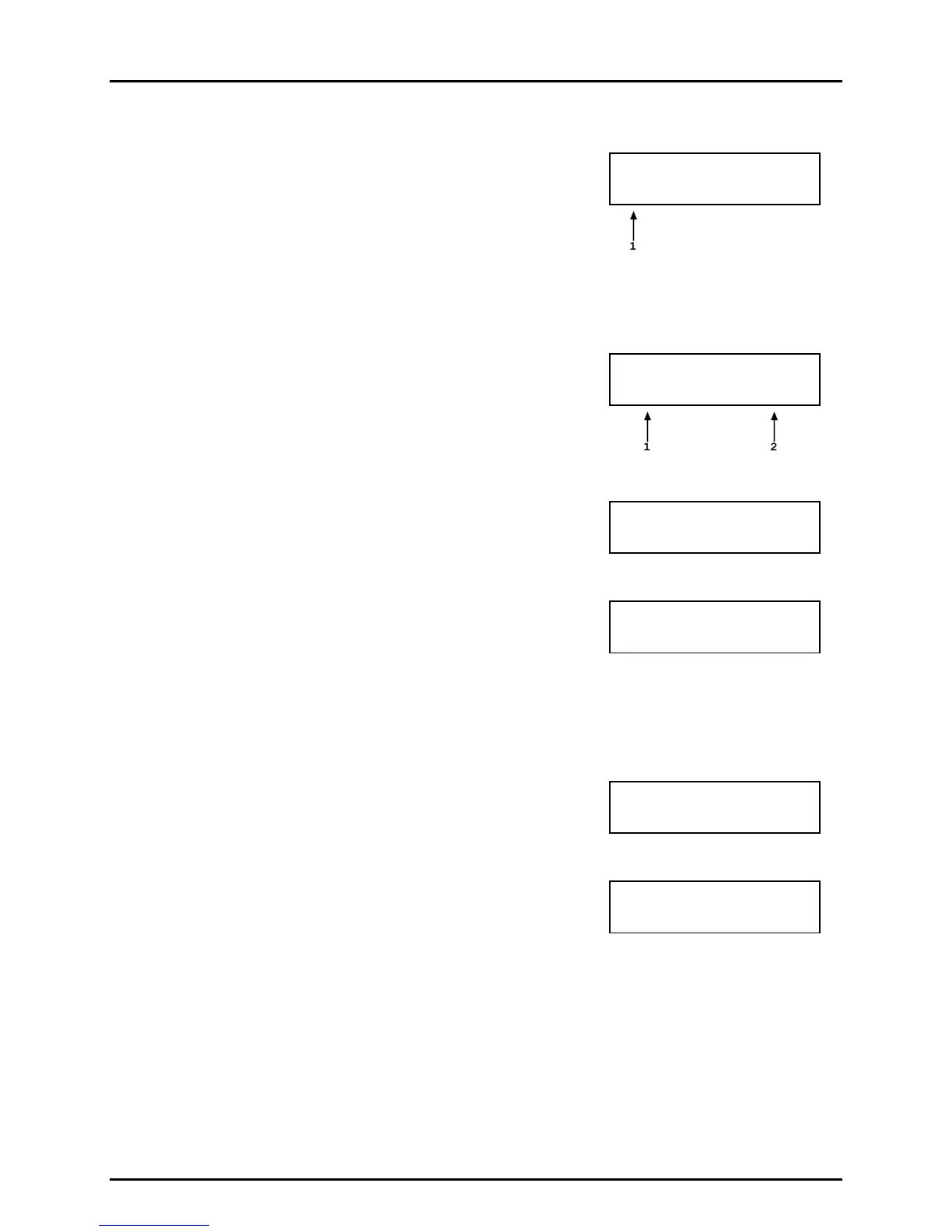
The next selection specifies the number of pressure points in the sequence, including zeros:
1. Entry field to edit the total number of points in the sequence
including zero.
Number of points:
11 Seq01
Enter the total number of points in the sequence.
Next, the numerical values of the pressure points in the sequence are specified:
1. Number of the point in the sequence whose value is currently
being edited.
2. Entry field for the numerical value of the target pressure of this
pressure point (pressure unit and measure mode are set below).
Pressure point #01
0 psi Seq01
Enter the numerical value of the target pressure for that point. The display repeats until the
total number of points specified above has been defined.
The next selection defines how the test will end, at
the last target value or vented:
Vent after sequence
1Yes 2No Seq01
Selecting 1Yes will cause a VENT command to execute after the last point of the sequence
has been completed. Selecting 2No will cause the sequence to end at the last point.
The next selection defines how the sequence will
proceed from one pressure point to the next:
Next pressure on
1ENTER 2Timer Seq01
If 1ENTER is selected, when the sequence is executed, PPC2 AF will wait at each pressure
point until ENTER is pressed before proceeding to the next point.
If 2Timer is selected, when the sequence is executed, PPC2 AF will start a timer when a
"ready" condition is reached at a pressure point. When the time expires, the sequence will
proceed automatically to the next pressure point. If dwell is selected, the dwell time in
seconds, minimum 1 and maximum 99, is entered in the next screen.
After defining how the sequence will proceed from one
pressure point to the next, the control mode is specified:
Pressure contrl mode
1Dynam 2Static Seq01
Enter the desired pressure control mode for the sequence (see Section 3.1.2.3 for a
description of the control modes).
The option of customizing the control mode parameters
for the control mode selected is then offered:
Custom control
1Yes 2No Seq01
If 1Yes is selected, screens will be presented allowing the control hold limit and stability limit
to be adjusted (see Sections 3.2.3 and 3.2.6).
If 2No is selected, the control parameters will be the default control parameters for the range
and control mode specified for this sequence (see Sections 3.2.3 and 3.2.6).



 To Next Page