3. OPERATION
Page 51 © 1998 DH Instruments, Inc.
High This level of security is designed to protect all operating parameters.
It is intended to minimize operator choices, for example to perform
repeated identical calibrations under consistent conditions.
It is recommended that all users set at least the low user level to avoid accidental
changes to reference pressure transducer calibration data (see Section 2.4.2).
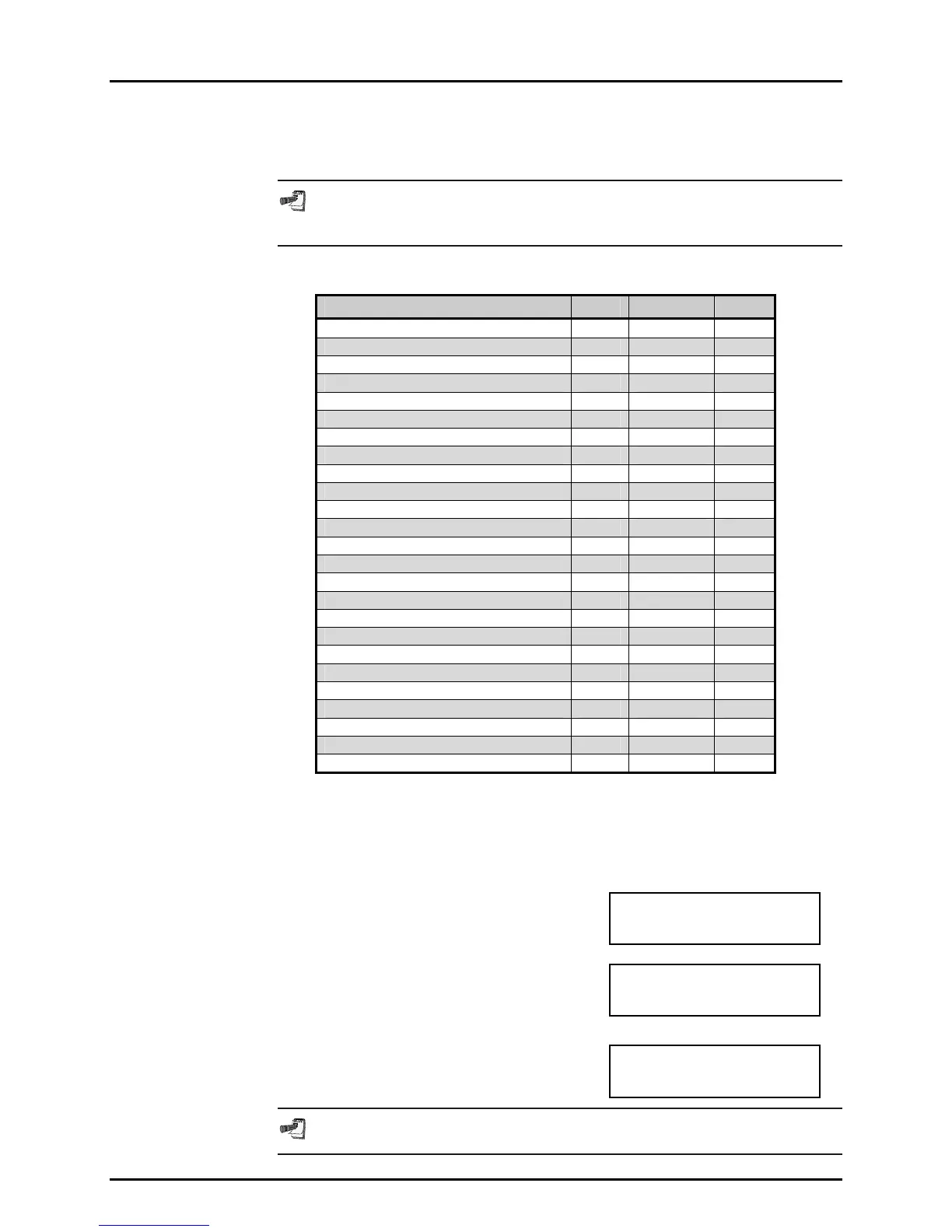
Specifically, the security levels prevent execution of the following functions:
FUNCTION LOW MEDIUM HIGH
RANGE key X
UPPER LIMIT key X
SEQ key, Run current sequence, 2No X
CUSTOM CONTROL key X
HEAD key X
SETUP menu, 1ControlRef X
SETUP menu, 2Resltn X
SETUP menu, 3Sequence, 2Edit X
SETUP menu, 4Drivers X
SPECIAL menu, 1PresU X
SPECIAL menu, 2Head X X
SPECIAL menu, 3Config X
SPECIAL menu, 4Internal, 1AutoZ, 2 Edit X X X
SPECIAL menu, 4Internal, 1AutoZ, 3 Run X
SPECIAL menu, 4Internal, 2Cal, 2Edit X X X
SPECIAL menu, 4Internal, 2Cal, 3Run X X
SPECIAL menu, 4Internal, 3Remote X
SPECIAL menu, 4Internal, 4Date, 1Time X X X
SPECIAL menu, 4Internal, 4Date, 2Date X X X
SPECIAL menu, 4Internal, 5Reset, 1units X X
SPECIAL menu, 4Internal, 5Reset, 2all X X X
SPECIAL menu, 4Internal, 5Reset, 3Com X X
SPECIAL menu, 4Internal, 5Reset, 4seq X X
SPECIAL menu, 4Internal, 5Reset, 5cal X X X
SPECIAL menu, 5Diag X X X
OPERATION
PPC2 AF is delivered with no active password and access to the User Level menu is open.
User levels cannot be changed until a password is created and, once a password
is created, entry of the password is required to access the User Level menu.
To access the User Level function, press
6level, under 4internal of the SPECIAL menu.
If no password yet exists or if the correct
password has been entered. The display is:
1change user level
2edit password
The first selection "change user level" will
bring up the "restriction" menu:
Restriction: 1none
2low 3medium 4high
You can then select the current restriction level, or ESC back to the RUN screen.
The second selection "edit password" displays
the user password and allows it to be edited.
Password: pppppp
0 disables password
Passwords can be up to six numbers in length and cannot start with a zero.



 To Next Page