14
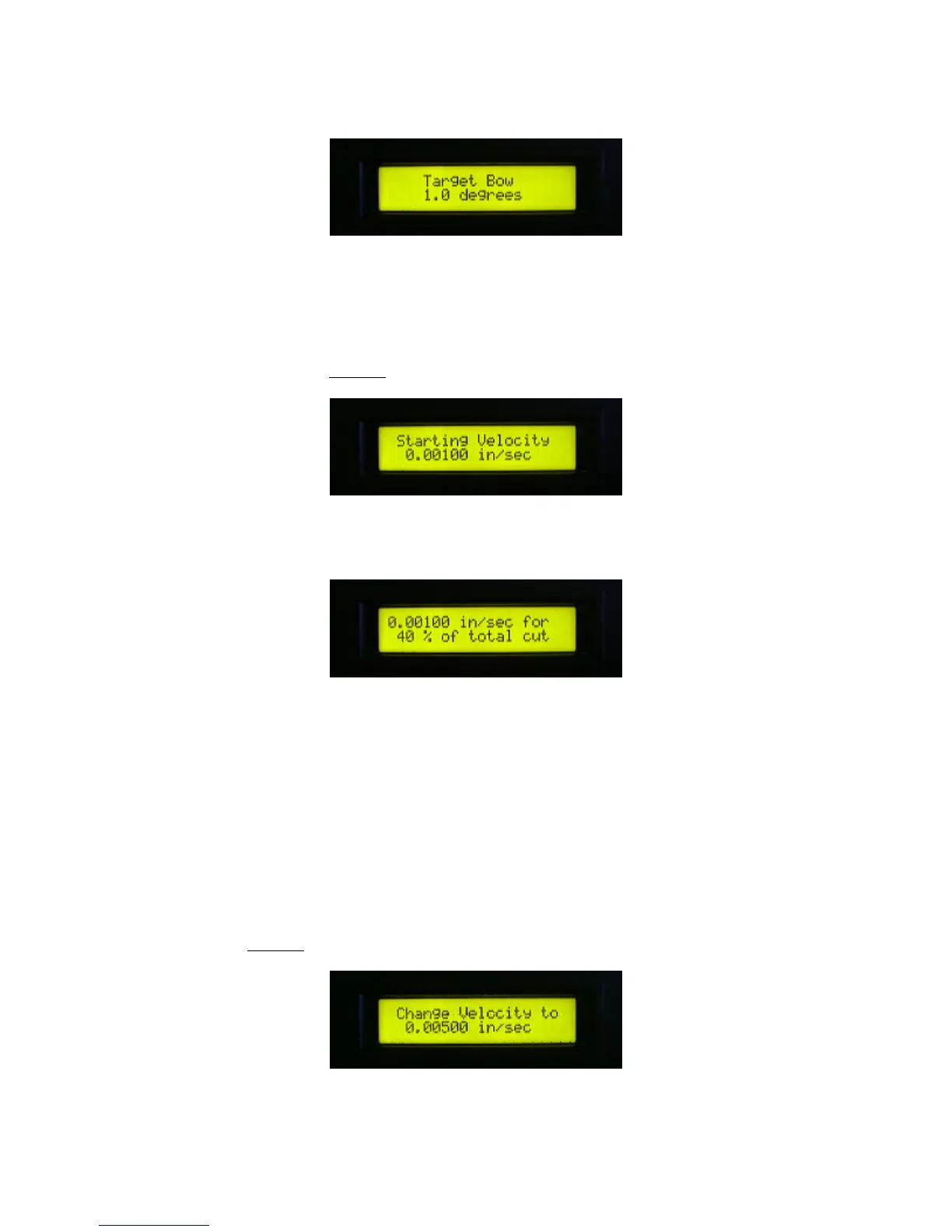
11. Use the up and down arrow keys to specify the desired wire bow. Allowed values range from
0.1 to 5.0 degrees. This is the angle made by the cutting wire, the right guide pulley, and the
horizontal. The angle is directly proportional to cutting force. The optimum angle varies depending
on the material to be cut and is usually determined through experience. After selection, press the
right arrow key to continue at Step 17.
12. Use the up and down arrow keys to specify an initial downward velocity of the yoke while
cutting.
13. Use the up and down arrow keys to specify a percentage of the total cut depth for which the
indicated velocity is in effect. The control program allows you to specify from one to three
different yoke velocities for a single cut. Through experimentation and experience, you can find a
velocity profile that results in the best possible cut in terms of quality and time.
One possible scenario would be to start relatively fast just to bring the wire down in contact with
the part, go very slowly for a few percent allowing the wire to etch a straight cut across the part
with very little bow, then speed up slightly to a constant cutting speed for the remainder of the cut
depth.
If the percentage specified is 100%, then the entire cut is performed at a constant velocity and
prompting skips to Step 17.



 To Next Page