15
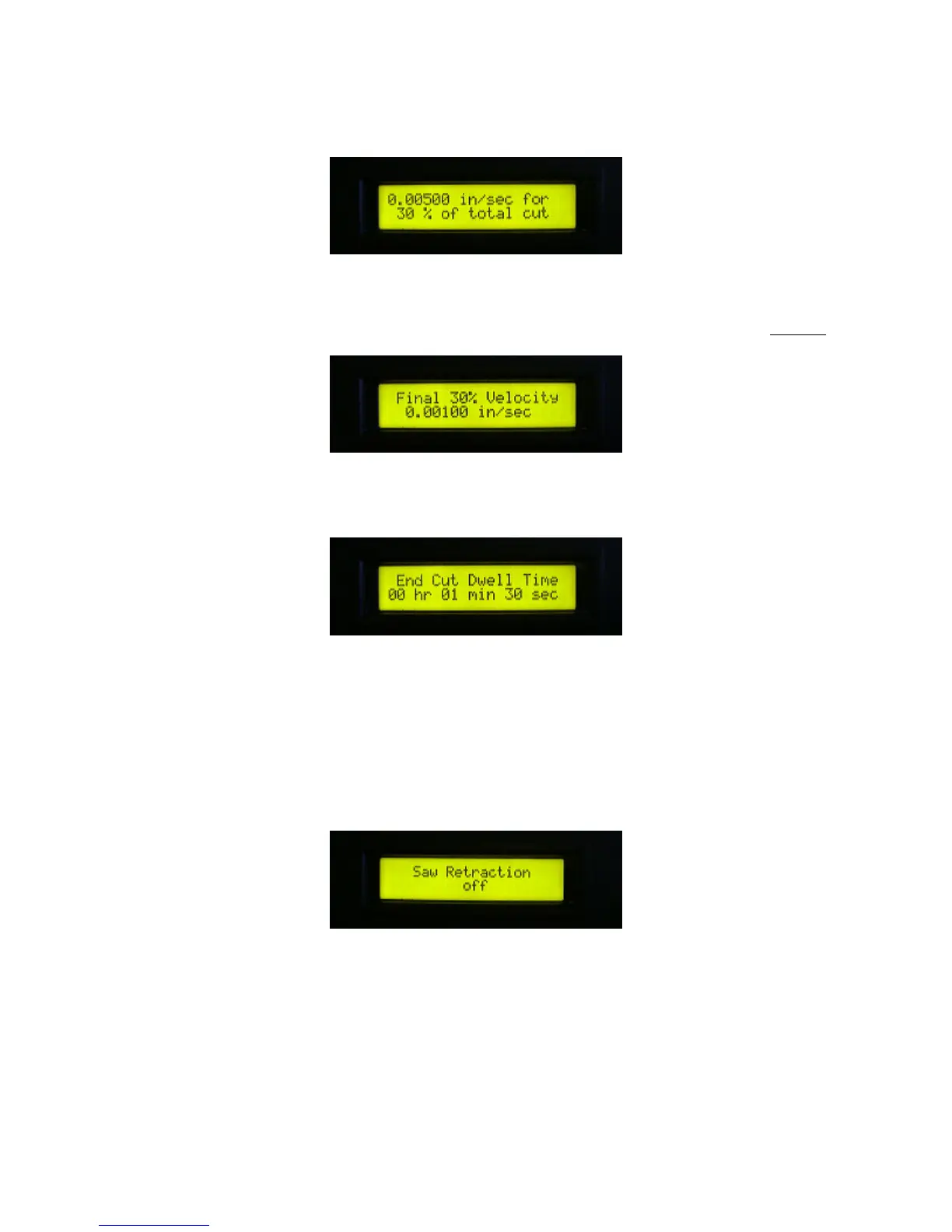
14. Use the up and down arrow keys to specify a new downward velocity of the yoke while cutting.
15. Use the up and down arrow keys to specify a percentage of the total cut depth at which the
indicated velocity is in effect. If the starting percentage plus the percentage specified here equals
100%, then the cut is performed with the two specified velocities and prompting skips to Step 17.
16. Use the up and down arrow keys to specify the downward velocity of the yoke for the
remainder of the cut.
17. Use the up and down arrow keys to specify the amount of time that the wire dwells at the
bottom of the cut before the cut is considered complete. Typically, the yoke moves ahead of the cut
to maintain a slight bow in the wire, which applies more downward force on the cutting surface
resulting in a faster cut. Dwell allows the wire to complete cutting at the center of the part even
though the edges may have already been cut through.
18. Use the up and down arrow keys to specify yes or no, indicating whether you want the wire
drive to remain on or be turned off while the yoke is retracting before indexing to the next cut
position. Your choice will depend on the material being cut. If the wire has a tendency to stick in
the part, then leaving the wire running will allow it to slip out more easily. Conversely, turning the
wire off when retracting might prevent small unwanted cut marks caused by a moving and
retracting wire.



 To Next Page