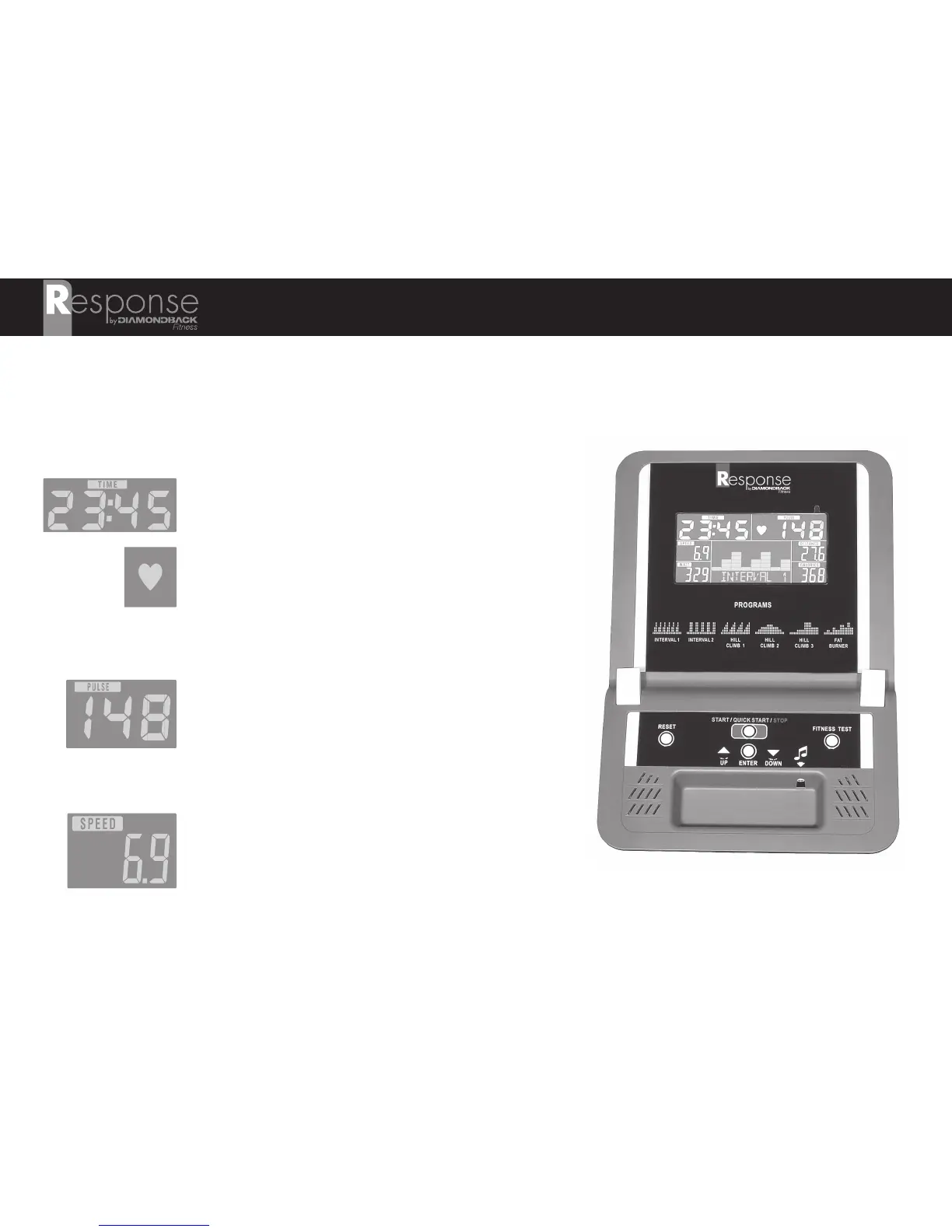
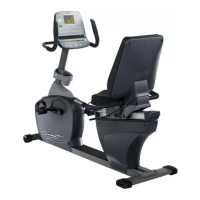
CONSOLE LAYOUT
NOTE: It is advised that new users read this entire section prior to beginning their first workout session.
LCD Display Windows
Time
Tracks the time of the current workout program.
Heart Symbol
Indicates that a heart rate is detected by either the
touch heart rate sensors, or the wireless heart rate
receiver. If a pulse is not detected, the heart icon will
not be visible and the Bpm will be displayed as “P”.
Pulse
Your heart rate will be displayed in this field when
detected by the touch heart rate sensors or wireless
heart rate receiver. Unit of measurement is
Bpm/Beats-Per-Minute.
Speed
An estimate of your speed (Kilometers per hour) will be
displayed. SPEED will alternate with RPM every five
(5) seconds.
17



 To Next Page