16.BACK-UP AND RESTORE (LBS)
Use LBS (Load Backup System) software to make a back up copy of the scale or for loading programmed
data.
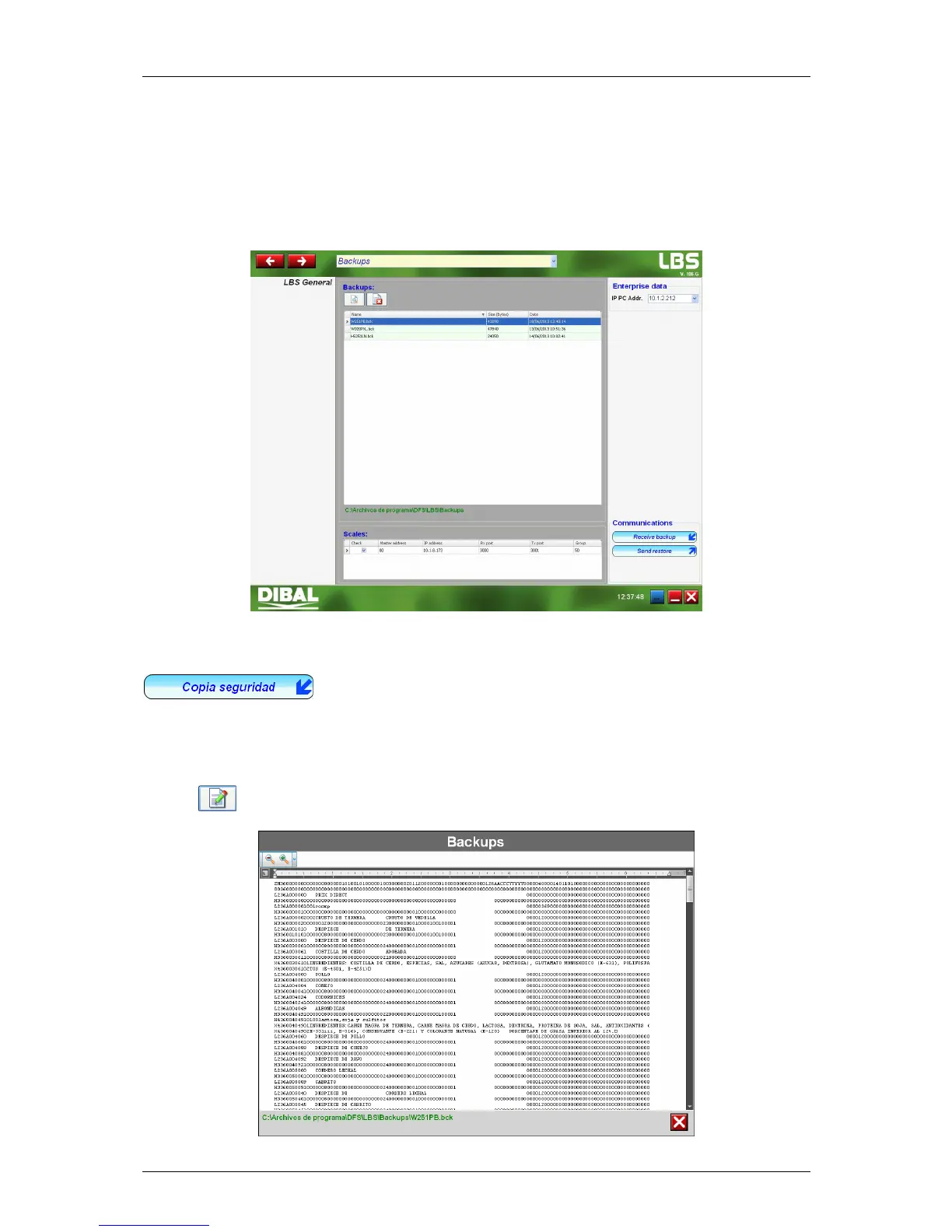
The following screen will display once the program is run:
Enter the PC’s IP address as well as the IP address of the scale or scales you are working with.
Then you can make back-up copies of the scale (Backup) and restore the scale system using one saved
previously in the event that is has failed (Restore).
16.1. BACKUP COPY
In order to make a backup copy of a scale, enter its IP address and then click on
.
The scale must be in LBS MODE (menu 5 3 5 of the scale). Otherwise it will display error and fail to make
any backup copy.
Once the program has finished making the backup copy, it will be automatically saved in the following
route: C:\Archivos de programa\DFS\LBS\Backups
Click on if you wish to consult the contents of a backup copy.



 To Next Page