17.9. DISPLAY SETUP MENU
This is the programming menu for configuring the parameters of the graphic display. To access it press
access pressing
MENU-> 3 -> 8.
17.9.1.Display Standby [ 3 8 1 ]
Menu for programming the time for activation of the display standby screen (screensaver). Between 10 s
and 30 min.
17.9.2.Logo Start Up [ 3 8 2 ]
Selection of the logo shown at startup of the scale.
17.9.3.Change Display [ 3 8 3 ]
Selection of the display format. See 16.2.1.
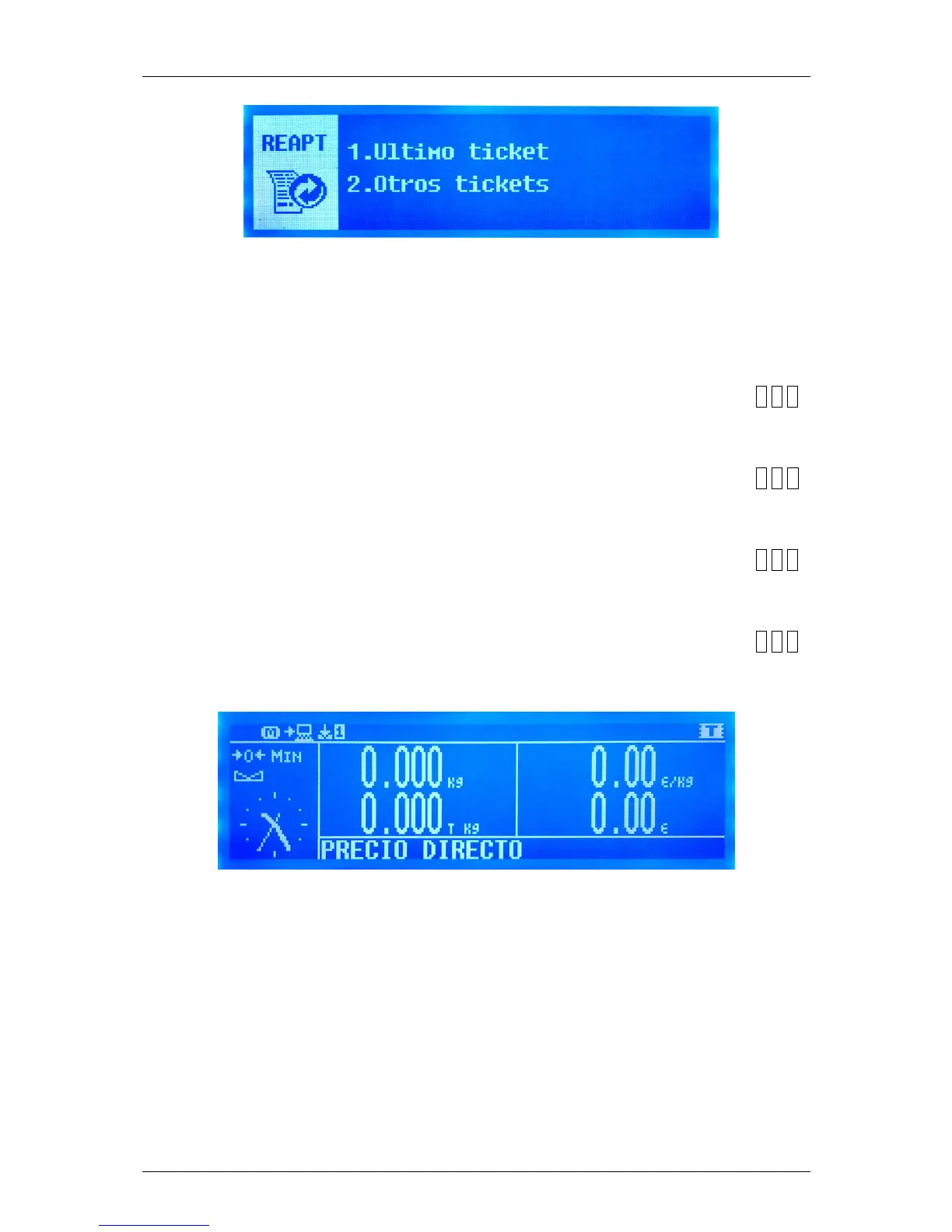
17.9.4.Clock section logo [ 3 8 4 ]
Selection of view of the clock instead of the section logo in the display.



 To Next Page