6.4. PAYMENT MODE [ 4 4 ]
The 500 Range scales permit the payment mode 6 to 9 to be
programmed, and printed on the receipt when the corresponding
form of payment is selected.
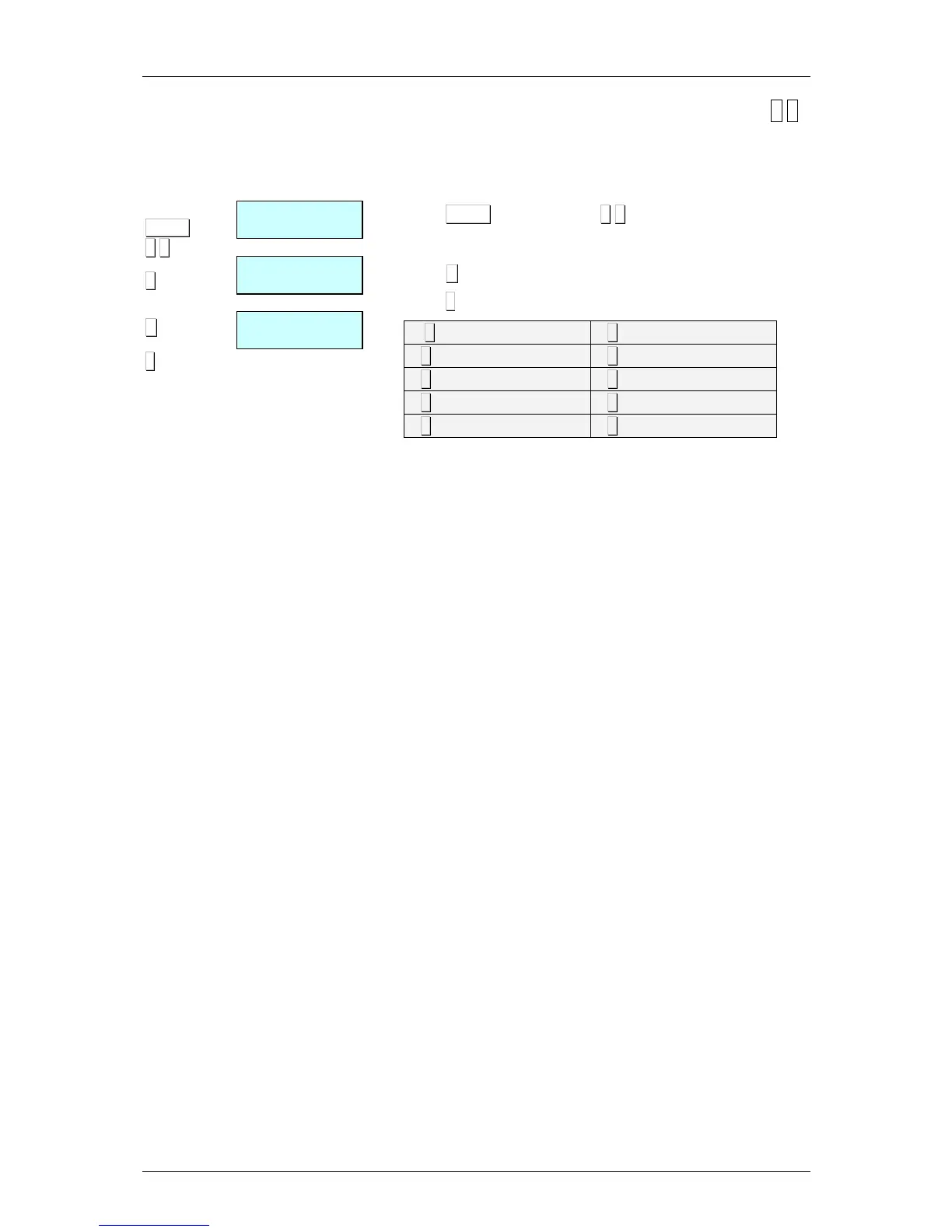
To programme payment mode:
1.Press MENU (2 seconds) and 4 4.
2.Select the form of payment to be programmed with the number
keys.
3.Press X to edit the form of payment name.
4.Press ∗
∗∗
∗ to save the name.
[ 0 ] –
FIXED LONG NAME
[ 5 ] –
FIXED OTHER
[ 1 ] –
FIXED CASH
[ 6 ] –
SHORT NAME N _ 6
[ 2 ] –
FIXED CHEQUE
[ 7 ] –
SHORT NAME N _ 7
[ 3 ] –
FIXED CREDIT
[ 8 ] –
SHORT NAME N _ 8
[ 4 ] –
FIXED ACCOUNT
[ 9 ] –
SHORT NAME N _ 9



 To Next Page