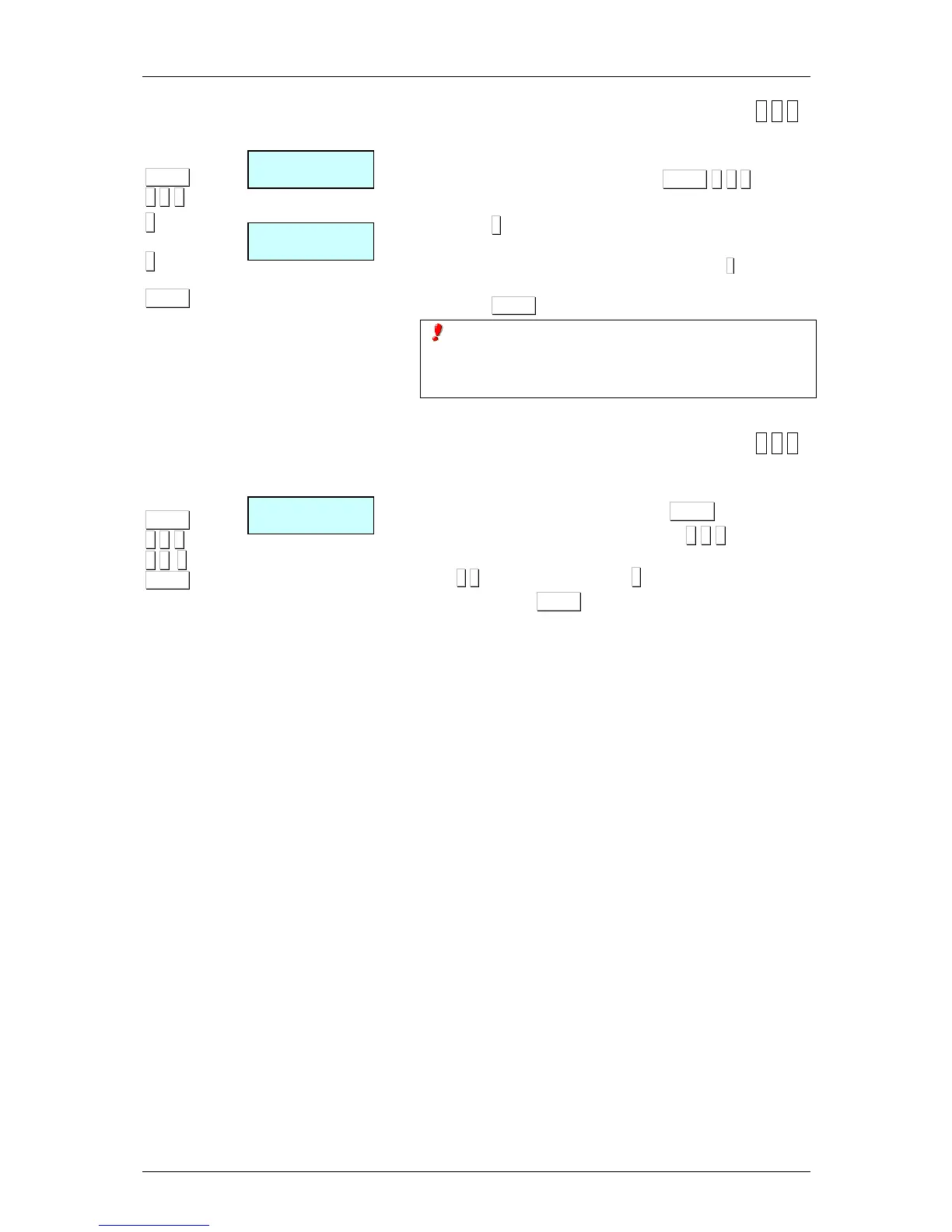
9.2.2.Copying a receipt format [ 6 2 2 ]
It is possible to copy one receipt format to another. To do
this:
1. Enter receipt programming menu MENU 6 2 2.
2. Select source format.
3. Press ∗
∗∗
∗.
4. Using the number keys, enter the format number to
which the format is to be copied and then press
∗
∗∗
∗
to save the
format. A "Format copied" message will appear on screen.
5. Press MENU 2 seconds to quit the programming menu.
If the copy is made from a fixed format to a
programmable format, the whole format will be copied, but if
a copy is made from a programmable format to a fixed
format, only the heading lines will be copied.
9.2.3.Deleting a receipt format [ 6 2 3 ]
It is possible to delete one of the programmed receipt format.
To do this:
1. Access programming by pressing MENU.
2. Enter the receipt programming code 6 2 3.
3. Enter the format number using two digits, (for example
0 2
for the format 2). Press ∗
∗∗
∗
4. Then, press MENU 2 seconds to quit the programming
menu



 To Next Page