7.4.2.Slave scale
When a scale is setted up as a slave the next submenu will
appeared.
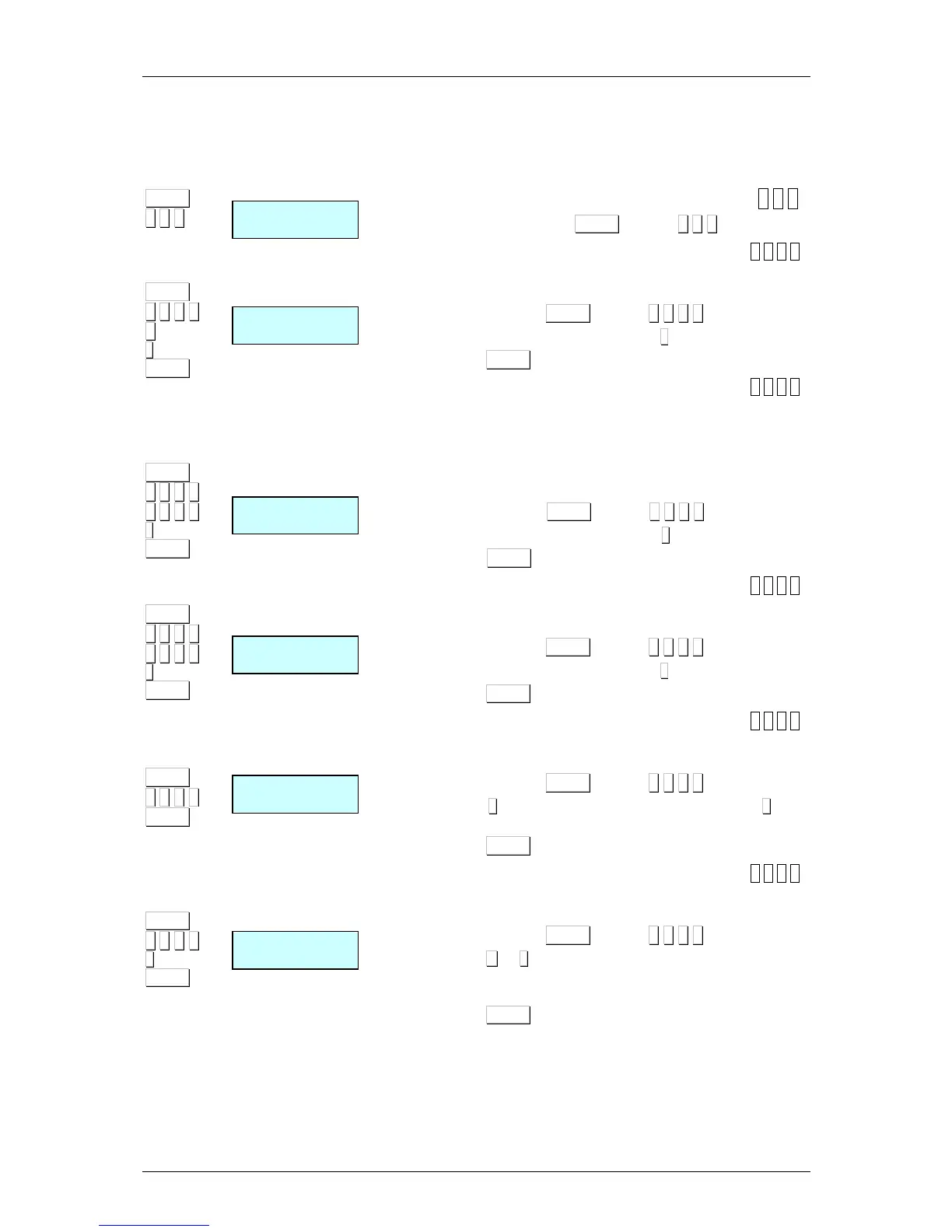
7.4.2.1. Set up as MASTER-SLAVE [ 5 4 1 ]
To acces to this menu press MENU (2 secs) 5 4.1.
1. Network identification [ 5 4 1 1 ]
This parameter is assigned to a 4 digit number to identify the
network that will work in.
1. Acces pressing MENU (2 secs) 5 4 1 1.
2. Enter the wanted value and press
∗
∗∗
∗
.
3. Press MENU in order to exit the configuration menu.
2. Scale address [ 5 4 1 2 ]
This parameter is assigned to the address of the scale. The
parameter may be between 00 and the maximum number of
slaves that this model can have. If you want to set as Master,
introduce 00. If you want to configure as Slave, introduce a value
between 01 and the maximum number of slaves depending on
the scale model.
1. Acces pressing MENU (2 secs) 5 4 1 2.
2. Enter the wanted value and press
∗
∗∗
∗
.
3. Press MENU in order to exit the configuration menu.
3. UDP Port (6000) [ 5 4 1 3 ]
This parameter is assigned to the number of port that the master
and slave communication is done, being a 4 digit number
1. Acces pressing MENU (2 secs) 5 4 1 3.
2. Enter the wanted value and press
∗
∗∗
∗
.
3. Press MENU in order to exit the configuration menu.
4.Ip master address [ 5 4 1 4 ]
In this parameter you enter the IP address of the master which the
slave it connected.
1. Acces pressing MENU (2 secs) 5 4 1 4.
2. Press
+
++
+
to display the next slave connected or
−
−−
−
or to
display the previous one.
3. Press MENU in order to exit the configuration menu.
5. Slaves connected [ 5 4 1 5 ]
This parameter is assigned to displayed the addresses of the
connected slaves scales
1. Acces pressing MENU (2 secs) 5 4 1 5.
2. Press
+
+ +
+
or
−
−−
−
to display the next or the previous screen, if
it is not enough space in the screen to all the slaves
scales addresses.
3. Press MENU in order to exit the configuration menu.



 To Next Page