Rev. 1.2 (12.2021) MINI-CUBE | SERVICE MANUAL 23
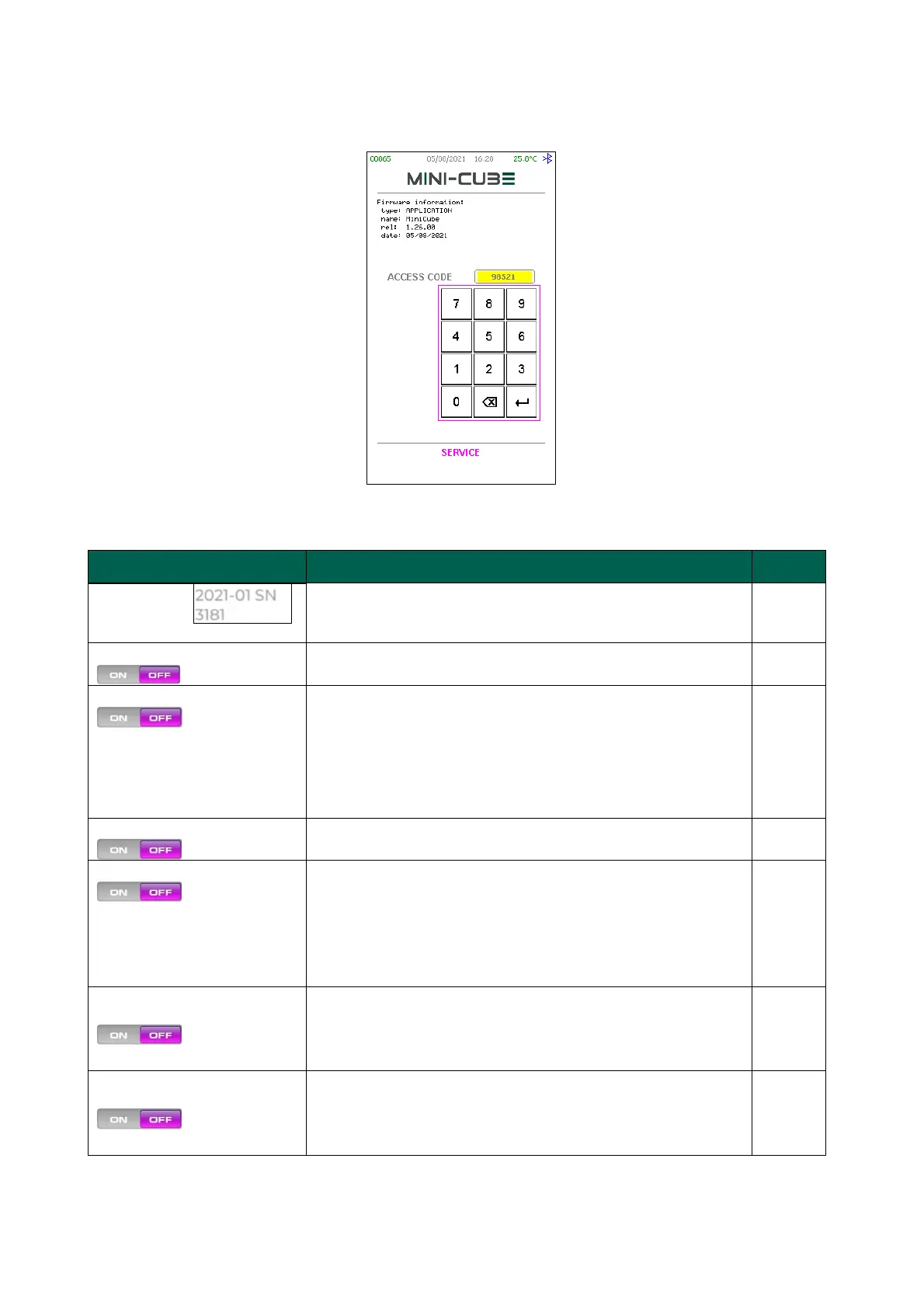
3.1.2 Service menu
Page 1:
The instrument's serial number
For future uses, always set to OFF
ON = QC samples divided by the position occupied
during the analysis
OFF = QC samples in different positions, managed
all together.
NOTE: for switching between modes, the QC archive
index must be rebuilt (DB INDEX REBUILD).
ON = DAS28 not displayed
OFF = DAS28 normal viewing
Enable USB /Serial link Protocol to host:
ON = on USBH (USB HOST) with FTDI (USB/Serial
Adaptor)
OFF = on CDC (USB DEVICE) with direct USB
connection to the PC, that requires “STM32” USB Driver
to be installed on the PC.
If ON, the volume of blood contained in the test tube
will be depicted next to the tube (e.g. 2.5 mL).
In the case of pediatric or MAP test tubes, the volume
will not be shown.
If ON, when there is a sample with high blood level
condition, it is assumed that the sample blood level
starts exactly at the leftmost point of the reading curve
(as on Cube200).



 To Next Page